

- 4 tabs
- Funds, funding plan and settings
- $10.49
- One payment, no subscription
- Google Sheets
- Editable copy in your own Drive
- Instant
- Download link arrives at checkout
What is the Sinking Funds Tracker?
The Sinking Funds Tracker is a sinking fund template built in Google Sheets. A sinking fund is money you set aside, a little at a time, for an expense you know is coming: an annual insurance bill, a holiday, car repairs, gifts. This workbook gives each of those expenses its own fund, with a target amount, the amount saved so far and a funding plan for the contributions.
Sinking funds turn irregular costs into regular, small ones. If a $1,200 insurance bill arrives each year, you can either face the whole amount in one month or put aside $100 each month and have it ready. The money is the same, but the stress is not. A savings goal tracker like this one shows, for every fund, how far along you are and what you still need to contribute.
It is a planning and tracking template, not a bank account. You keep and move your savings in your own accounts, and the sheet records the plan and the progress. If you are new to the idea, this sinking funds tracker is a gentle place to start, because each fund is a short list of numbers.
Who this sinking funds spreadsheet is for
It suits anyone who would rather prepare for costs than be surprised by them.
Made for
- People saving for holidays or annual bills
- Households planning repairs and larger purchases
- Anyone new to sinking funds who wants a clear starting structure
- People who want a separate plan for future expenses, apart from their everyday budget
- Anyone tracking several savings goals at once
Where it stops
It does not hold money, move money or connect to a bank. It will not tell you how much you can afford to save. You choose the targets and the contributions, and the sheet keeps the record.
What is inside: 4 tabs for planning and tracking funds
The workbook is short, so setting up your first fund takes minutes.
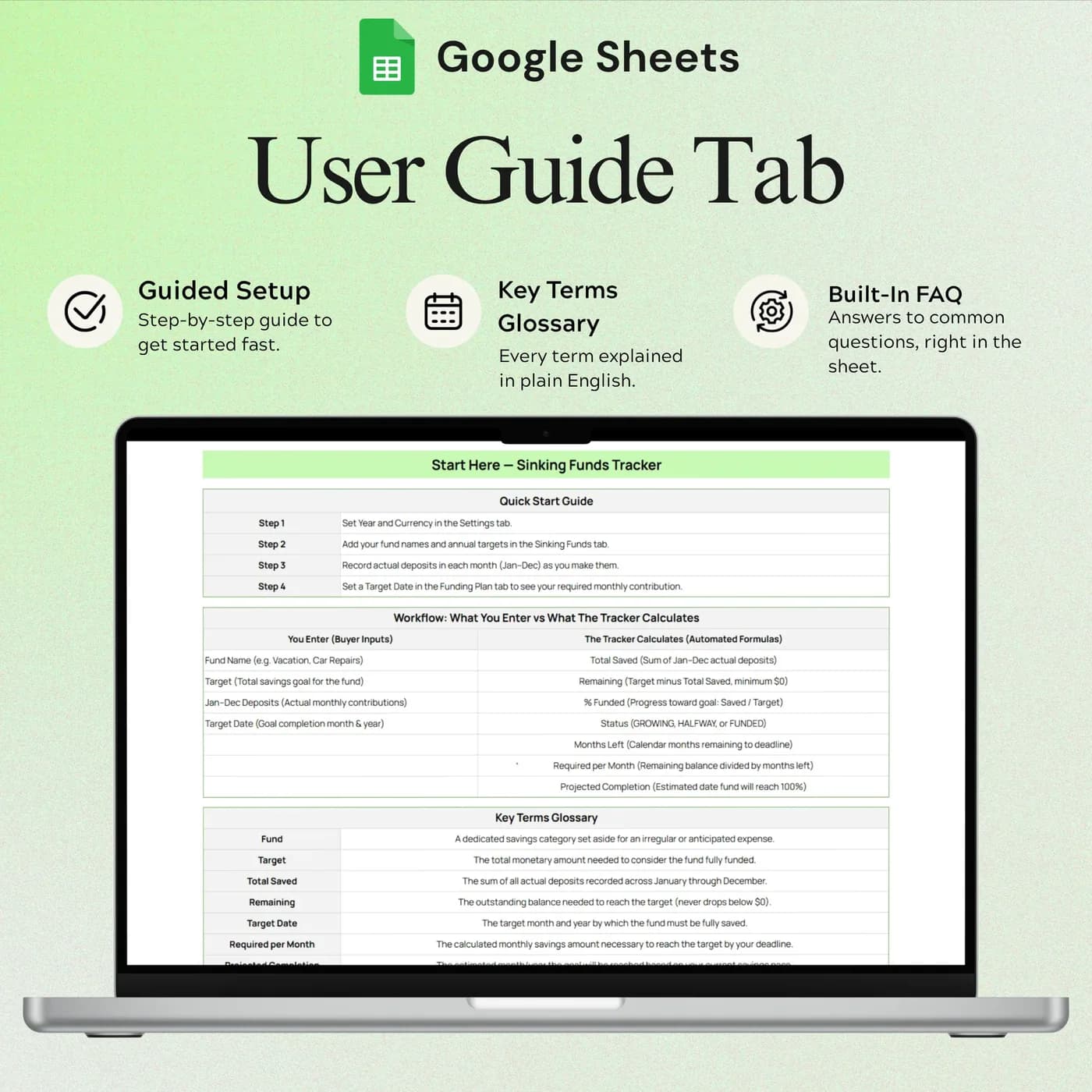
Start Here
Instructions for setting up funds and following progress.
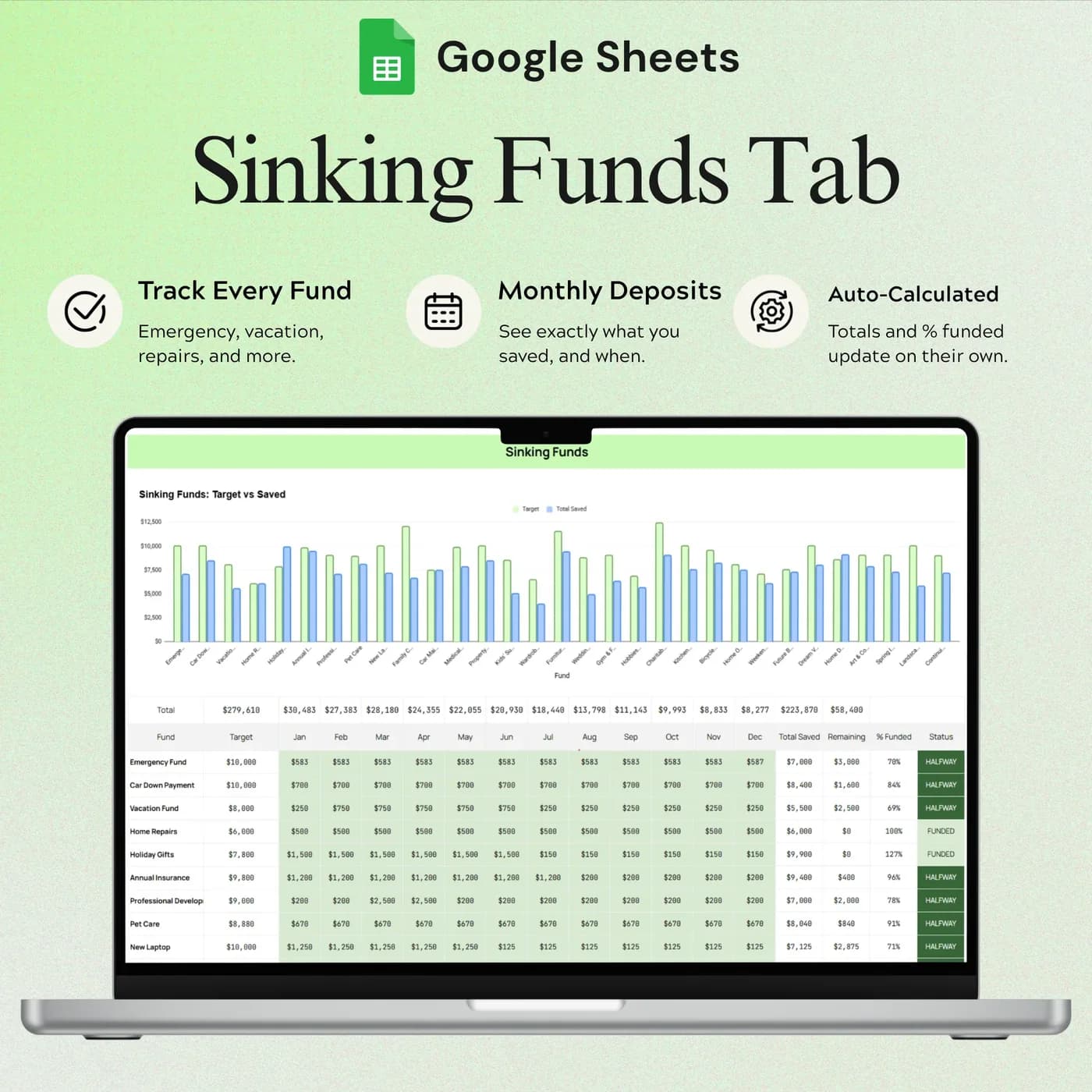
Sinking Funds
Fund targets, savings and progress. Each planned expense gets its own row, so you see how every fund is doing.
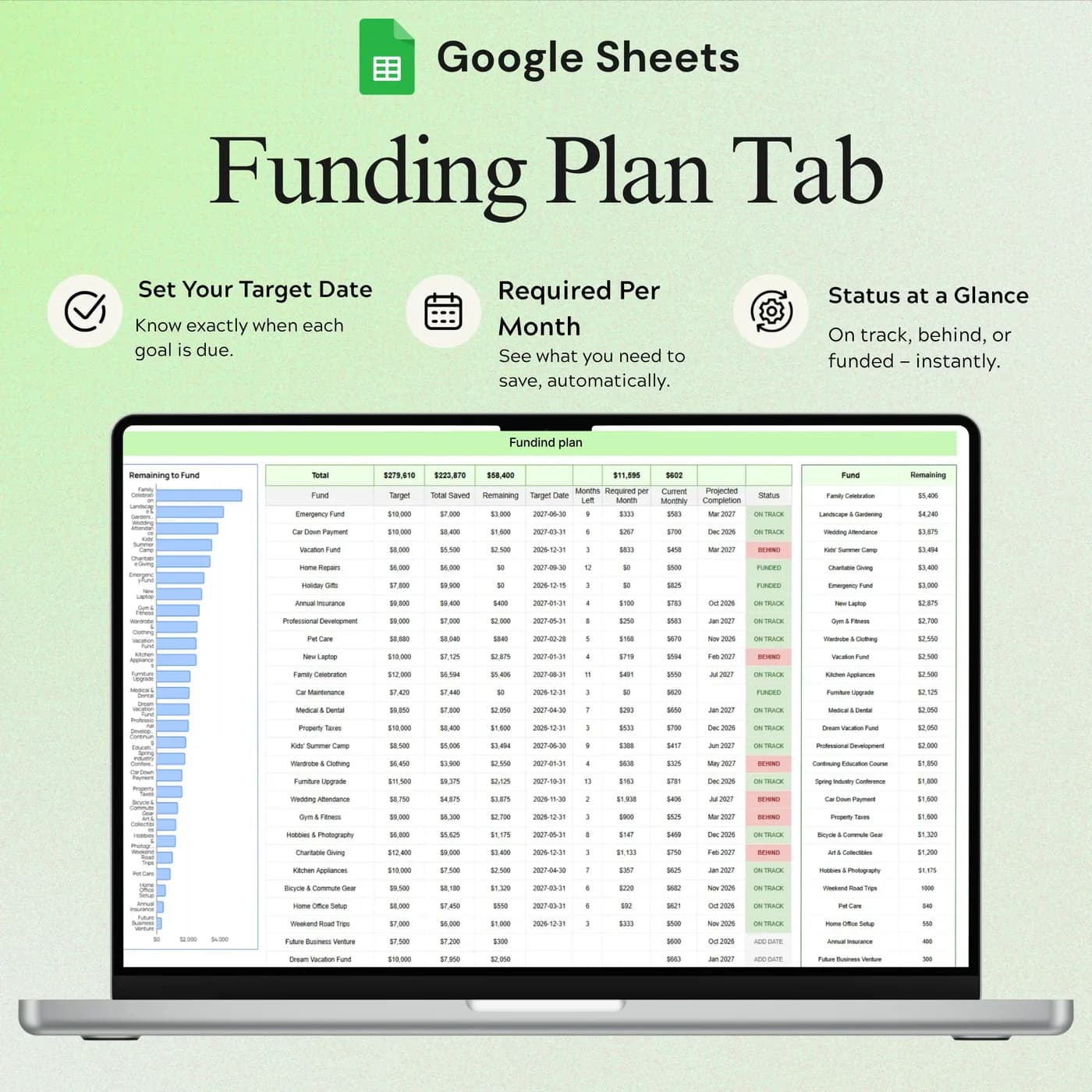
Funding Plan
Your planned funding contributions, so you can organise what you put toward each fund and when.
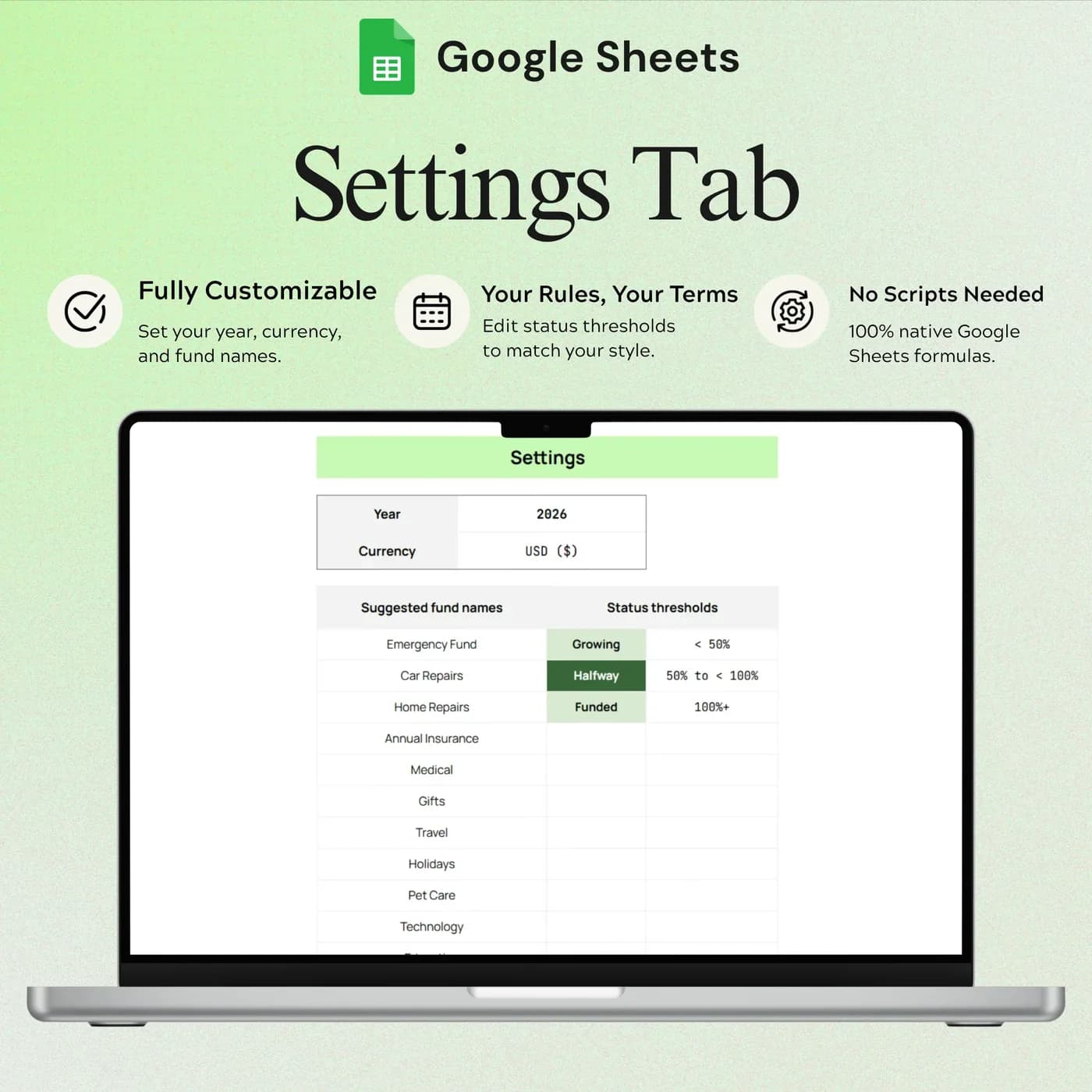
Settings
Currency and planning settings, set before you add your funds.
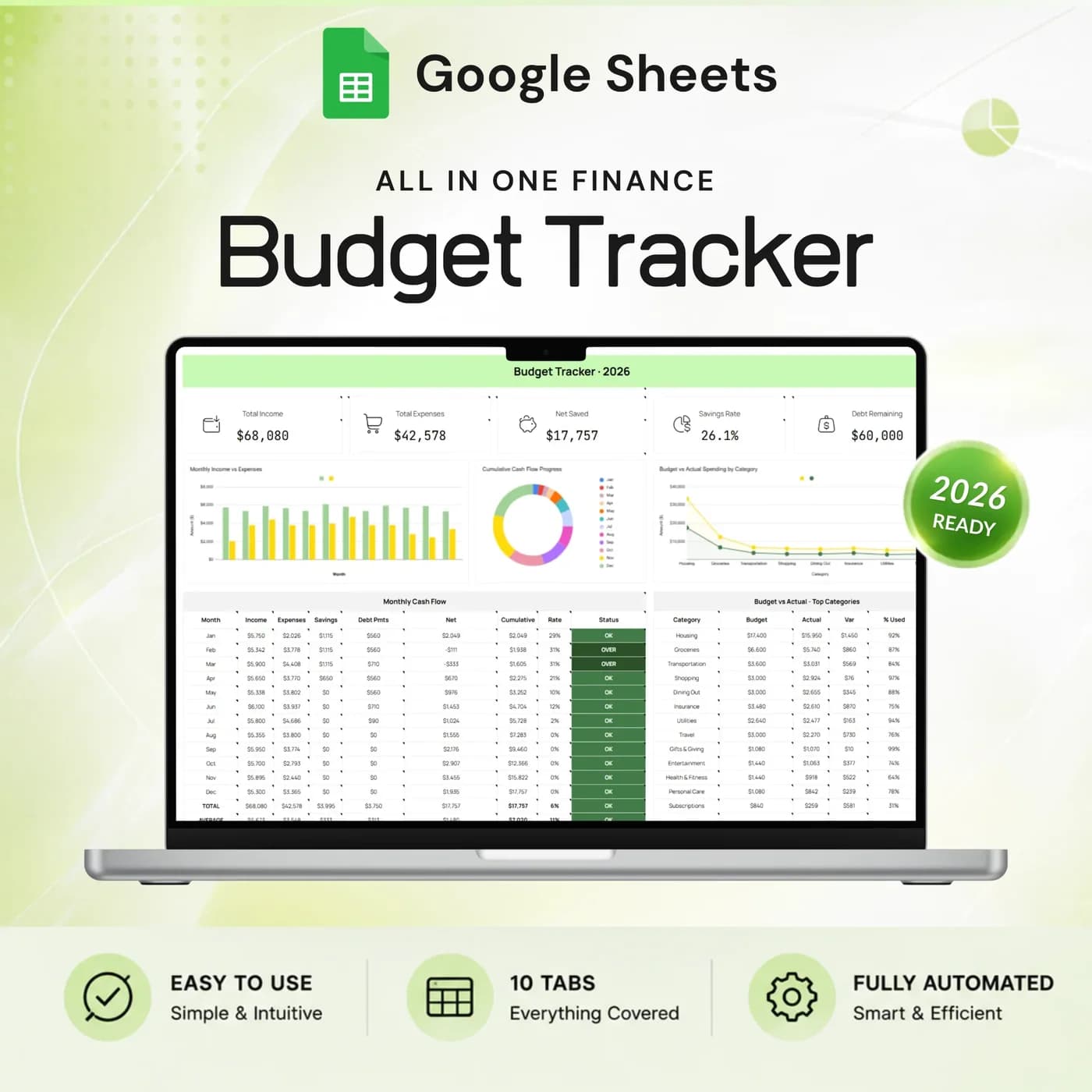
Sinking funds work best next to a monthly budget. The Annual Budget Tracker 2026 includes a Sinking Funds tab alongside income, expenses, savings goals and debt. If your money is mostly going to repayments, the Debt Payoff Tracker keeps balances and payments together.
How to plan a sinking fund: a worked example
The method is one line: divide each target by the number of months until you need the money. Add the results and you have your monthly sinking fund contribution. Here are four example funds.
- Car insurance$100
- Holiday gifts$50
- Vet bills$40
- Home repairs$150
| Fund and target | Monthly contribution |
|---|---|
| Car insurance, $1,200 in 12 months | $100 |
| Holiday gifts, $600 in 12 months | $50 |
| Vet bills, $480 in 12 months | $40 |
| Home repairs, $1,800 in 12 months | $150 |
| Total | $340 |
Once the funds are set up, the Funding Plan tab organises the contributions you plan toward each one and the Sinking Funds tab shows progress against each target. If $340 a month is too much, lengthen the timeline or lower a target. The figures above are examples.
Start your first sinking funds in 20 minutes
Begin with the expense that worries you most. You can add more funds as the habit settles.
Buy and download
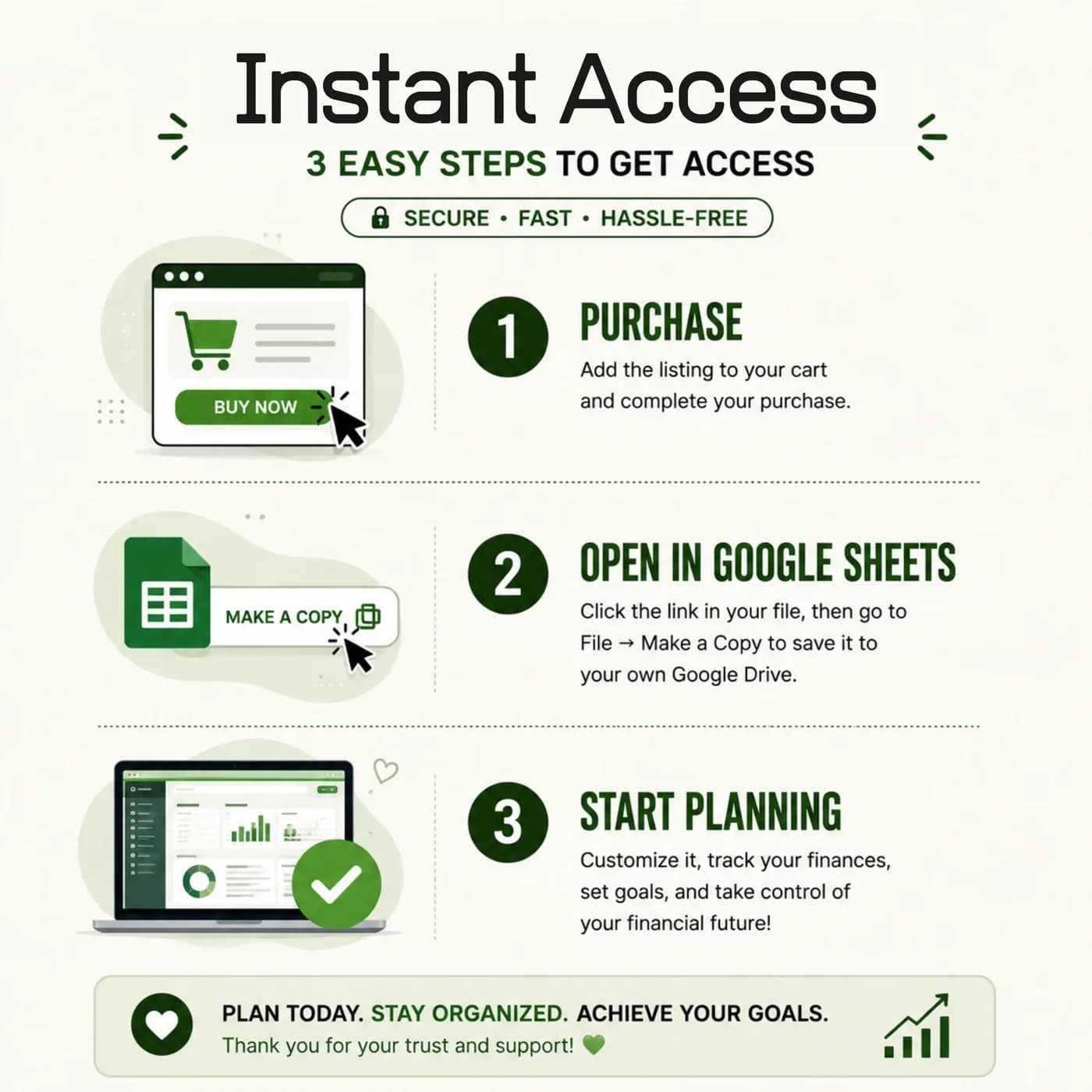
Check out with Lemon Squeezy and you get the link to the Sinking Funds Tracker as soon as the order completes.
Make your copy
Copy the template into your Google Drive from the link. Work in your own copy and leave the original untouched.
Choose your settings
In Settings, set your currency and planning options.
Create your funds
In Sinking Funds, add each planned expense with its target amount.
Plan contributions
In the Funding Plan, organise how much you will put toward each fund.
Record progress
As you save, update each fund so you can see how close it is to its target.
Move the money in your own bank or savings accounts, then record it here. Many people keep sinking funds in a separate savings pot, and the sheet is the record that shows what belongs to which goal.
Sinking funds spreadsheet vs savings account vs envelopes
Three ways to save for known costs, compared on what matters.
| Feature | This template | One savings account | Cash envelopes |
|---|---|---|---|
| Separate goals | One fund per expense | One lump sum | One envelope per expense |
| Progress against a target | Shown for each fund | You calculate it | You count it |
| Contribution plan | A Funding Plan tab | None | None |
| Holds the money | No, it records the plan | Yes | Yes |
| Where the record lives | Your own Google Drive | Your bank | Paper |
The tracker does not replace a savings account. It tells you how to divide what is in one, which is the part most people lose track of.
What you get and what you need
- Included
- A Google Sheets template with 4 tabs: Start Here, Sinking Funds, Funding Plan and Settings.
- Format
- A link to a Google Sheets template. You do not receive a PDF, an Excel workbook or a printable.
- You need
- A Google account and a browser or the Google Sheets app. Your copy is saved in your Google Drive.
- Excel
- Google Sheets is the supported home. An .xlsx export is possible, with the risk that formulas, charts or dropdowns change.
- Scope
- Planning and tracking only. It does not hold or move money.
- Payment
- One-time payment through Lemon Squeezy. There is no subscription.
Frequently asked questions
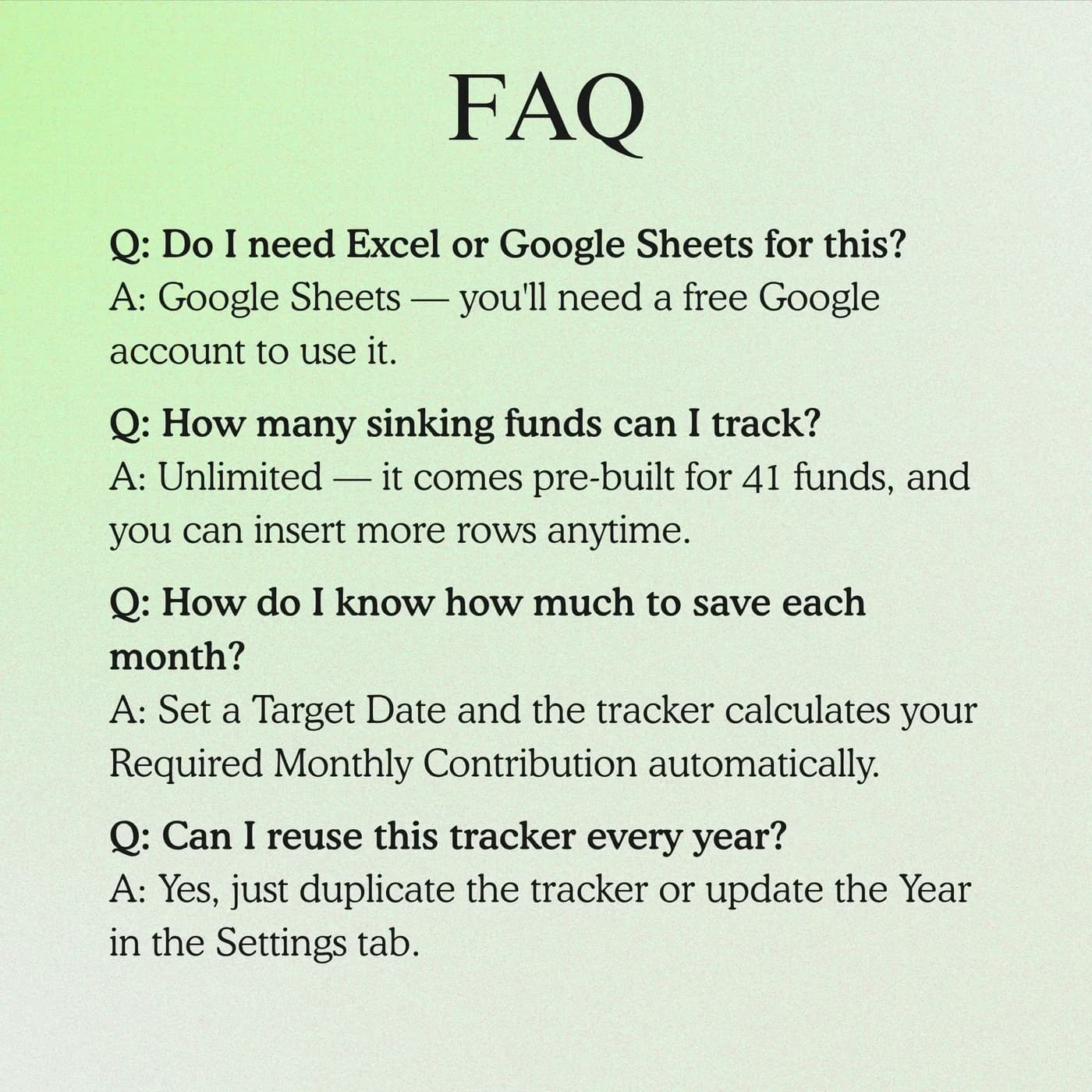
What is a sinking fund?
A sinking fund is money set aside in small amounts over time for a specific future expense, such as an annual bill, repairs or a holiday. This sinking funds tracker gives each expense its own target, plan and progress in Google Sheets.
What is a sinking funds tracker?
A sinking funds tracker is a spreadsheet that records each fund, its target, how much you have saved and what you plan to contribute. It makes the progress of several savings goals visible on one page.
Is a sinking fund the same as an emergency fund?
No. A sinking fund is for expenses you know will happen, like insurance or gifts. An emergency fund covers surprises. You can track both, but they have different jobs and different targets.
Is this a bank account?
No. It is a planning and tracking template. You keep and move your savings through your own accounts, and the sheet records the plan and progress.
Can I track several goals?
Yes. Add separate funds for each planned expense you want to organise, each with its own target, and review them together in the Sinking Funds tab.
Is it good for sinking funds for beginners?
Yes. Each fund is a short list of numbers, and the Start Here tab explains the setup. Begin with one or two funds and add more as you get comfortable.
How do I decide how much to save each month?
Divide each target by the number of months until you need the money, then add the results. The Funding Plan tab helps you organise those contributions, and you can adjust targets or timelines if the total is too high.
Are the example figures in the sinking funds template editable?
They are examples only. In your copy, overwrite them with your own entries; the calculated cells keep working as long as you do not replace their formulas.
Is the sinking funds tracker an Excel file?
Not directly. You get a Google Sheets link rather than an Excel workbook. Exporting to .xlsx is an option inside Google Sheets, but conversion can change formulas, dropdowns and charts, so the sinking funds tracker is best used where it was built.
What do I need to open the sinking funds tracker?
A free Google account is enough. The link opens a template that you copy into your own Google Drive, and the copy is the file you edit and keep.
Do I pay monthly for the sinking funds tracker?
No. You pay once, at checkout with Lemon Squeezy, and there is nothing to renew. The copy you make is yours to keep.
Make room for the costs you can see coming
A fund for each planned expense, with a plan and progress in one Google Sheets file.
Last updated . Written by the DGClicks Store team.