
- 7 tabs
- Plan, bills, spending and goals
- $10.49
- One payment, no subscription
- Google Sheets
- Editable copy in your own Drive
- Instant
- Download link arrives at checkout
What is the Biweekly Paycheck Budget?
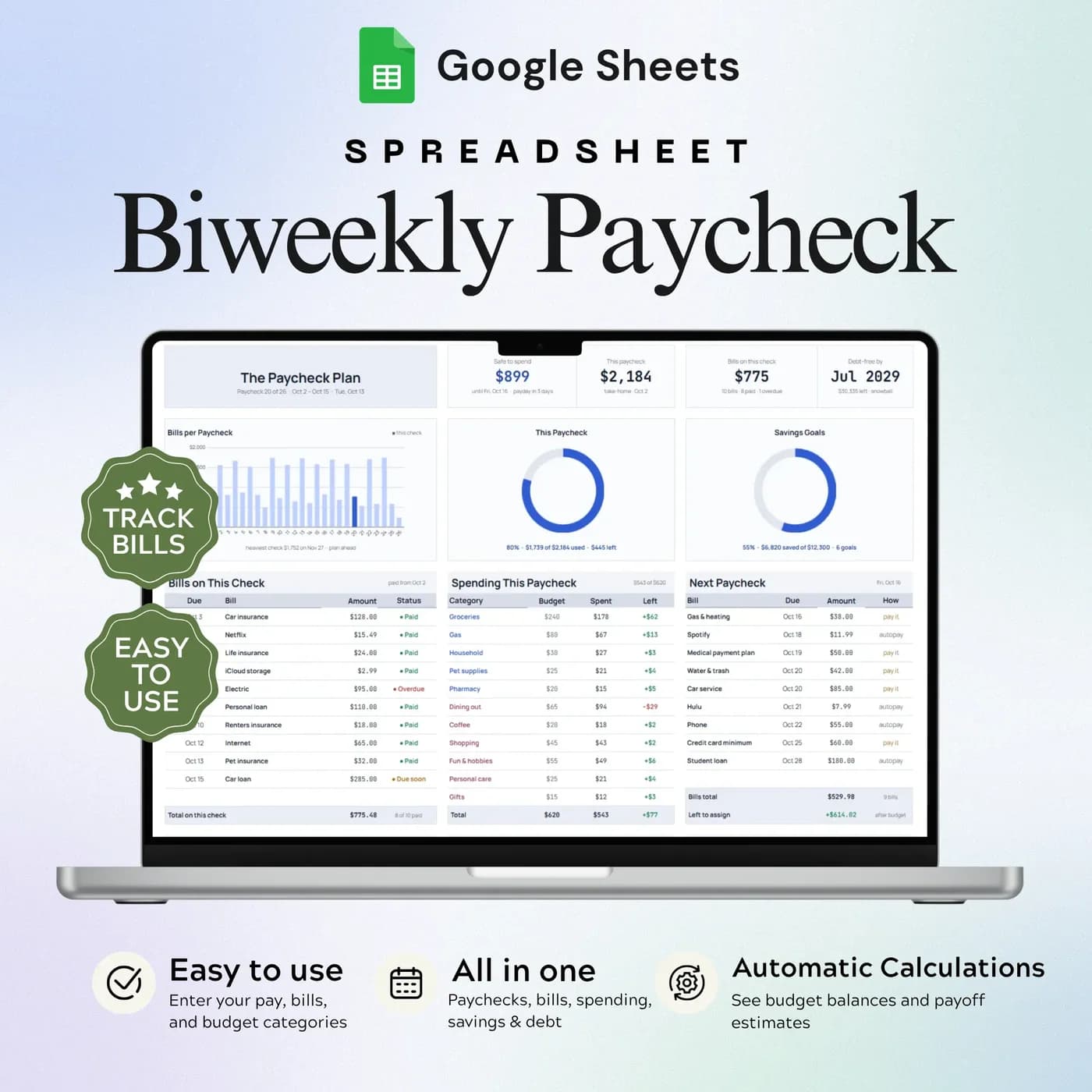
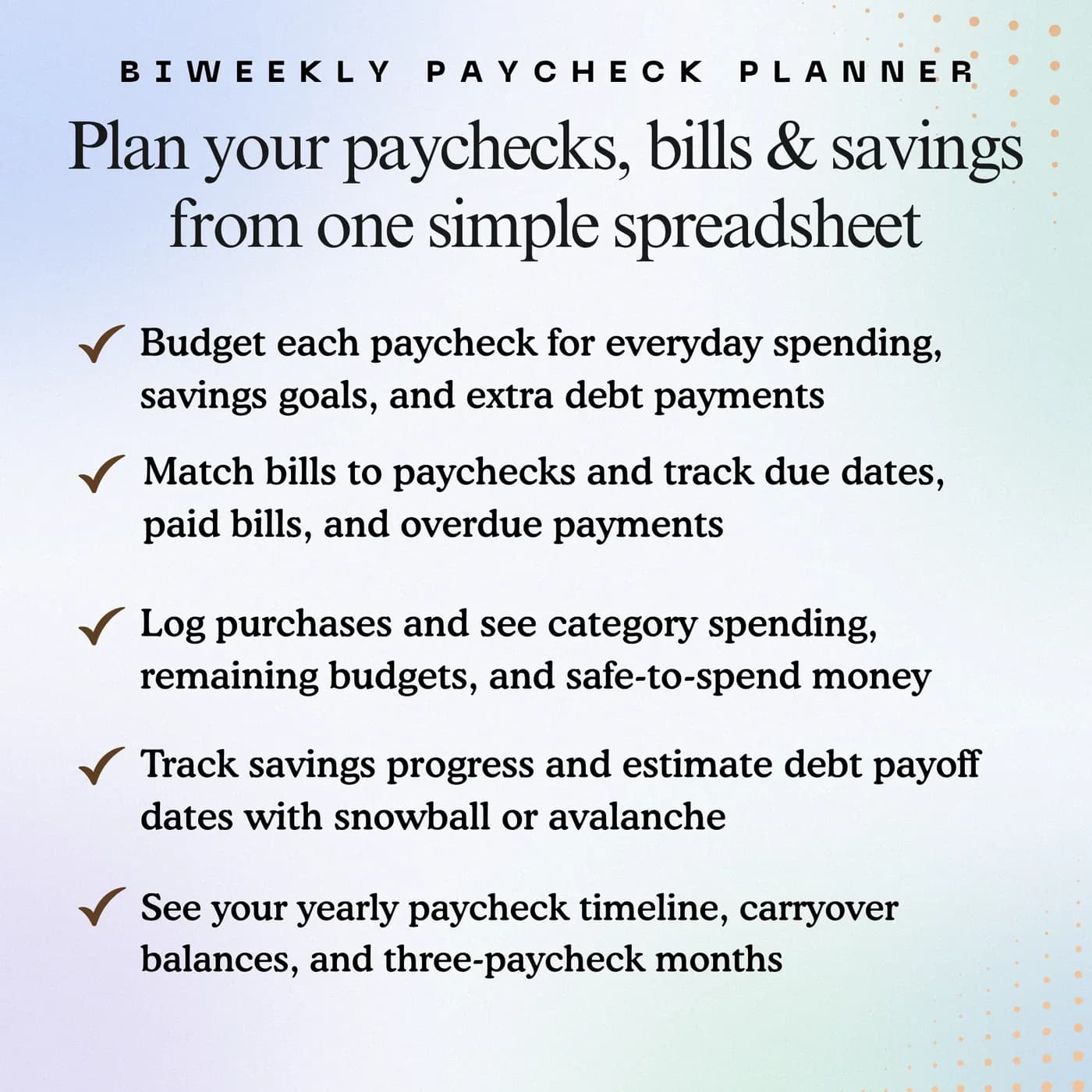
The Biweekly Paycheck Budget is a budget by paycheck template. Instead of dividing your money into calendar months, it lets you give each paycheck a job: the bills due before the next payday, the spending you expect, and the amounts you set aside for savings and debt. Seven tabs hold the plan, the bills, the spending log and a dashboard.
Calendar-month budgets do not fit a bi weekly budget well. If you are paid every two weeks, you receive 26 paychecks a year, which means two months in which you get three. A monthly template treats those extra paychecks as a surprise. A paycheck-based plan treats them as normal, and shows you which paycheck has to carry which bills.
That is the idea behind this biweekly budget spreadsheet: line your plan up with the way your money actually arrives. You set your pay schedule once in Settings, record your bills and their due dates, and see what is left to spend before the next payday.
Who this biweekly paycheck budget is for
It suits anyone whose pay does not line up neatly with the first of the month.
Made for
- People paid every two weeks
- Households planning bills between paydays
- Anyone balancing everyday spending with savings and debt
- People who find a monthly budget leaves them short just before payday
- Couples who want to decide together what each paycheck covers
Where it stops
It is built around a regular pay cycle. If your income is irregular, you can still use it, but you will need to adjust the plan each time. It does not connect to your bank or move money for you.
What is inside: 7 tabs for budgeting by paycheck
The tabs follow the way you work: set up, plan, record, review.
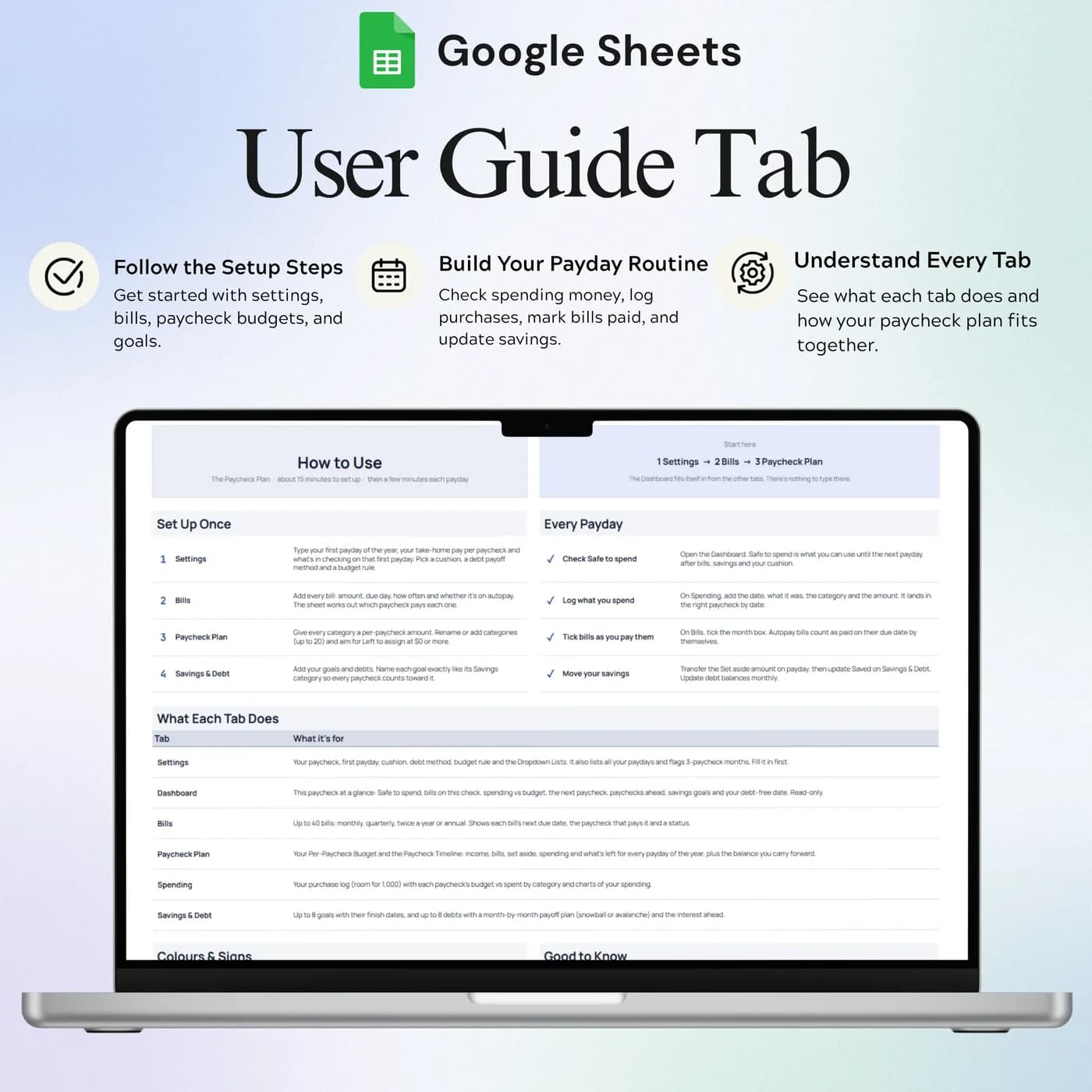
How to Use
Setup, input and daily workflow instructions, so you know what to fill in first.
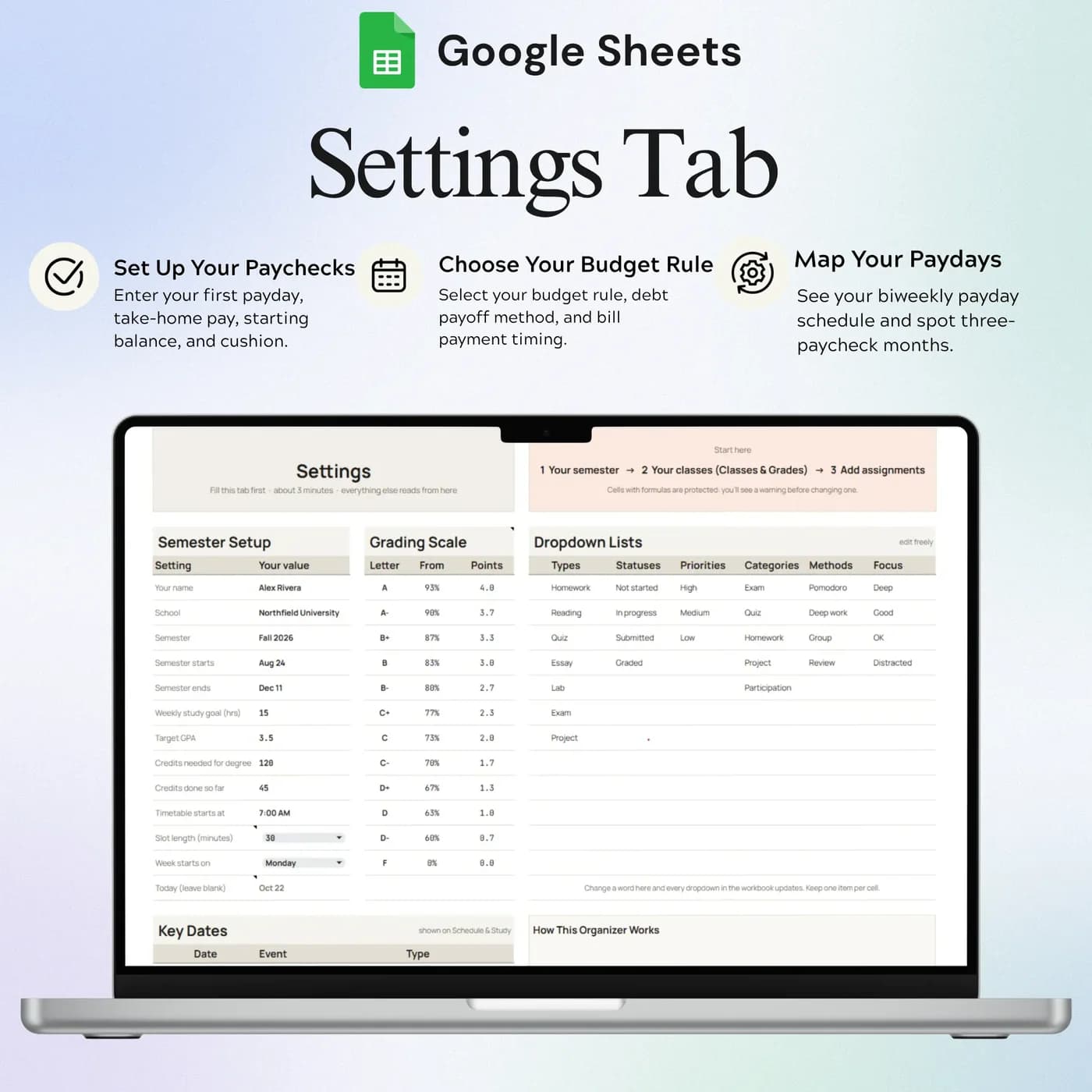
Settings
Your pay schedule, categories and personal settings. Review the plan after changing the dates.
Dashboard
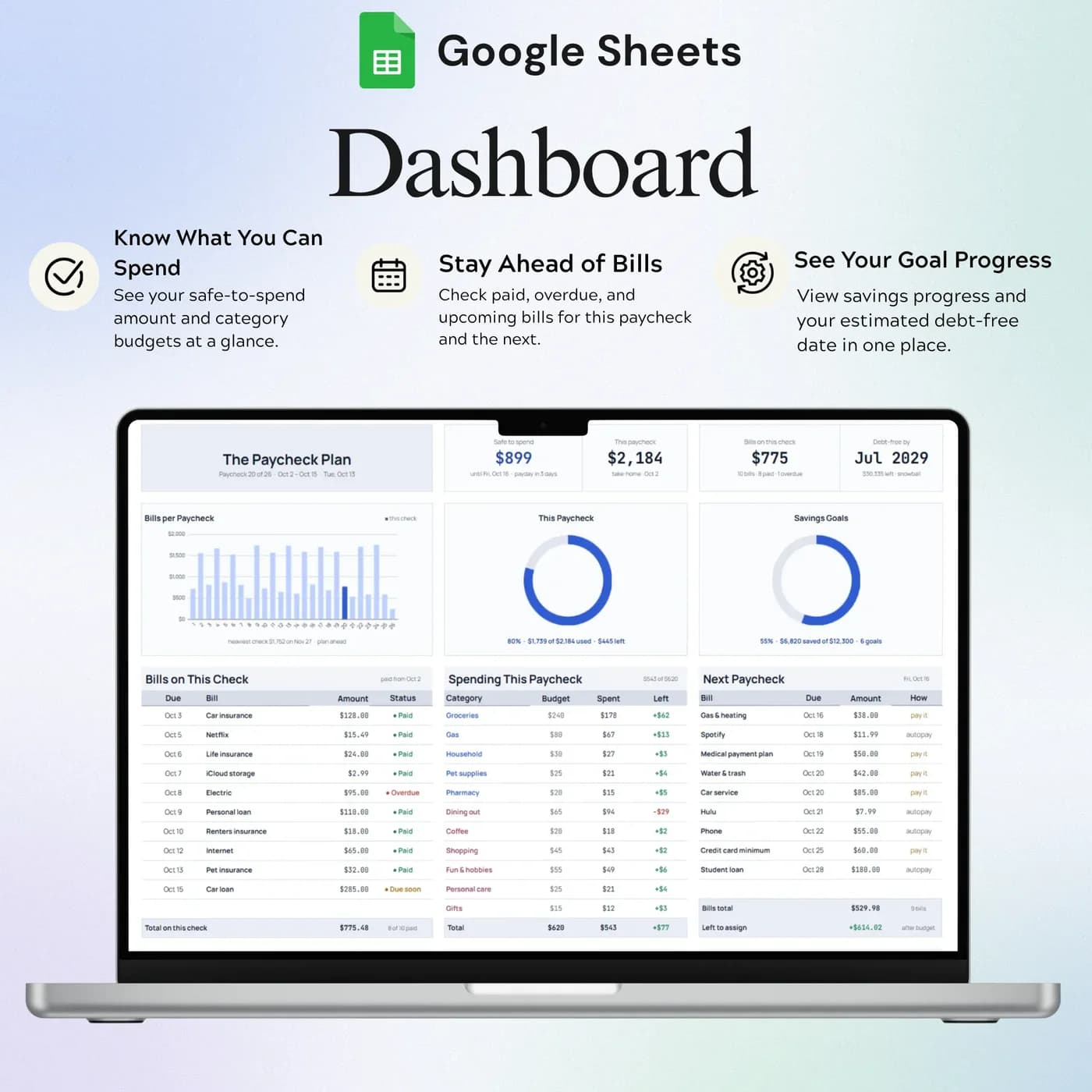
A summary of your paycheck budget, so you can see where you stand without opening every tab.
Bills
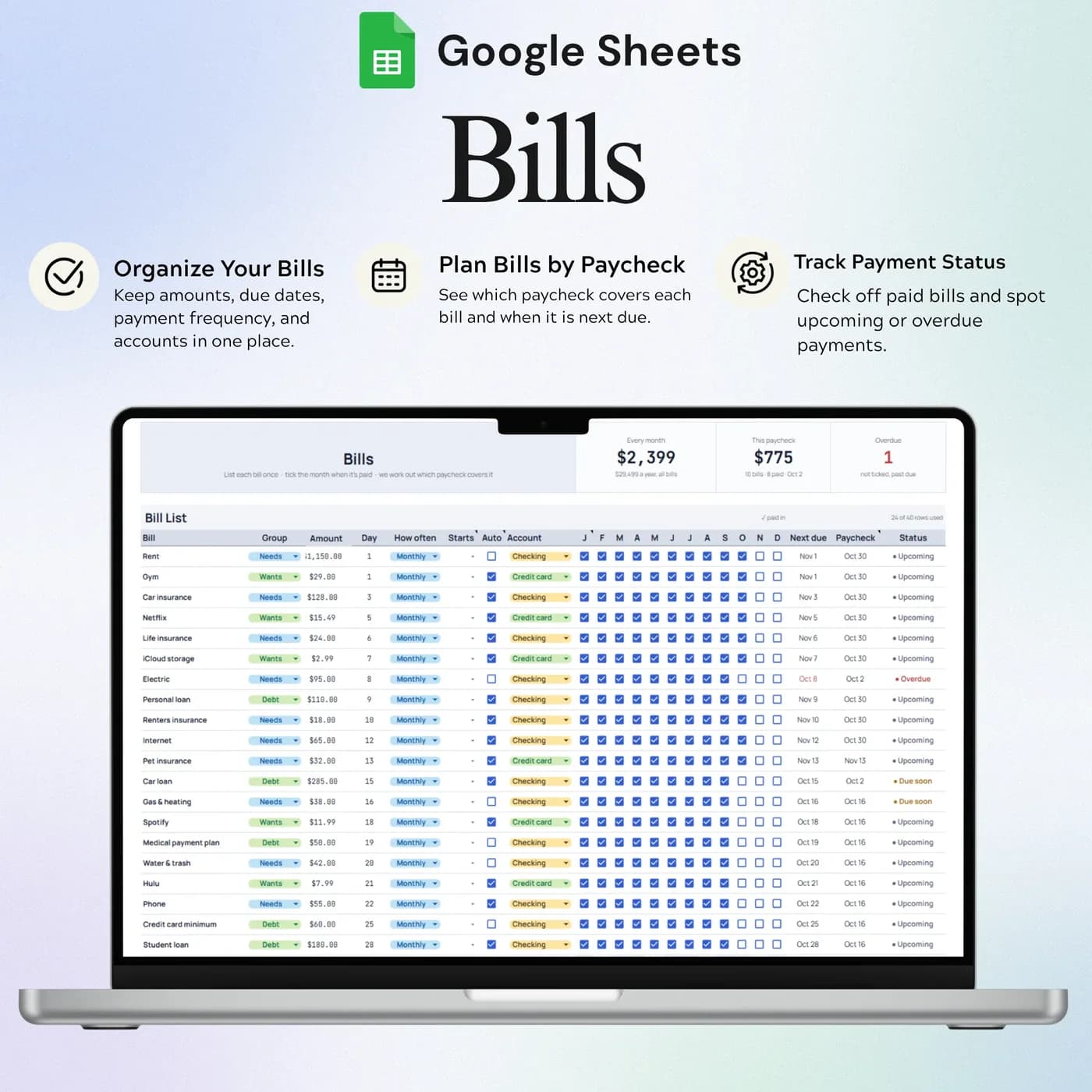
Recurring payments and their due dates, so your pay cycle and your payments can be reviewed together.
Paycheck Plan
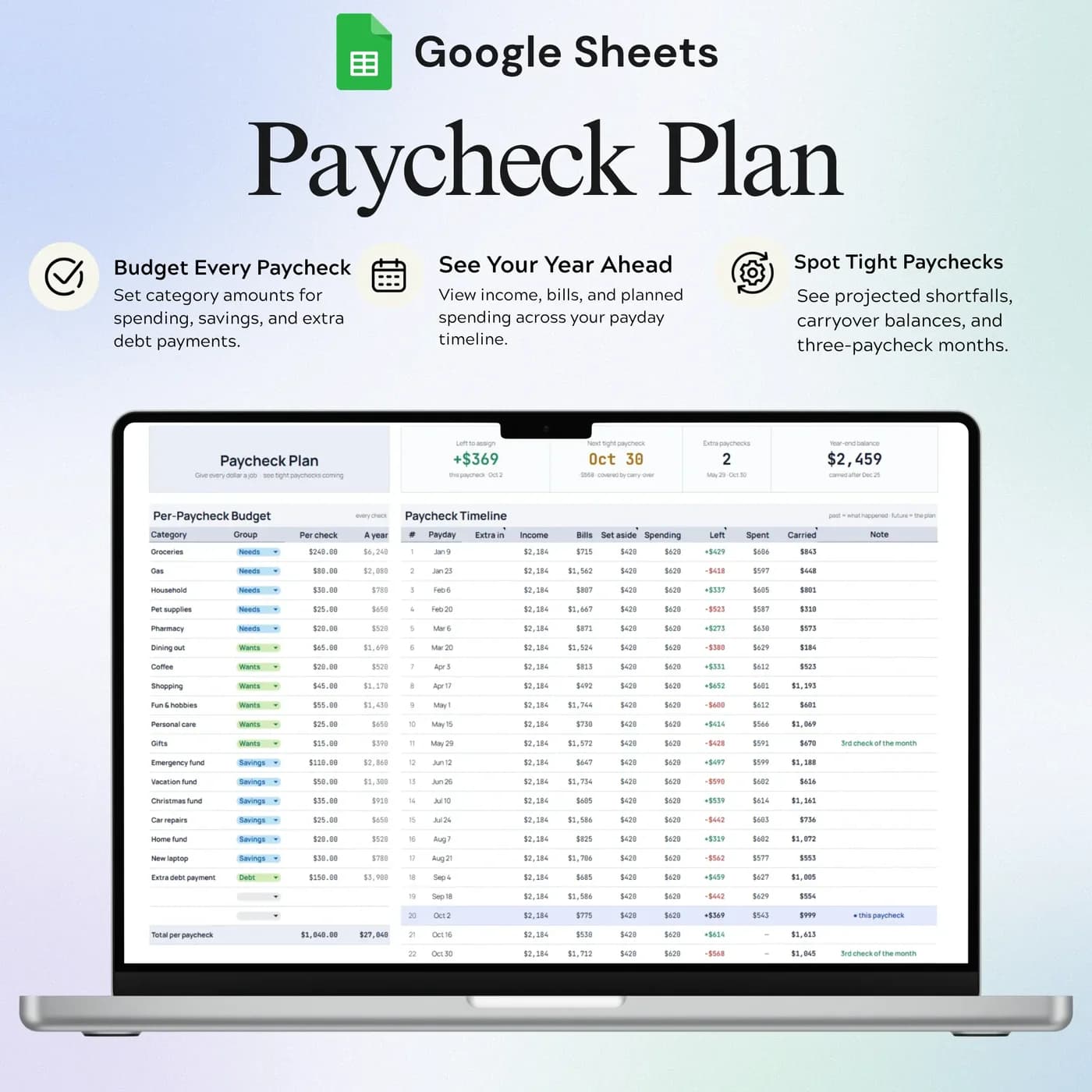
The allocation of your income across your pay cycle. This is where each paycheck gets its job.
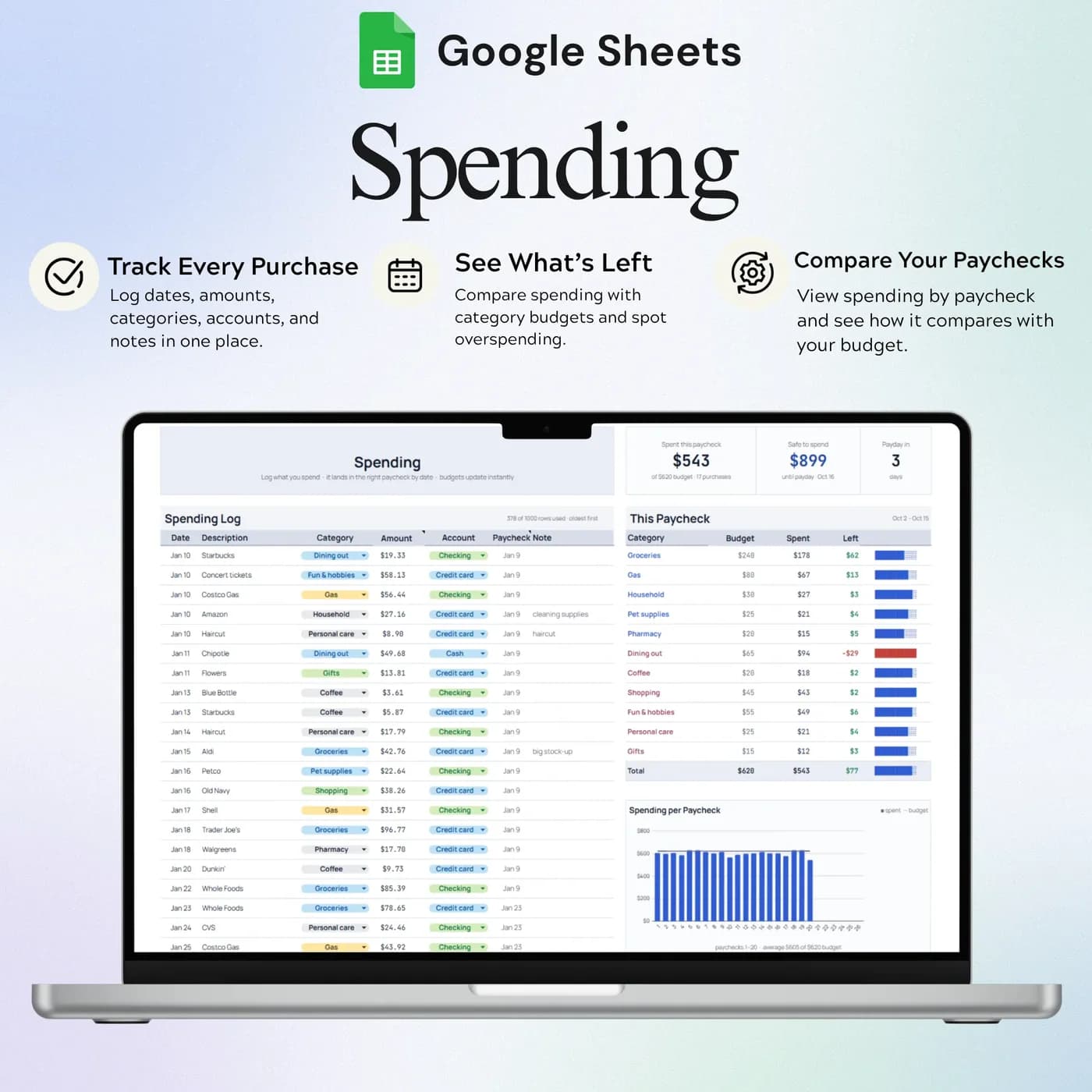
Spending
Your spending entries, recorded as they happen.
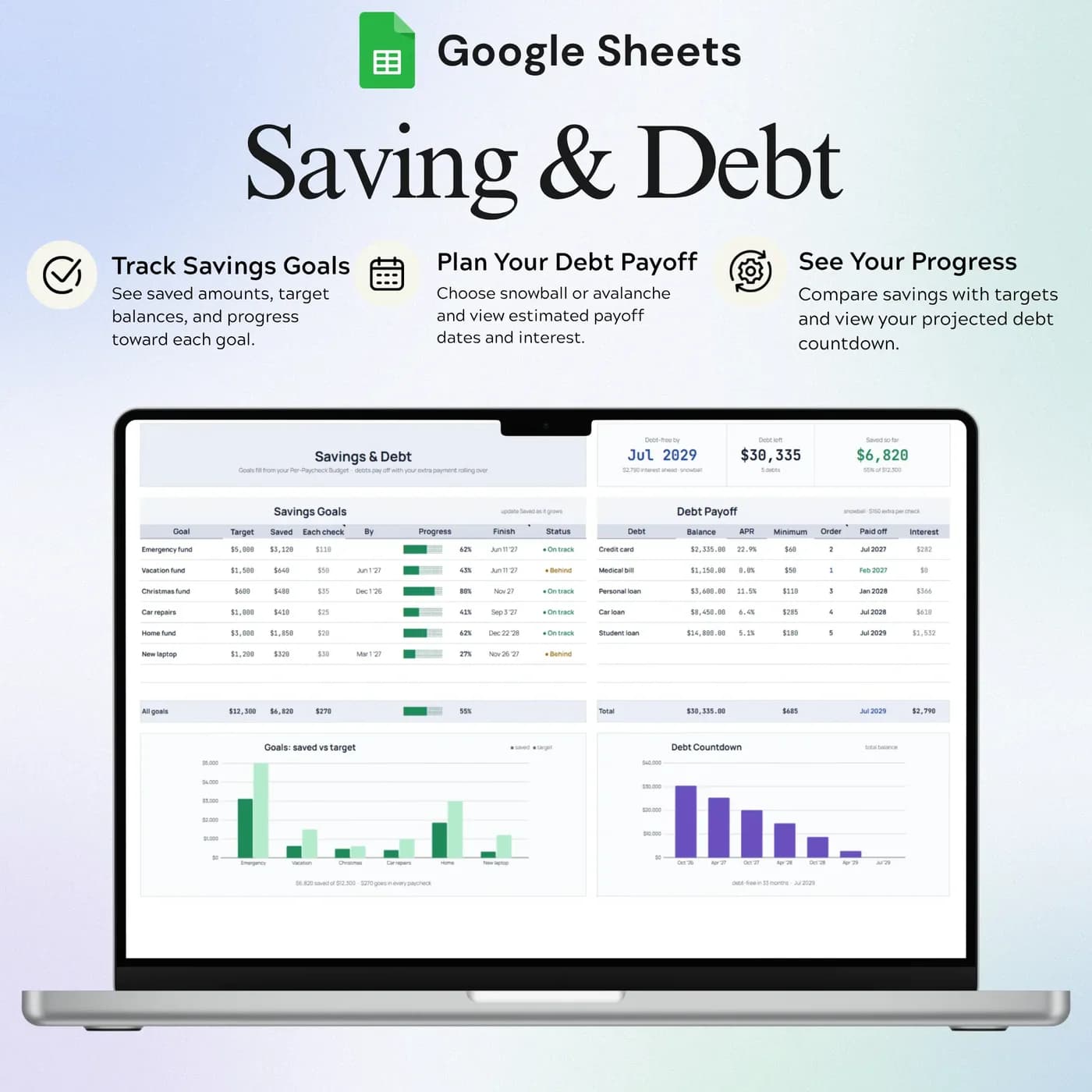
Savings & Debt
Savings and debt progress, so everyday spending supports your bigger goals.
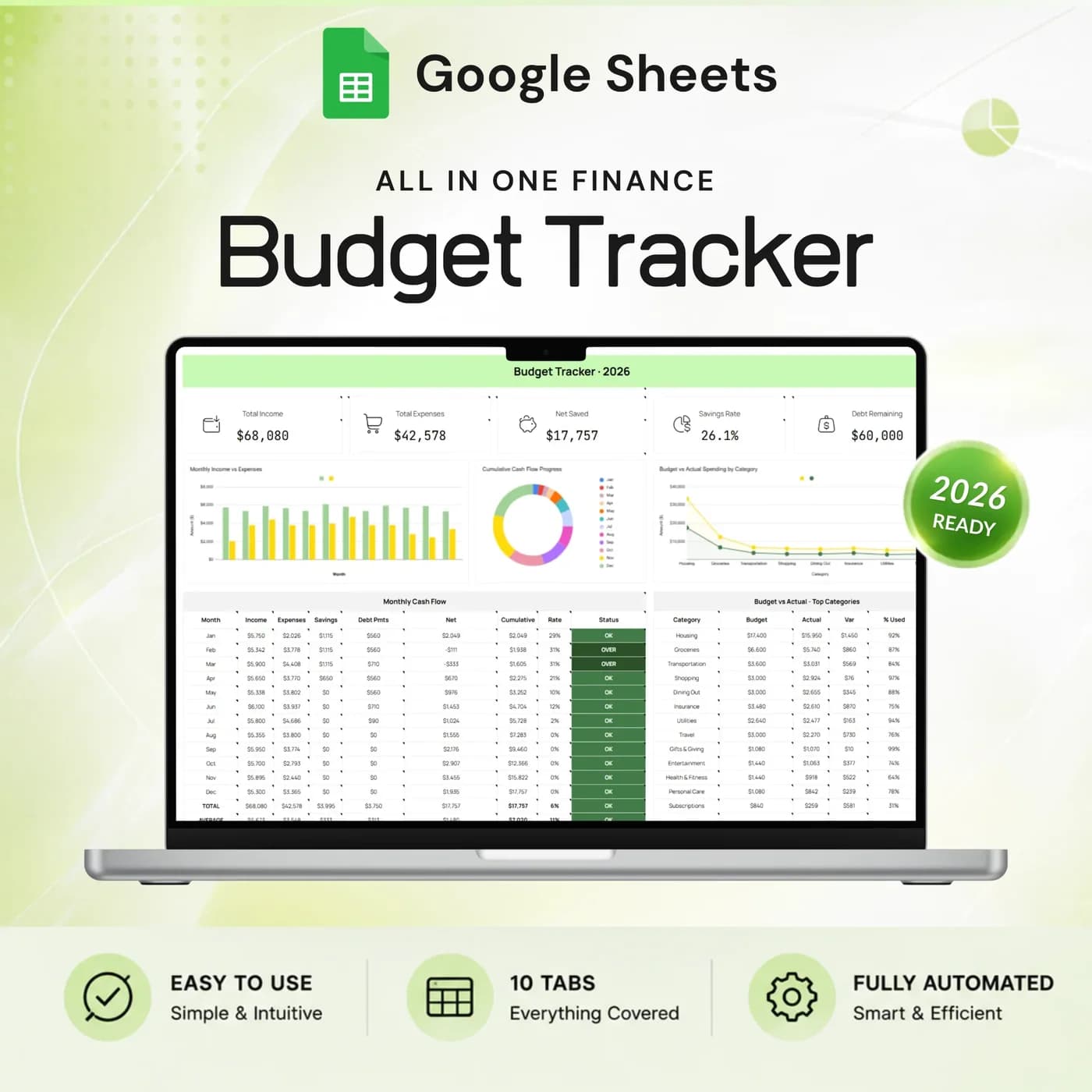
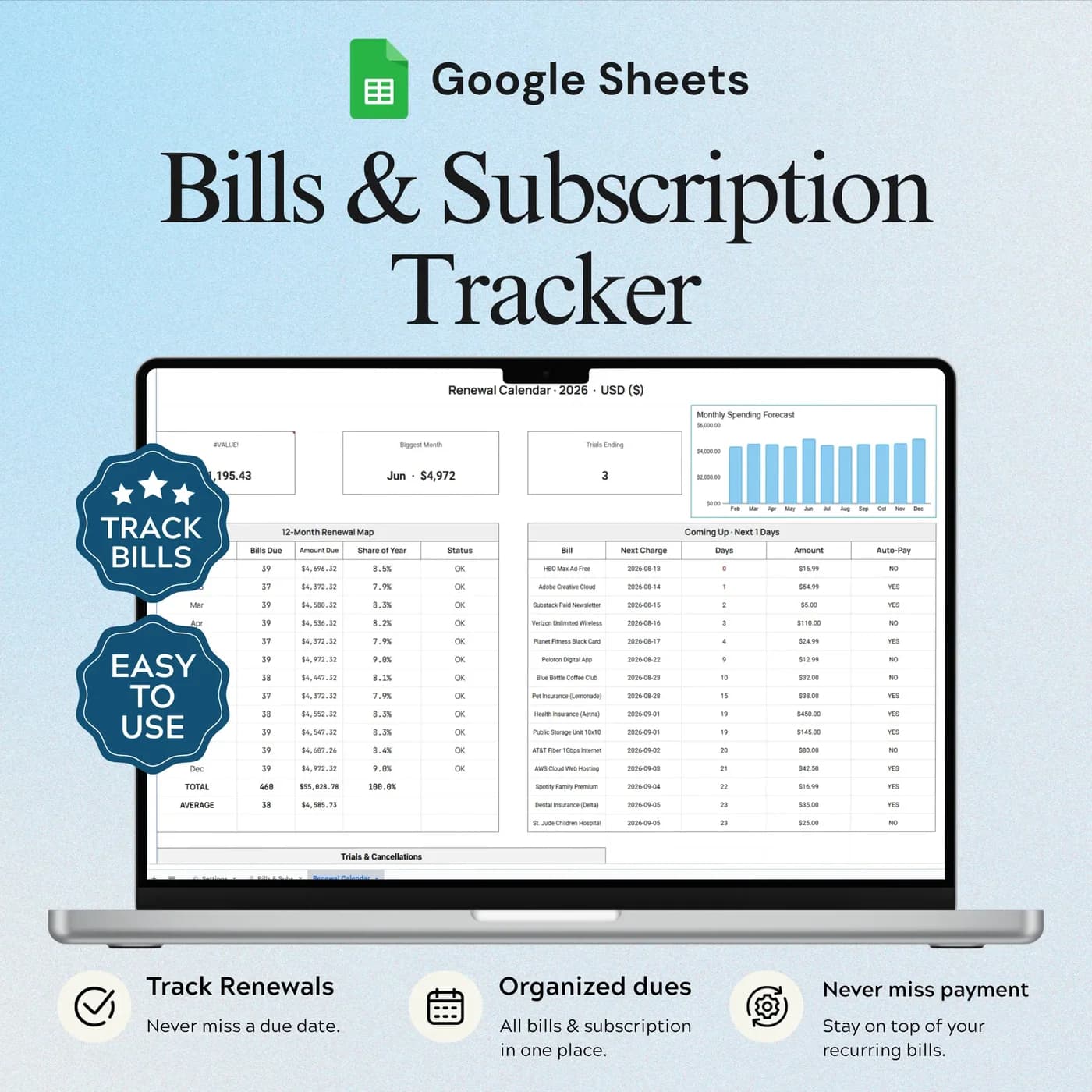
If you would rather plan by calendar month and see the whole year, the Annual Budget Tracker 2026 covers income, bills, savings and debt across twelve months. To keep subscriptions in check, the Bills & Subscription Tracker adds a renewal calendar.
How to budget by paycheck: a worked example
The method is to decide which paycheck pays which bill, according to due dates. This example uses a take-home pay of $1,850 every two weeks and four monthly bills.
| Paycheck and bills | Example |
|---|---|
| Paycheck 1 take-home pay | $1,850 |
| Rent, due on the 1st | $1,300 |
| Utilities, due on the 12th | $180 |
| Left on paycheck 1 for spending, savings and debt | $370 |
| Paycheck 2 take-home pay | $1,850 |
| Car insurance, due on the 20th | $120 |
| Phone, due on the 25th | $60 |
| Left on paycheck 2 for spending, savings and debt | $1,670 |
The first paycheck is tight because the biggest bills fall in the first half of the month, so you might direct a larger share of the second paycheck toward savings and debt. The Paycheck Plan tab lets you allocate your income this way across your pay cycle. When a month brings a third paycheck, you can decide in advance what it is for. The figures above are examples.
Set up your biweekly budget in under an hour
The setup is a one-time job, and the daily workflow is short.
Buy and download
Pay at the secure checkout and the Biweekly Paycheck Budget download link is available immediately.
Make your copy
Choose to make a copy when the link opens. The new file lives in your Google Drive and is the one you fill in.
Read How to Use
It explains the setup, the input cells and the daily workflow.
Set your pay schedule
Open Settings and enter your pay schedule, categories and personal settings.
List your bills
In the Bills tab, add each recurring payment with its due date.
Build the plan
In the Paycheck Plan, allocate each paycheck across bills, spending, savings and debt.
Record spending
Log your spending as it happens and watch the Dashboard for what is left before the next payday.
Can I change my first payday later? Yes. Your pay schedule lives in Settings, so you can update it, then review the plan to make sure every bill still lands on the right paycheck.
Paycheck budget vs monthly budget vs budgeting app
Three ways to plan around biweekly pay, compared on what matters in practice.
| Feature | This template | A monthly budget template | A budgeting app |
|---|---|---|---|
| Built around | Each paycheck | The calendar month | Varies by app |
| Months with three paychecks | Planned like any other | Easy to overlook | Varies by app |
| Bills and due dates | A Bills tab alongside the plan | Often a separate list | Usually built in |
| How you pay | One-time payment | Varies | Often a monthly or yearly plan |
| Where your data lives | Your own Google Drive | Wherever you save it | On the provider’s servers |
A monthly budget gives a good overview of the year. A paycheck budget gives a better answer to “can I afford this before payday?”
What you get and what you need
- Included
- A Google Sheets template with 7 tabs: How to Use, Settings, Dashboard, Bills, Paycheck Plan, Spending and Savings & Debt.
- Format
- A Google Sheets file delivered as a download link. It is not a PDF, an Excel file or a printable.
- You need
- Only a free Google account. Everything else happens in your own copy of the sheet.
- Excel
- Google Sheets is the supported home. An .xlsx export is possible, with the risk that formulas, charts or dropdowns change.
- Pay cycle
- Built around a paycheck schedule you set in Settings, such as every two weeks.
- Payment
- A single payment at the Lemon Squeezy checkout, with no subscription or renewal.
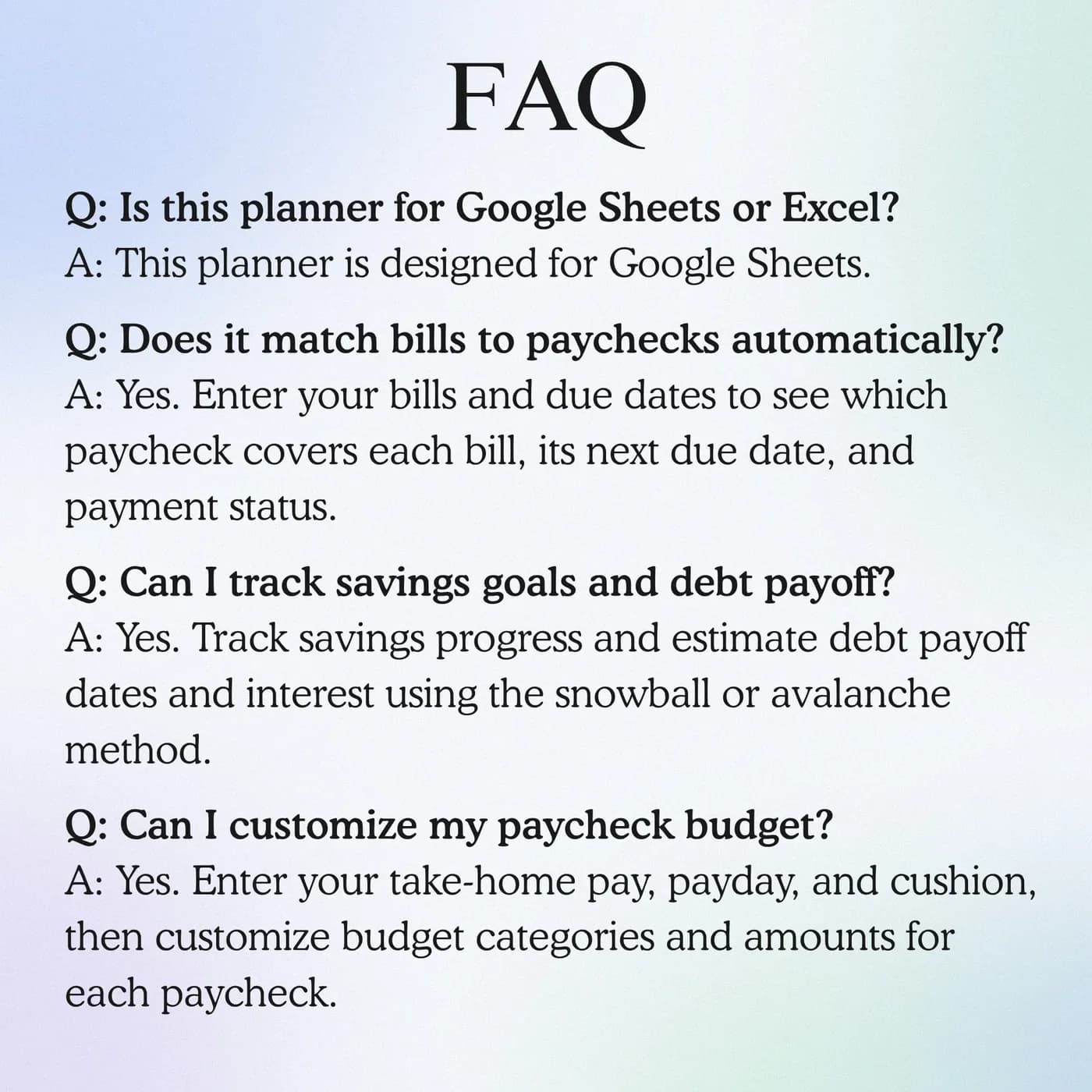
Frequently asked questions
What is a biweekly budget template?
A biweekly budget template plans your money around paychecks received every two weeks rather than around calendar months. This one assigns bills, spending, savings and debt to each paycheck in Google Sheets, so you can see what each pay period has to cover.
Is a bi weekly budget the same as a paycheck budget?
Yes, for most people. A bi weekly budget, or biweekly paycheck budget, means planning each paycheck separately. “Bi weekly” and “biweekly” are two spellings of the same thing, and this template handles both.
How is this different from an annual budget?
The main planning view follows individual paychecks, with bills, spending and goals organised around your pay cycle. An annual budget plans by calendar month and shows the year at a glance.
What happens in a month with three paychecks?
When you are paid every two weeks, two months a year contain three paychecks. Because the plan is built paycheck by paycheck, the extra one can be given a job in advance, such as savings or a debt payment.
Can I change my first payday?
Yes. Your pay schedule is configured in Settings. Review the plan after changing the dates to check that bills still land on the right paycheck.
Does it track bills and due dates?
Yes. The Bills tab records recurring payments and their due dates, so you can see which paycheck each bill belongs to.
Can I track savings and debt in it?
Yes. The Savings & Debt tab follows progress toward your goals alongside your everyday spending.
Do I have to keep the sample entries in the paycheck budget?
Yes. Any sample entries you see are placeholders. Type your own details over them in your copy, and leave the formula cells as they are.
Is the paycheck budget an Excel file?
The paycheck budget is made for Google Sheets, so you receive a link and not an .xlsx file. If you download a copy for Excel, parts such as dropdowns, charts or formulas may not convert cleanly, so keep working in Google Sheets for the best result.
What do I need to open the paycheck budget?
A free Google account is enough. The link opens a template that you copy into your own Google Drive, and the copy is the file you edit and keep.
Do I pay monthly for the paycheck budget?
No. You pay once, at checkout with Lemon Squeezy, and there is nothing to renew. The copy you make is yours to keep.
Give every paycheck a job
A biweekly budget with bills, spending, savings and debt in one Google Sheets file.
Last updated . Written by the DGClicks Store team.