
- 10 tabs
- Monthly detail, yearly summary
- $10.49
- One payment, no subscription
- Google Sheets
- Editable copy in your own Drive
- Instant
- Download link arrives at checkout
What is the Annual Budget Tracker 2026?
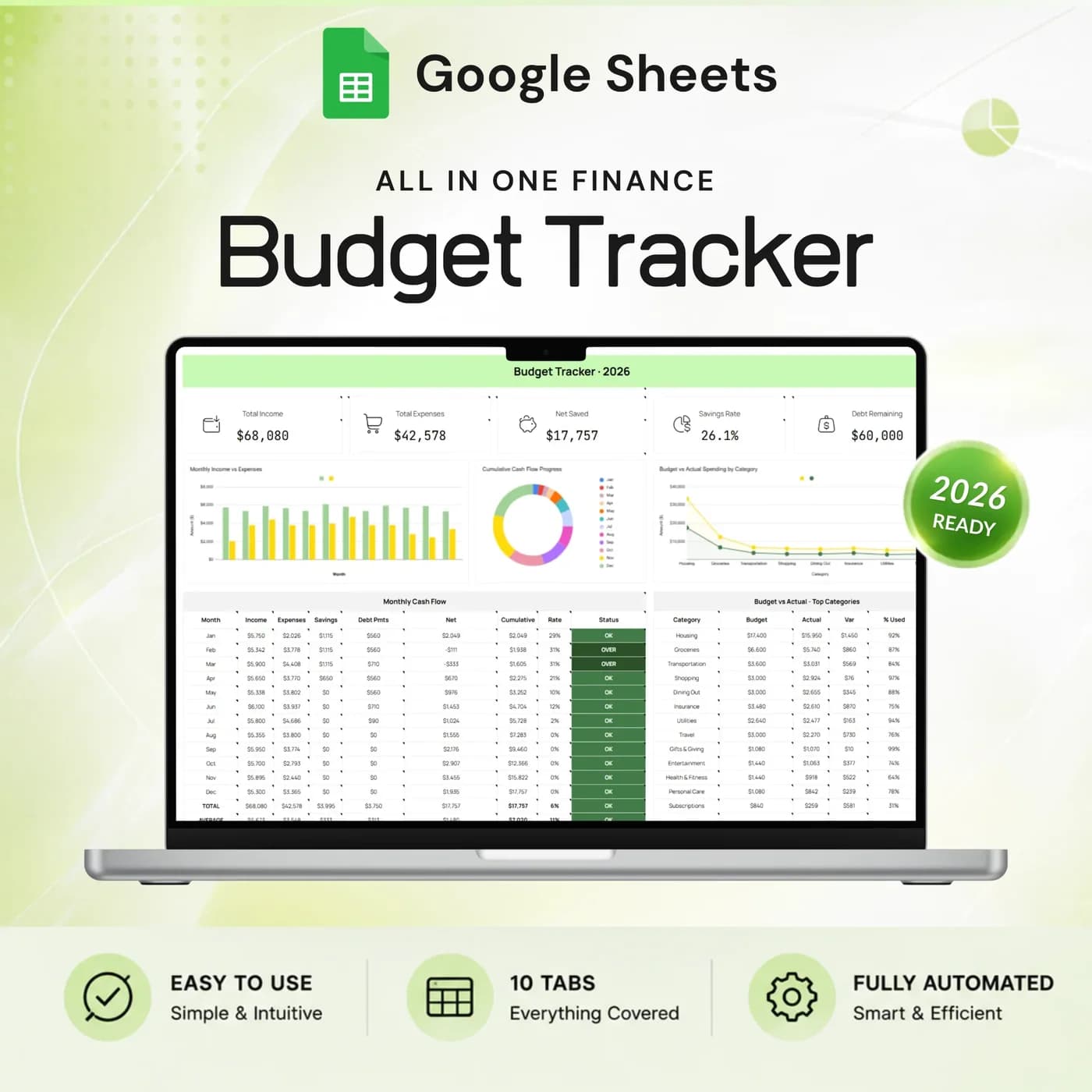
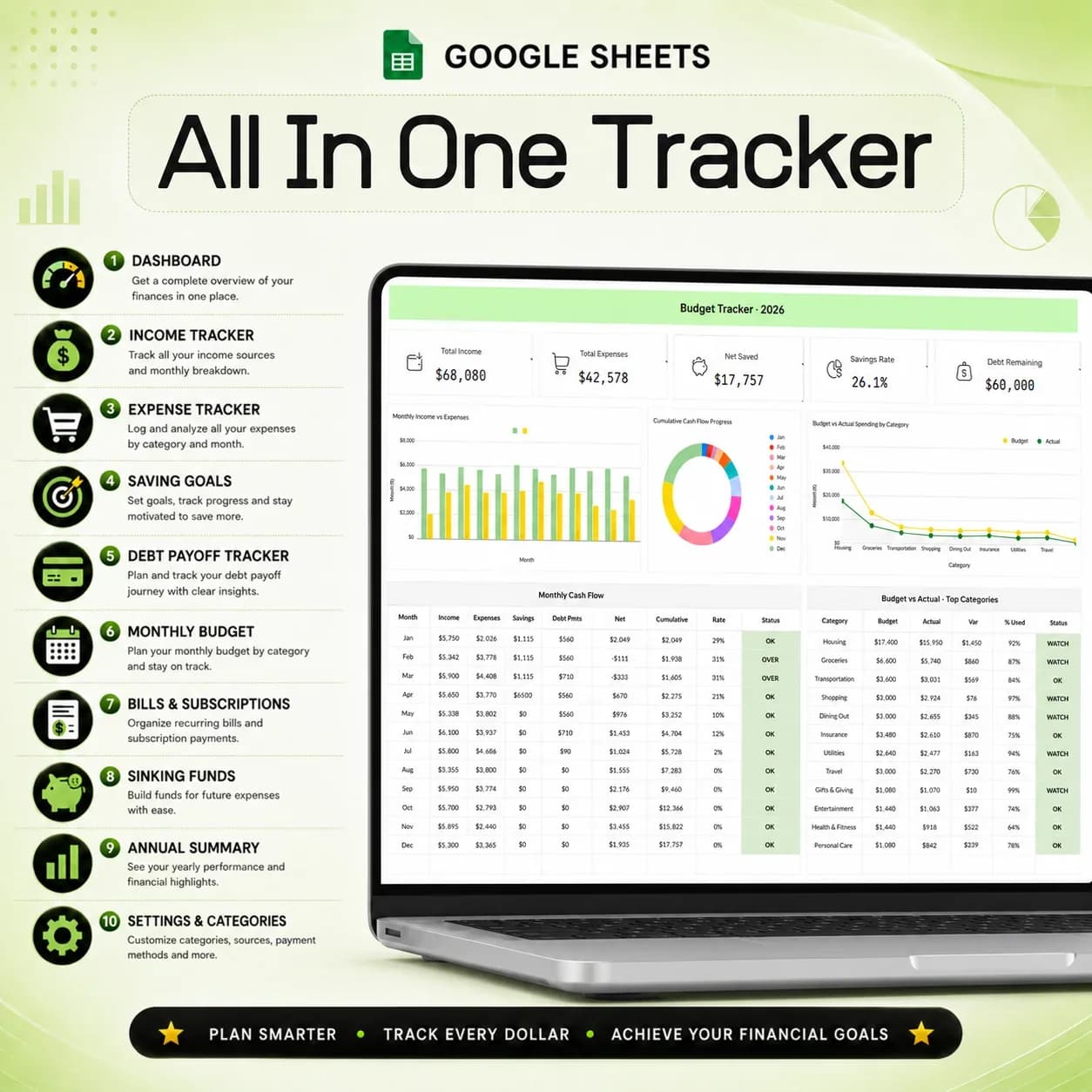
The Annual Budget Tracker 2026 is a monthly budget spreadsheet built in Google Sheets. You set a plan for each month by category, record what you actually earn and spend, and the workbook compares the two. A dashboard shows income, expenses, net saved, savings rate and debt remaining together, and an annual summary lays out all twelve months side by side.
Many people keep a budget in several places: a notes app for bills, a bank app for spending, a separate list for savings. The numbers never meet, so the question “how are we really doing?” has no single answer. A personal budget template that holds income, expenses, savings goals, debt payoff, bills and sinking funds in one file lets every part of your money influence the rest.
It is a manual-entry workbook. You type in your income and spending, and the tabs do the adding up. That keeps your bank logins out of it and makes you look at each transaction category, which is where most budgeting insight comes from.
Who this household budget spreadsheet is for
It suits people who want one place for the month and for the year.
Made for
- People planning a household or family budget
- Anyone organising recurring bills and subscriptions
- People saving for a goal while paying down debt
- Couples and families who want shared visibility of money
- Anyone who wants monthly detail and a yearly overview in the same file
Where it stops
It does not connect to your bank, so you enter income and spending yourself. It is also a planning tool, not financial advice, and it will not move money between accounts for you.
What is inside: 10 tabs for a monthly and yearly budget
Each tab covers one part of your money, and the dashboard and annual summary pull them together.
Settings
Choose the year, currency, expense categories and income sources, so the template matches your life.
Dashboard
See income, expenses, net saved, savings rate and debt remaining together, with monthly cash flow and budget comparisons.
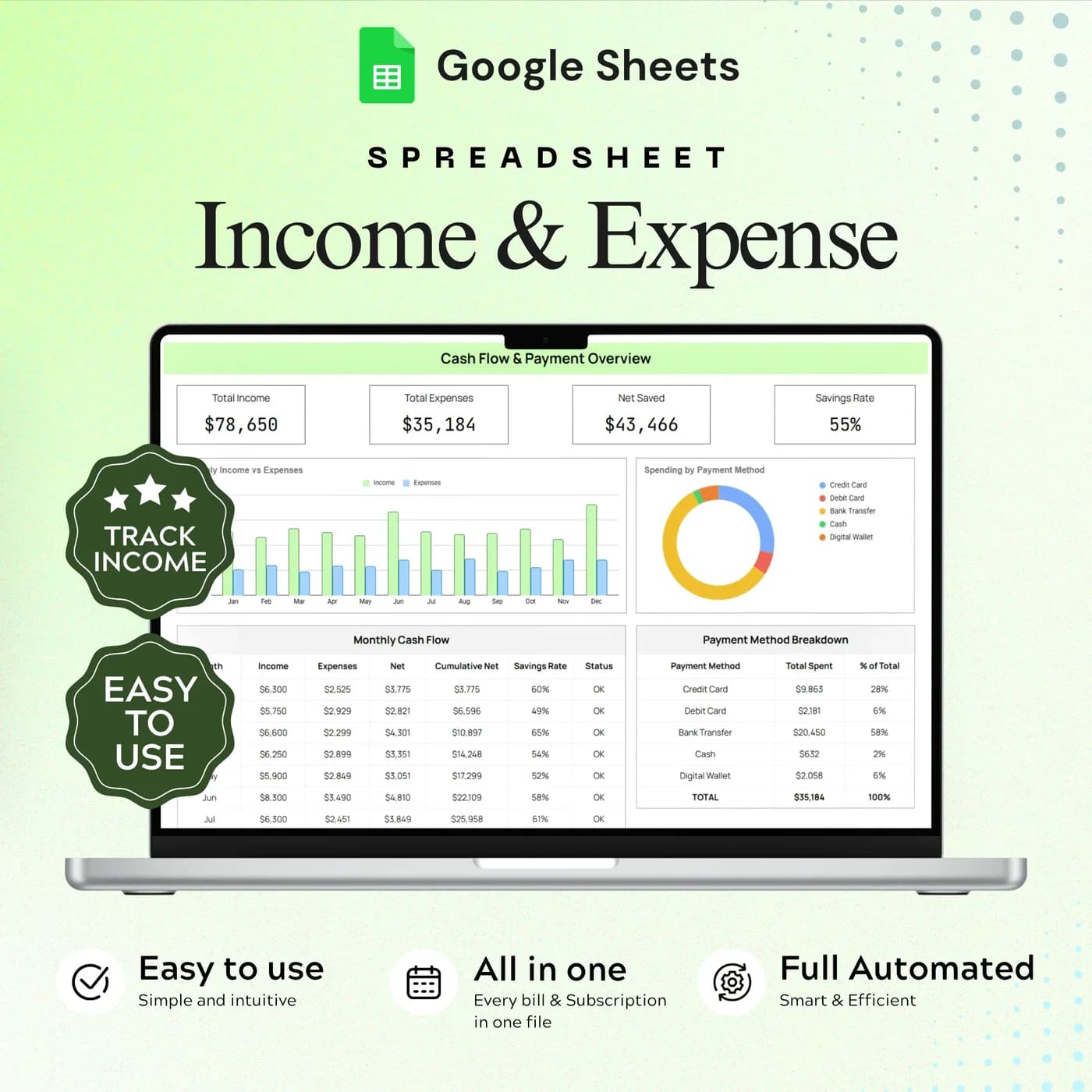
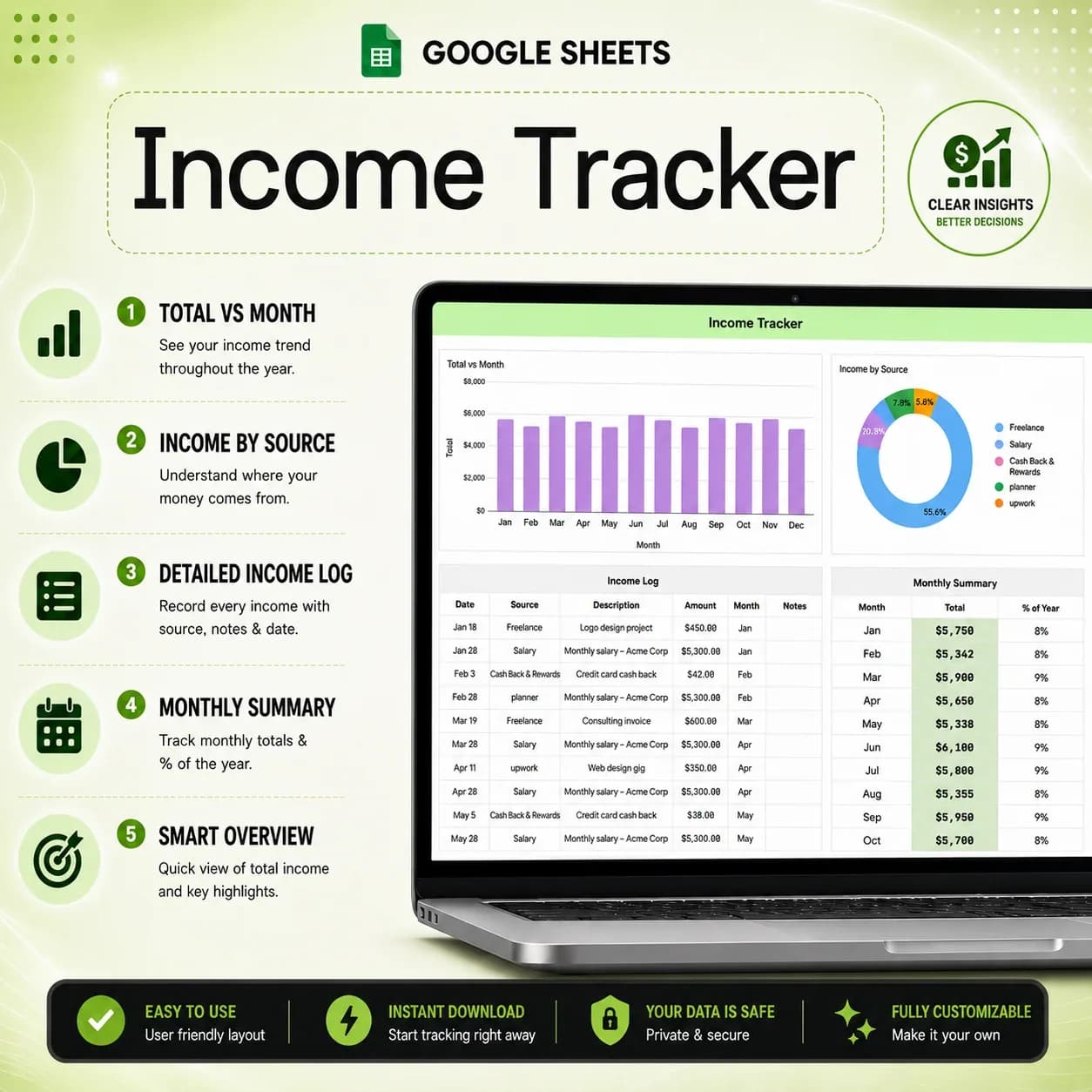
Income
Record income entries and review totals by source.
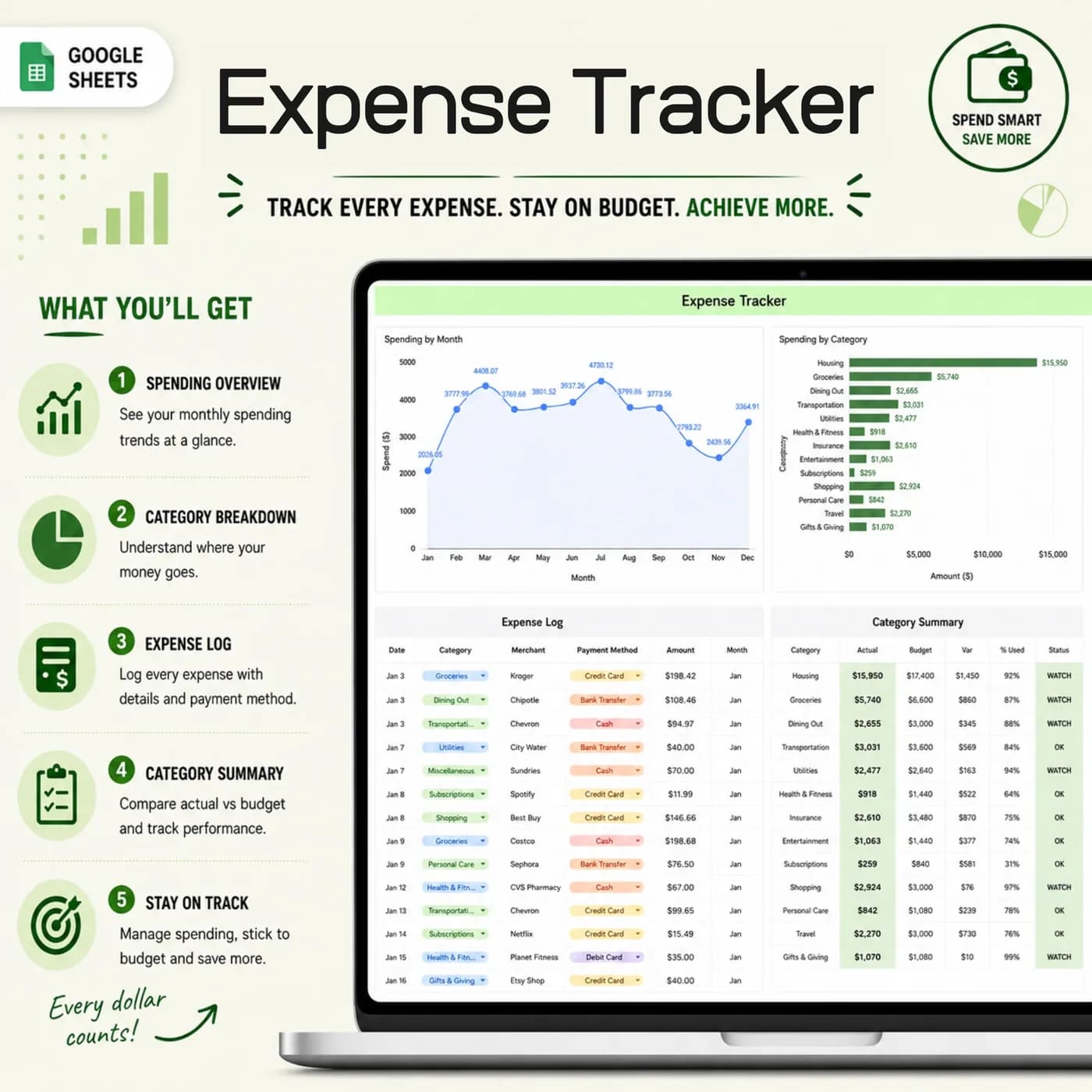
Expenses
Log spending and compare categories across the year.
Monthly Budget
Set category budgets and compare monthly amounts. This is the monthly budget sheet at the heart of the workbook.
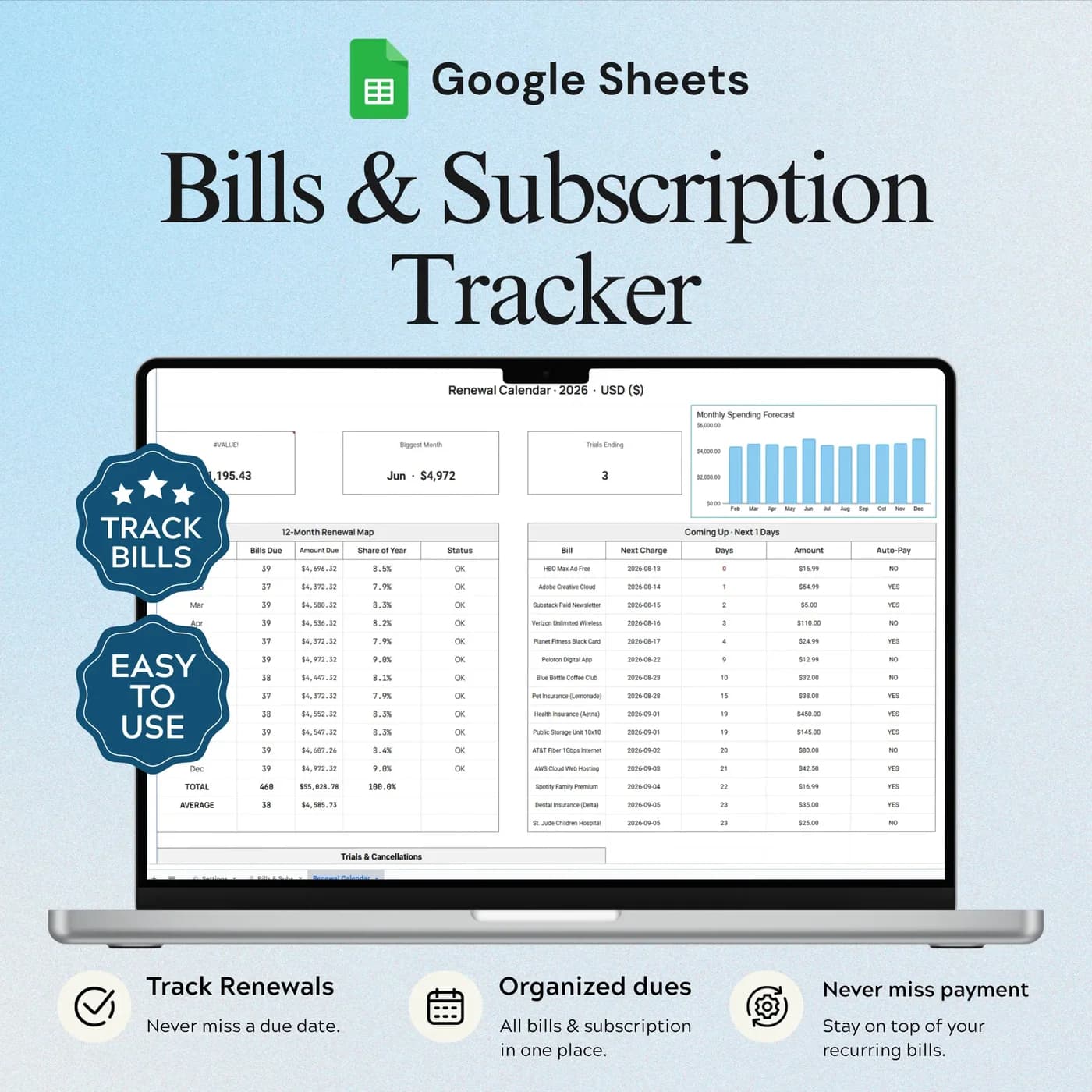
Bills & Subscriptions
List recurring costs and their payment frequency.
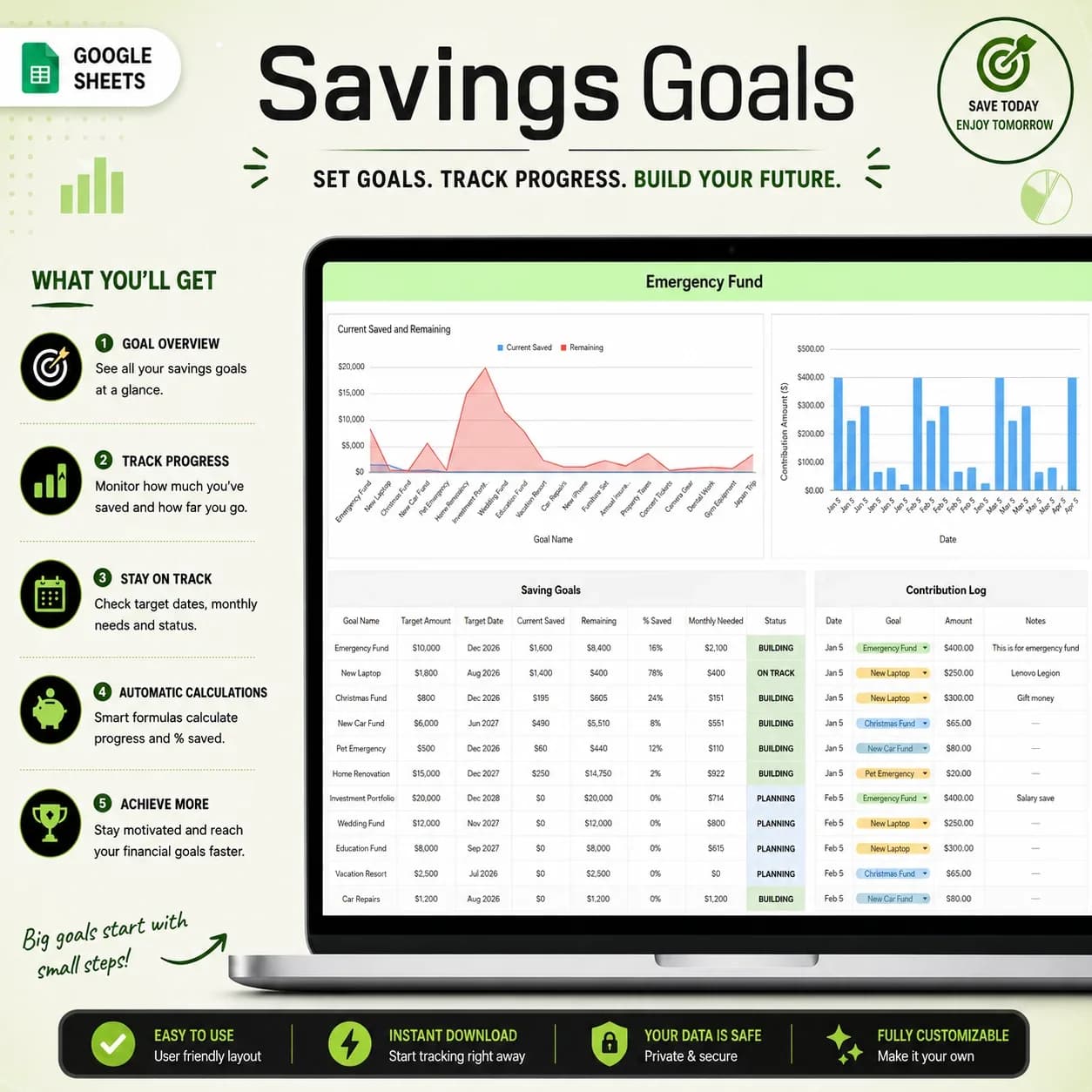
Savings Goals
Plan and follow emergency fund progress.
Debt Payoff
Track starting balances, payments and remaining debt.
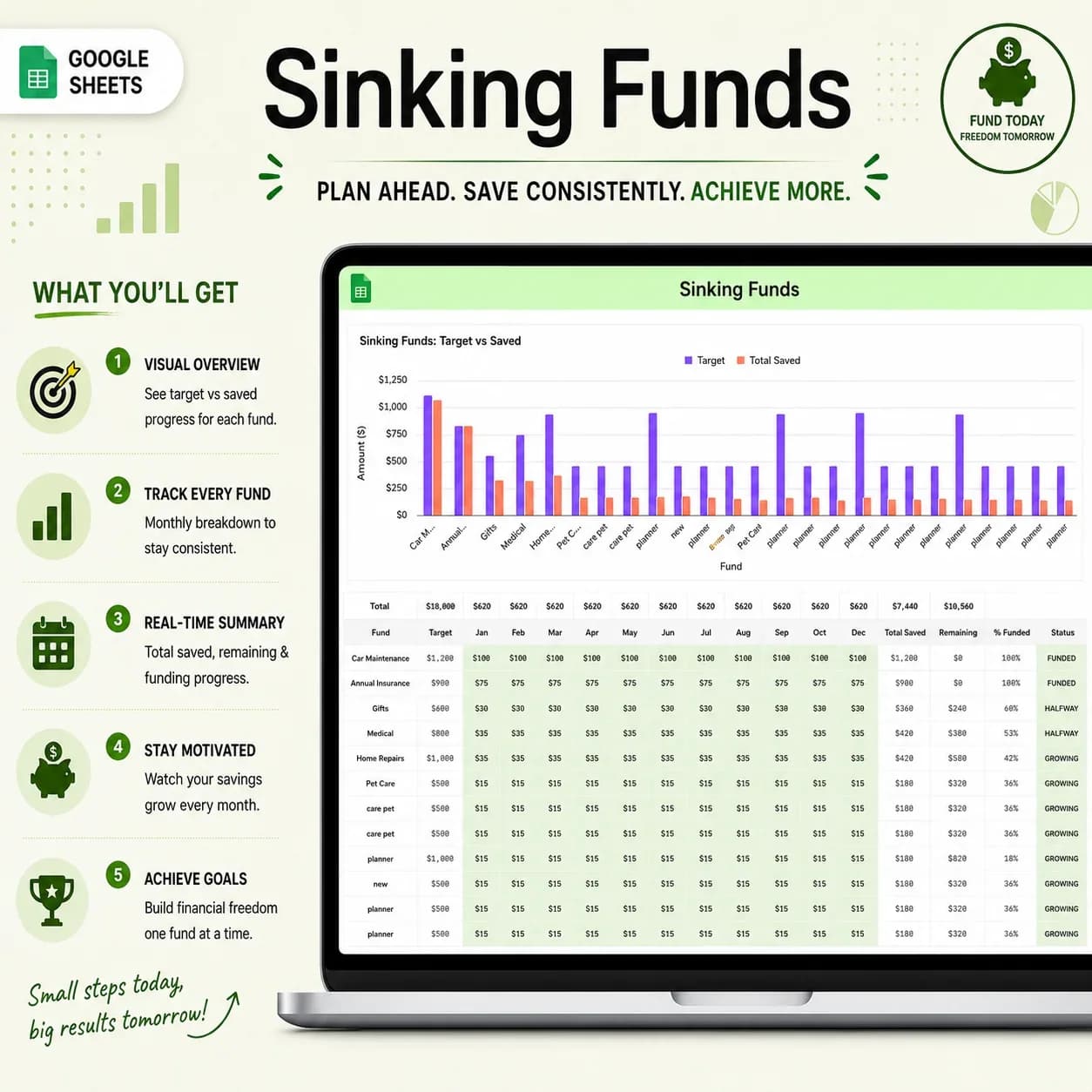
Sinking Funds
Set targets for planned expenses and record contributions.
Annual Summary
Review monthly income, spending, savings, debt payments and cash flow across the year.
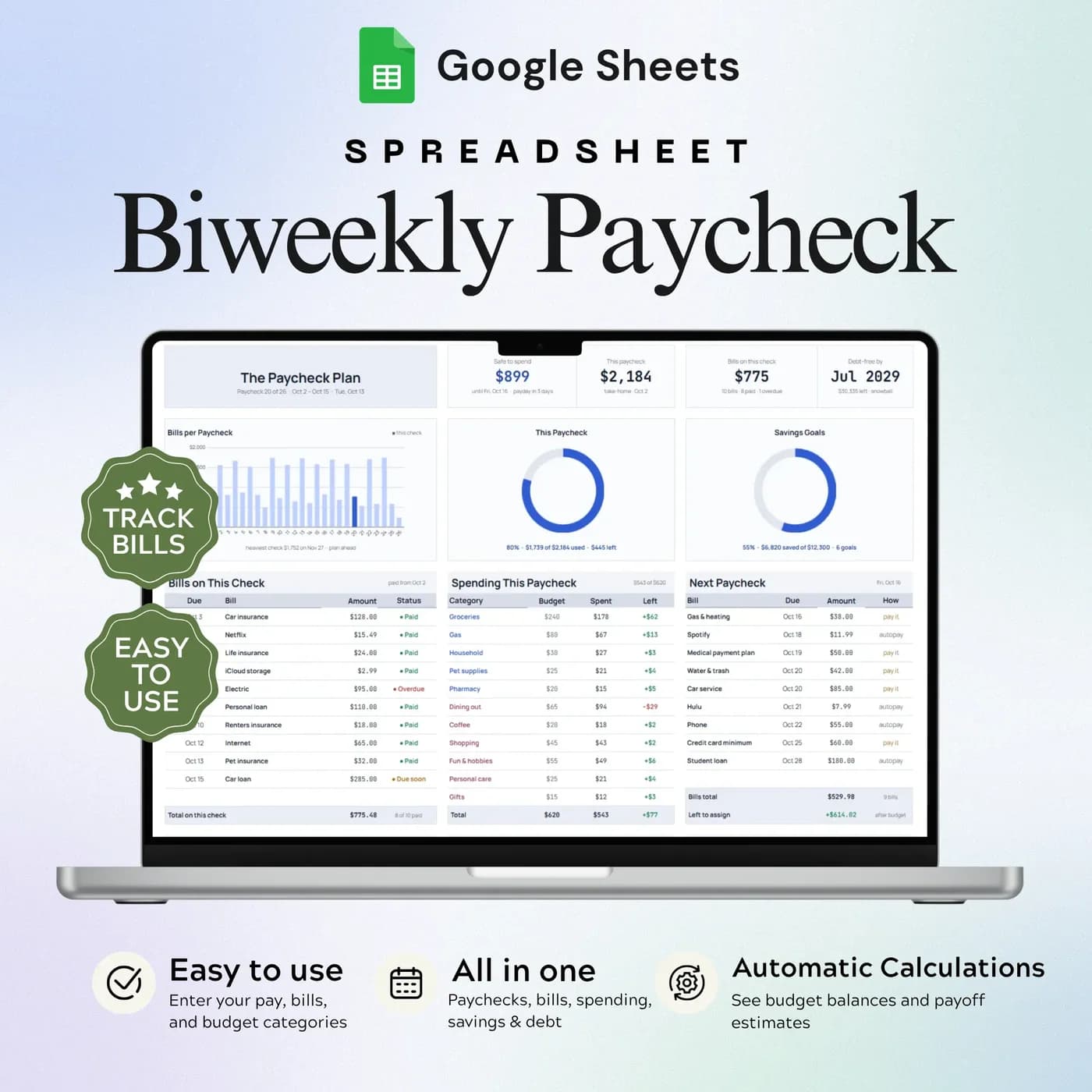
The same workbook is also available in a dark theme as the Annual Budget Tracker · Dark. If your income arrives every two weeks, the Biweekly Paycheck Budget plans around each paycheck instead.
How to build a monthly budget: a worked example
A monthly budget starts with one number, your take-home pay, and a rule for dividing it. The well-known 50/30/20 rule puts half on needs, 30% on wants and 20% on savings and debt. It is a starting point, and the category budgets in the Monthly Budget tab let you change the split.
- Needs$2,100
- Wants$1,260
- Savings and debt$840
| Budget line | Example |
|---|---|
| Monthly take-home pay | $4,200 |
| Needs (50%) | $2,100 |
| Wants (30%) | $1,260 |
| Savings and debt (20%) | $840 |
| Annual savings and debt payments ($840 × 12) | $10,080 |
Enter your own category amounts in the Monthly Budget tab and the workbook compares them with your actual spending each month. The annual figure shows why a small monthly percentage matters: 20% of this budget is over ten thousand dollars a year. The numbers are examples, not advice for your situation.
Set up your monthly budget template in an evening
Set it up once and the rest of the year is data entry.
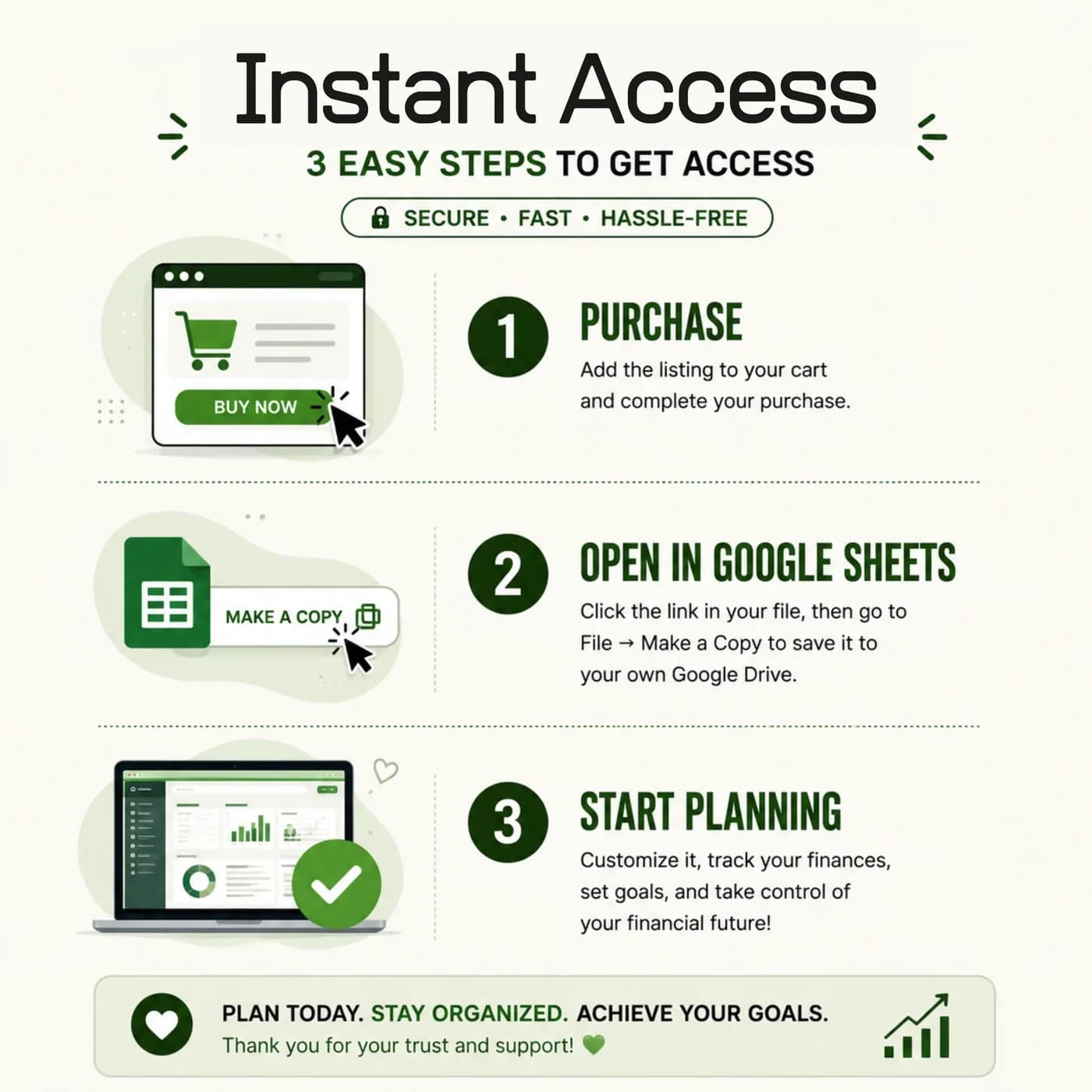
Buy and download
Pay at the secure checkout and the Annual Budget Tracker 2026 download link is available immediately.
Make your copy
Open the link and save an editable copy to your own Google Drive. The file you edit is yours alone.
Choose your settings
In Settings, pick the year and currency, then set your expense categories and income sources.
Plan the months
In the Monthly Budget tab, set a budget for each category.
Add recurring items
List your bills and subscriptions, your savings goals and any debts.
Record as you go
Log income and expenses in their tabs, then check the Dashboard to see how the month compares with the plan.
Set aside ten minutes each week to enter transactions. A short, regular habit beats a long monthly catch-up, and the dashboard stays useful because it is never far behind.
Monthly budget template vs blank sheet vs budgeting app
Three common ways to run a monthly budget, compared on what matters day to day.
| Feature | This template | A blank spreadsheet | A budgeting app |
|---|---|---|---|
| How you pay | One-time payment | Free, but you build it | Often a monthly or yearly plan |
| Debt, savings and sinking funds | Each has its own tab | Only if you build them | Varies by app |
| Yearly overview | An annual summary tab | Only if you build it | Varies by app |
| Customising categories | Edit them in Settings | Unlimited | Limited to what the app offers |
| Where your data lives | Your own Google Drive | Wherever you save it | On the provider’s servers |
An app can import transactions for you, and a template makes you enter them. Many people find that entering each one is what makes the numbers stick.
What you get and what you need
- Included
- A Google Sheets template with 10 connected tabs, from Settings to the Annual Summary.
- Format
- A link to a Google Sheets template. You do not receive a PDF, an Excel workbook or a printable.
- You need
- A Google account and a browser or the Google Sheets app. Your copy is saved in your Google Drive.
- Excel
- Made in Google Sheets. Excel can open a downloaded copy, though some dropdowns, formulas and charts may not convert correctly.
- Look
- This is the light theme. The same workbook is sold in a dark theme as the Annual Budget Tracker · Dark.
- Bank connection
- None. You enter income and spending yourself.
- Payment
- Pay once through Lemon Squeezy. Nothing recurs.
Frequently asked questions
What is a monthly budget template?
A monthly budget template is a spreadsheet that lays out your income and planned spending for each month and compares them with what actually happens. This one is built in Google Sheets and adds a yearly view, so each month sits inside a bigger picture.
What does the dashboard show?
The dashboard shows income, expenses, net saved, savings rate and debt remaining, with monthly cash flow and budget comparisons. It is built from the entries you make in the other tabs.
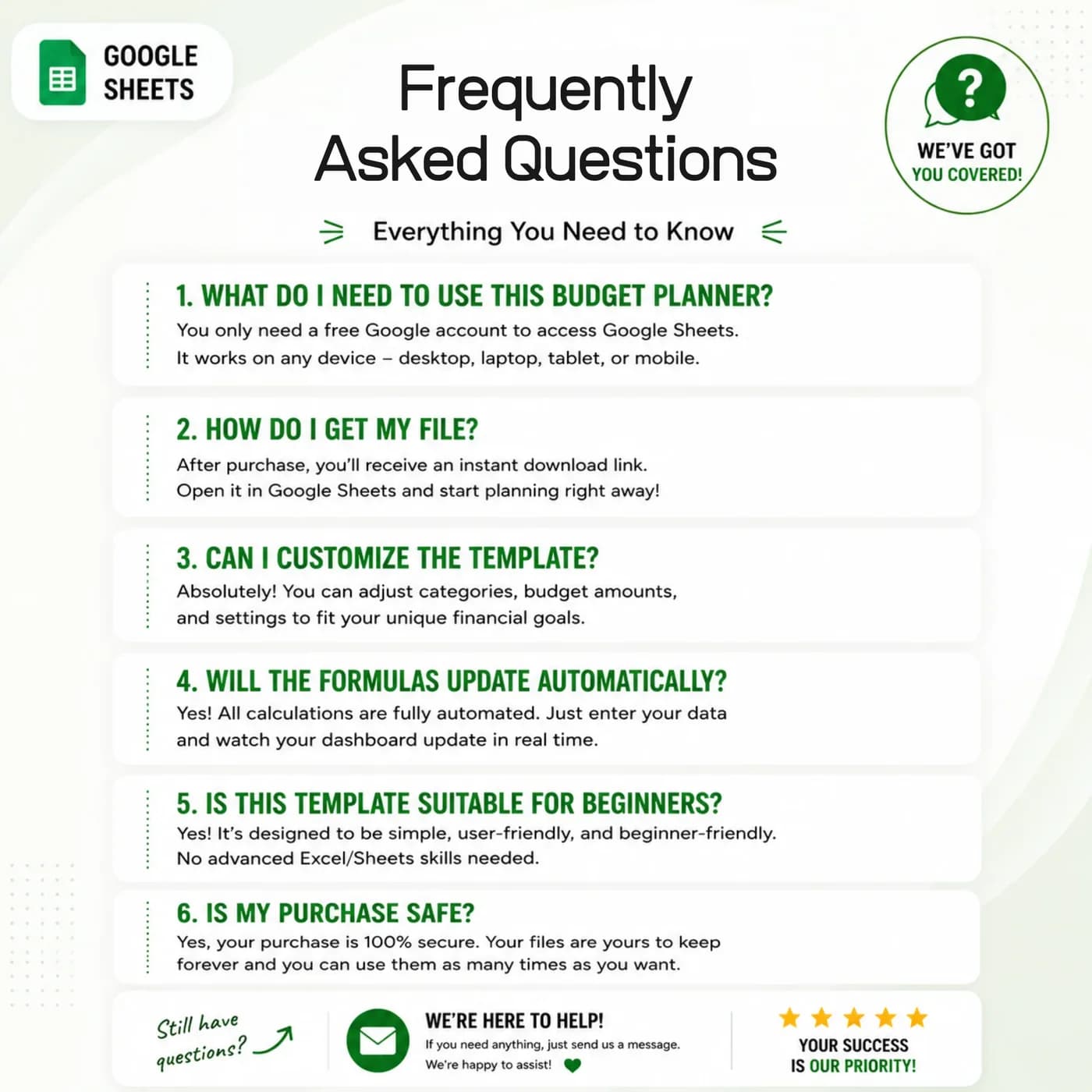
Does it connect to my bank?
No. This is a manual entry template. You record your income and spending in your own Google Sheets copy, which keeps your bank details out of the file.
Is it a household budget spreadsheet or a personal one?
Both. You set your own income sources and categories in Settings, so it works for one person or for a family sharing a household budget. You can share your copy with a partner from Google Drive.
Can I track debt and savings in it?
Yes. There are separate tabs for Savings Goals and Debt Payoff, plus Sinking Funds for planned expenses, and the Dashboard shows net saved, savings rate and debt remaining together.
Does it cover the whole year?
Yes. The Annual Summary reviews monthly income, spending, savings, debt payments and cash flow across the year, and the Monthly Budget tab holds the plan for each month.
What is the difference between this and the dark version?
They are the same workbook with the same ten tabs. This one has a light look and the other is the Annual Budget Tracker · Dark. Choose whichever you find easier to read.
Are the example figures in the budget template editable?
They are examples only. In your copy, overwrite them with your own entries; the calculated cells keep working as long as you do not replace their formulas.
Is the budget template an Excel file?
No. The budget template is a Google Sheets file that you open from a link. Downloading it as .xlsx is possible, yet some formulas, dropdowns and charts may not carry over to Excel, which is why Google Sheets is the recommended place to use it.
Is a Google account required for the budget template?
You need a free Google account. Open the link, choose to make a copy, and the workbook is saved in your Google Drive ready for your own details.
Is there a recurring fee for the budget template?
There is no recurring fee. The price is a single payment handled by Lemon Squeezy, and you keep the file afterwards.
See your whole year of money in one place
A monthly budget, yearly summary, debt, savings and bills in one Google Sheets file.
Last updated . Written by the DGClicks Store team.