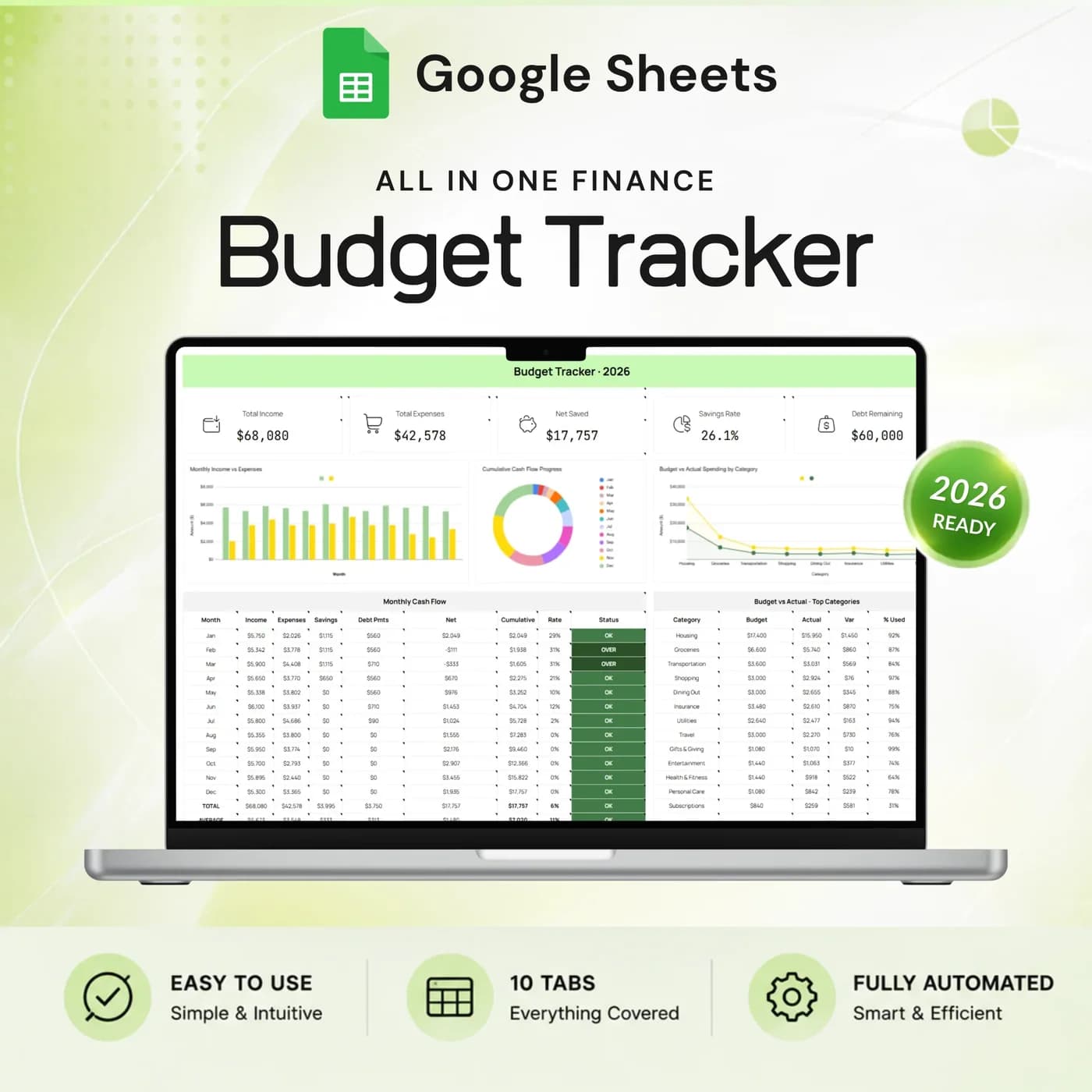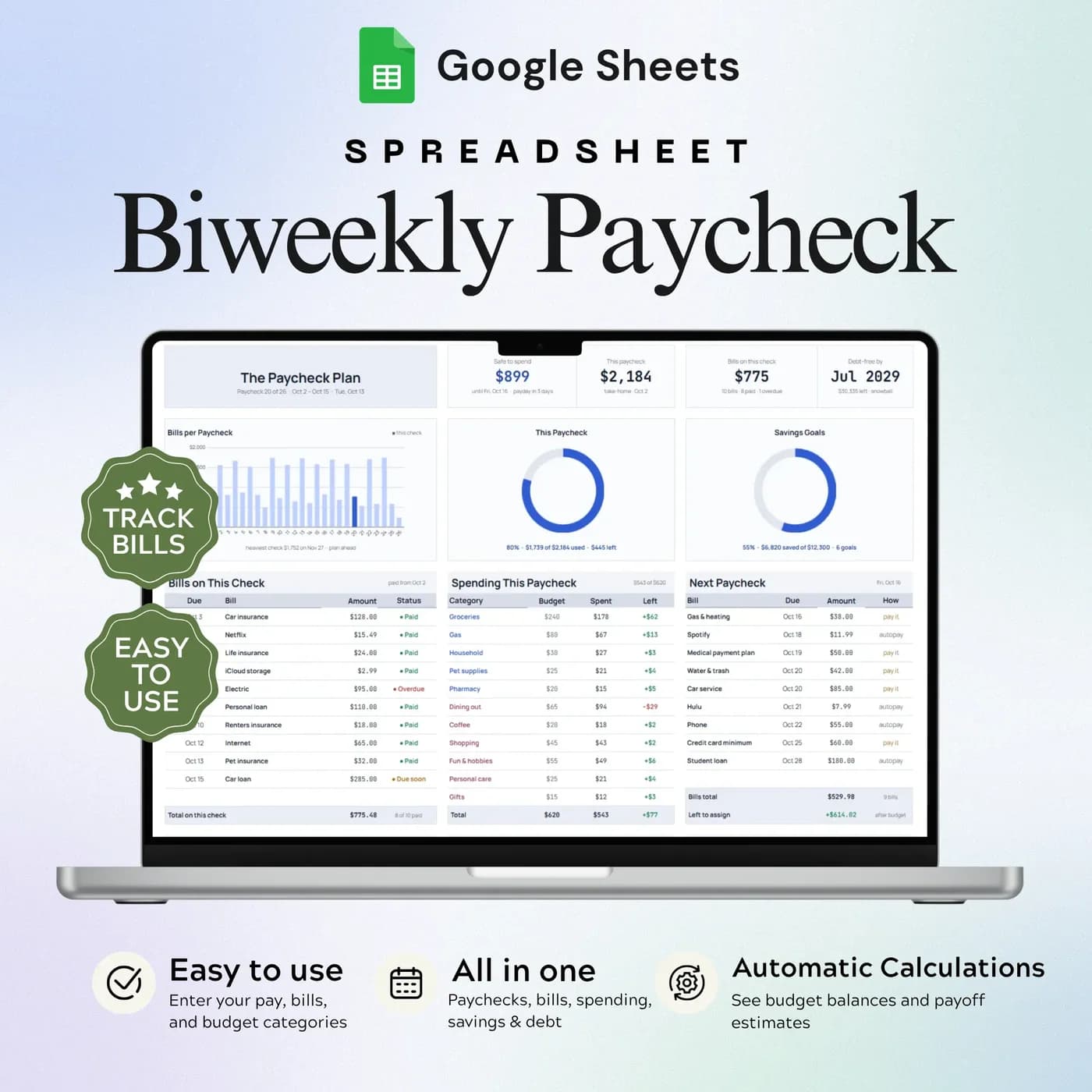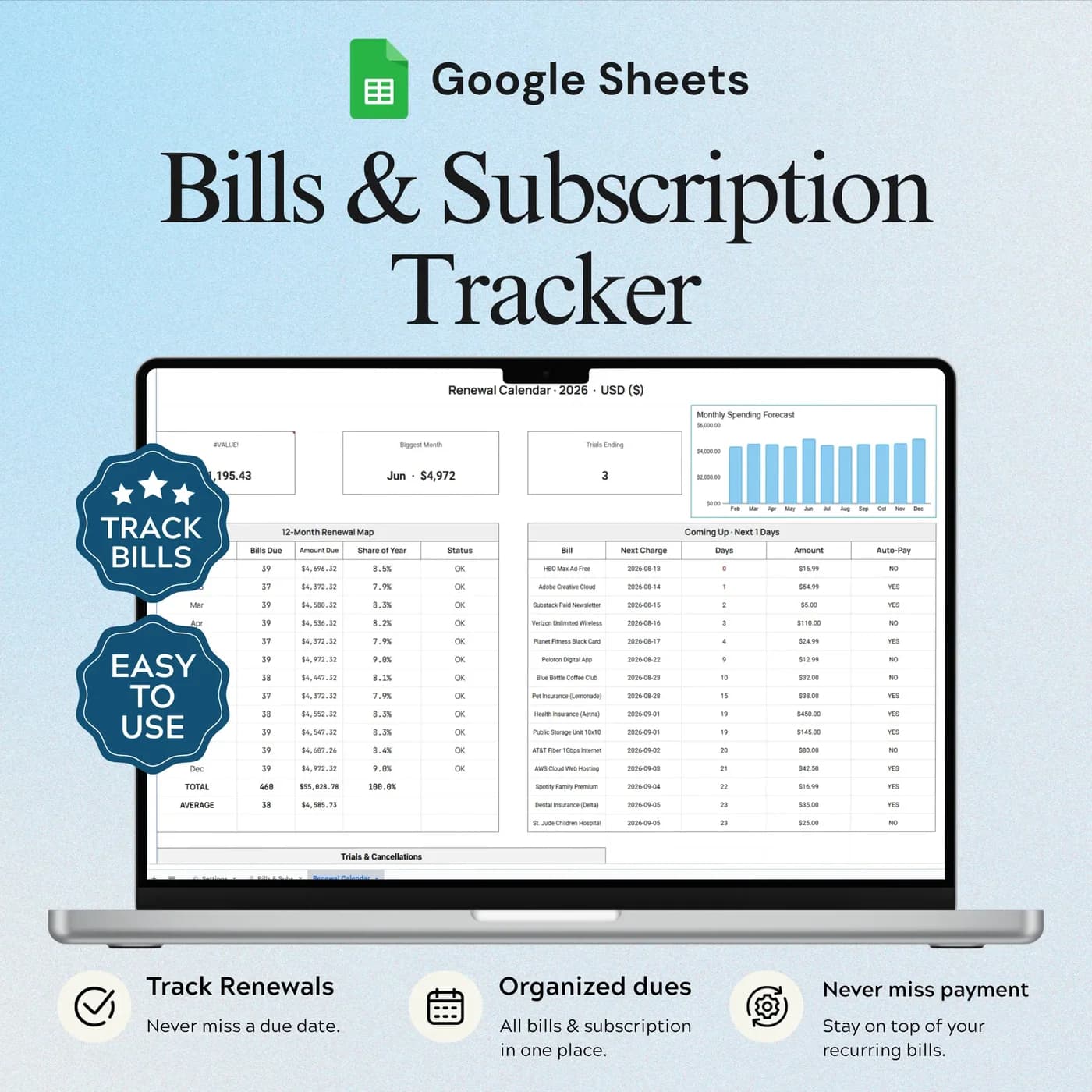


- 5 tabs
- Income, expenses and overview
- $10.49
- One payment, no subscription
- Google Sheets
- Editable copy in your own Drive
- Instant
- Download link arrives at checkout
What is the Income & Expense Tracker?
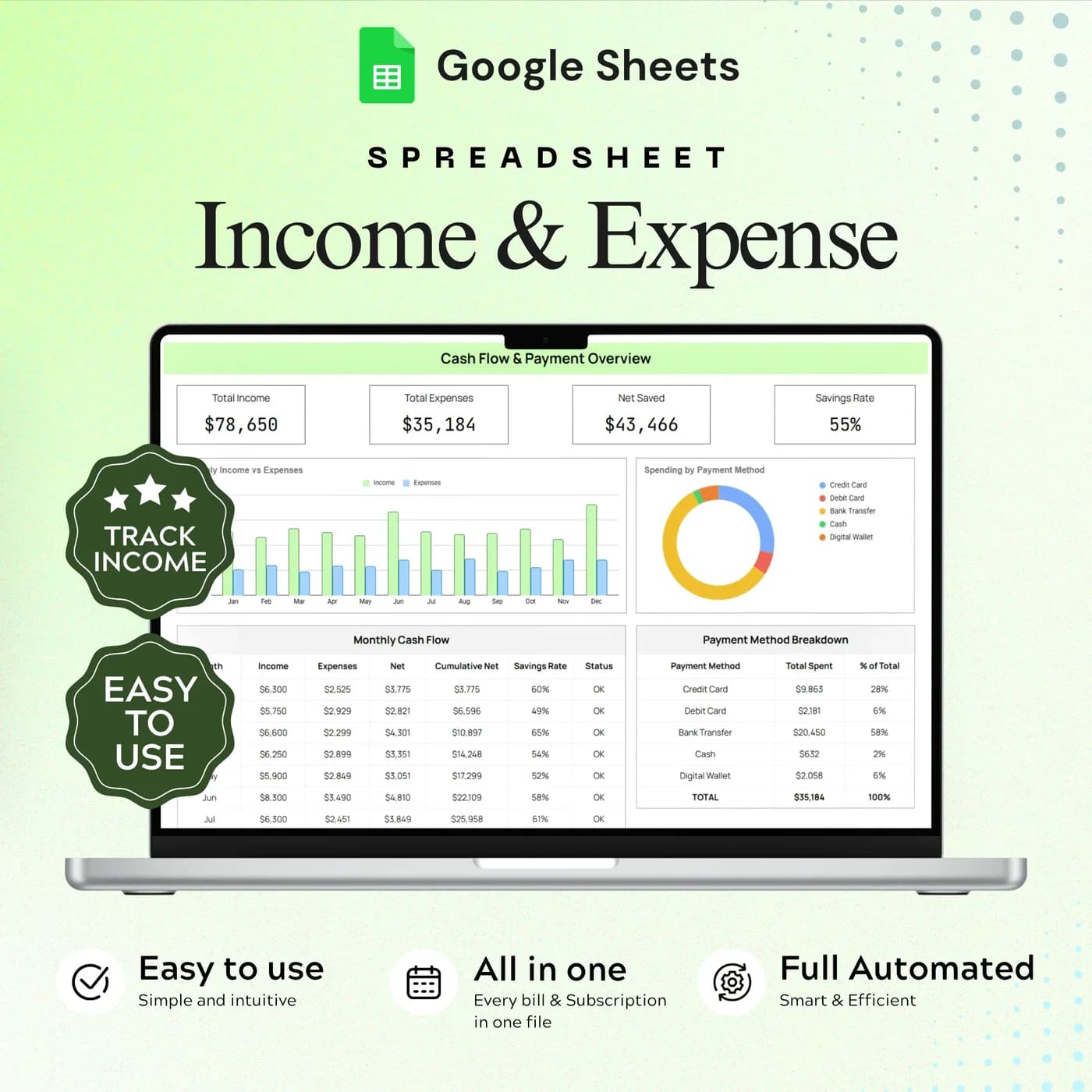
The Income & Expense Tracker is a Google Sheets expense tracker template that records both sides of your money. One tab holds your income by date and source, another holds your expenses with their categories and payment methods, and an overview tab brings them together: income, expenses, net saved and savings rate.
Tracking only spending tells you where money went. Tracking only income tells you what arrived. Put them together and you can answer the question that matters, which is how much you kept. This monthly income and expense template shows that figure as your savings rate, so a good month and a poor month are easy to tell apart.
It is deliberately focused. If you want debt, savings goals and sinking funds as well, the Annual Budget Tracker has dedicated tabs for them. If you want a clear, personal expense tracker that you will keep using, this smaller workbook is easier to stick with.
Who this expense tracking spreadsheet is for
It suits anyone who wants a clear record of everyday money without a complex budget.
Made for
- Households keeping a spending log
- People with more than one income source
- Anyone reviewing cash flow by month and by category
- Freelancers and side-hustlers who want to see income and costs together
- People who want to know their savings rate
Where it stops
It is not a complete annual budget workbook. It focuses on income, expenses and their overview, and dedicated debt, sinking fund and savings goal tabs belong to the Annual Budget Tracker. It does not connect to your bank, so you enter transactions yourself.
What is inside: 5 tabs for income and expenses
A small workbook built around one daily habit: record it, then review it.
Start Here
Your setup and daily tracking workflow, so you can begin logging straight away.
Income
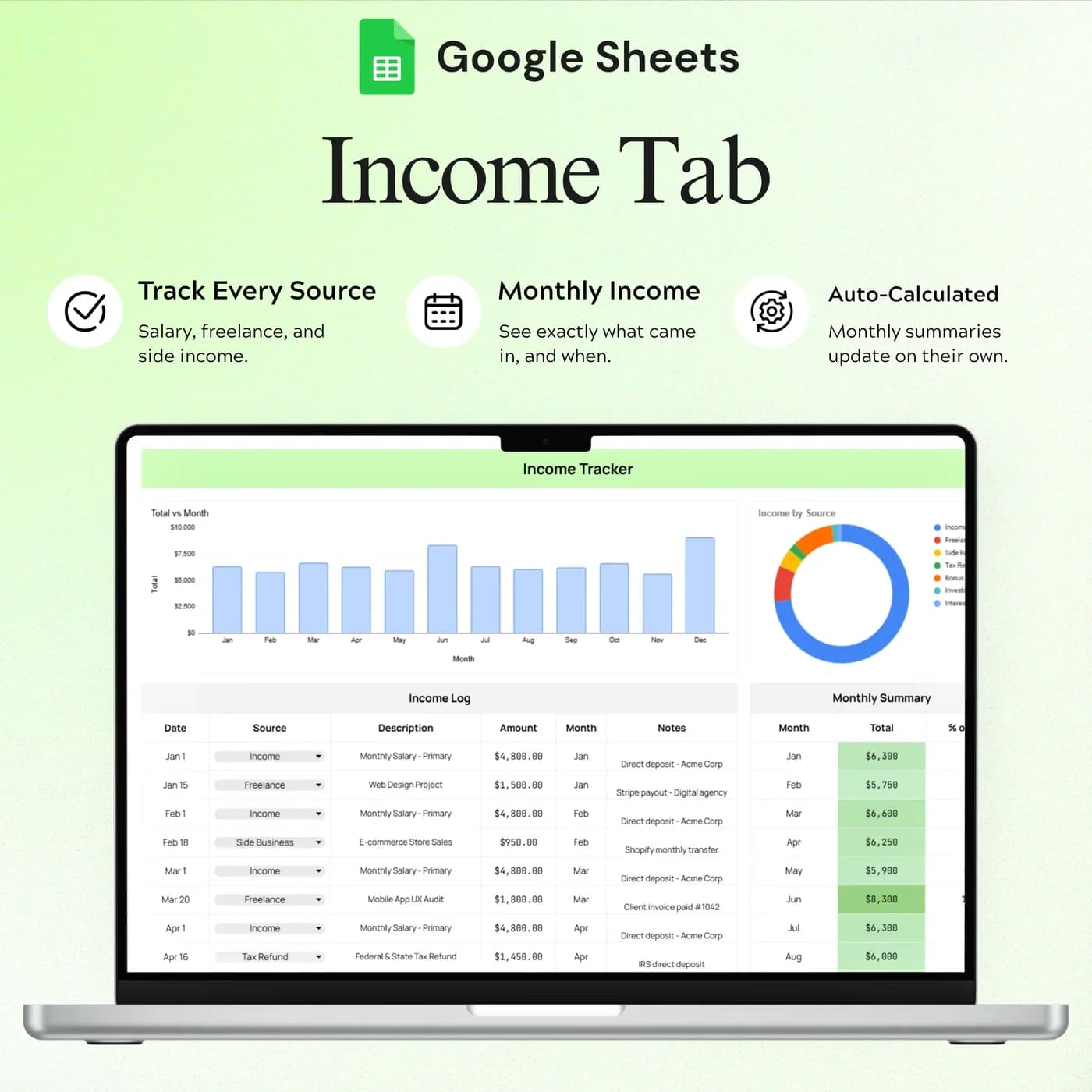
Income entries by date and source, with source summaries.
Expenses
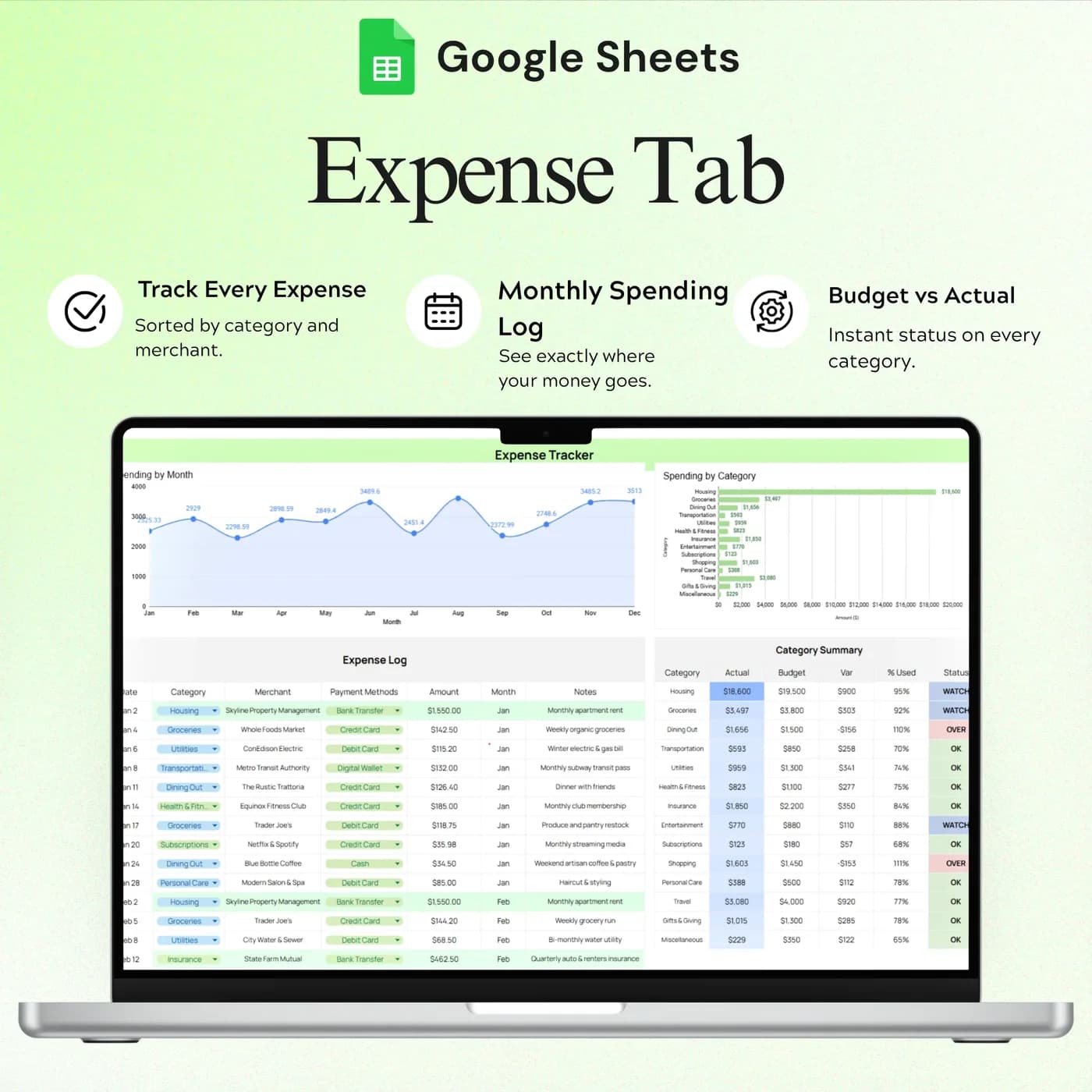
Expense entries with categories and payment methods, plus category summaries and budget targets.
Overview
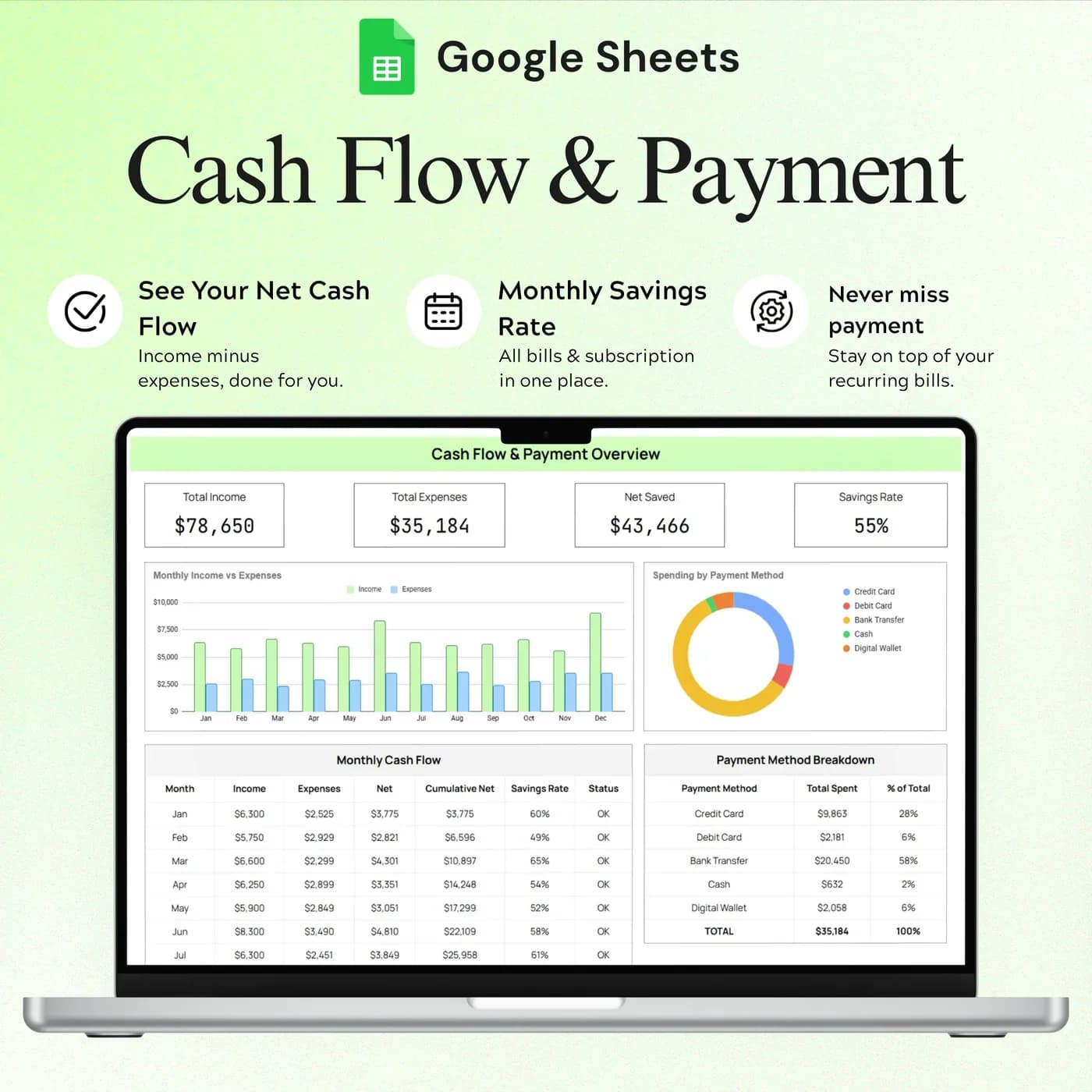
Cash flow, the payment method breakdown and your savings rate, drawn from the other tabs.
Settings
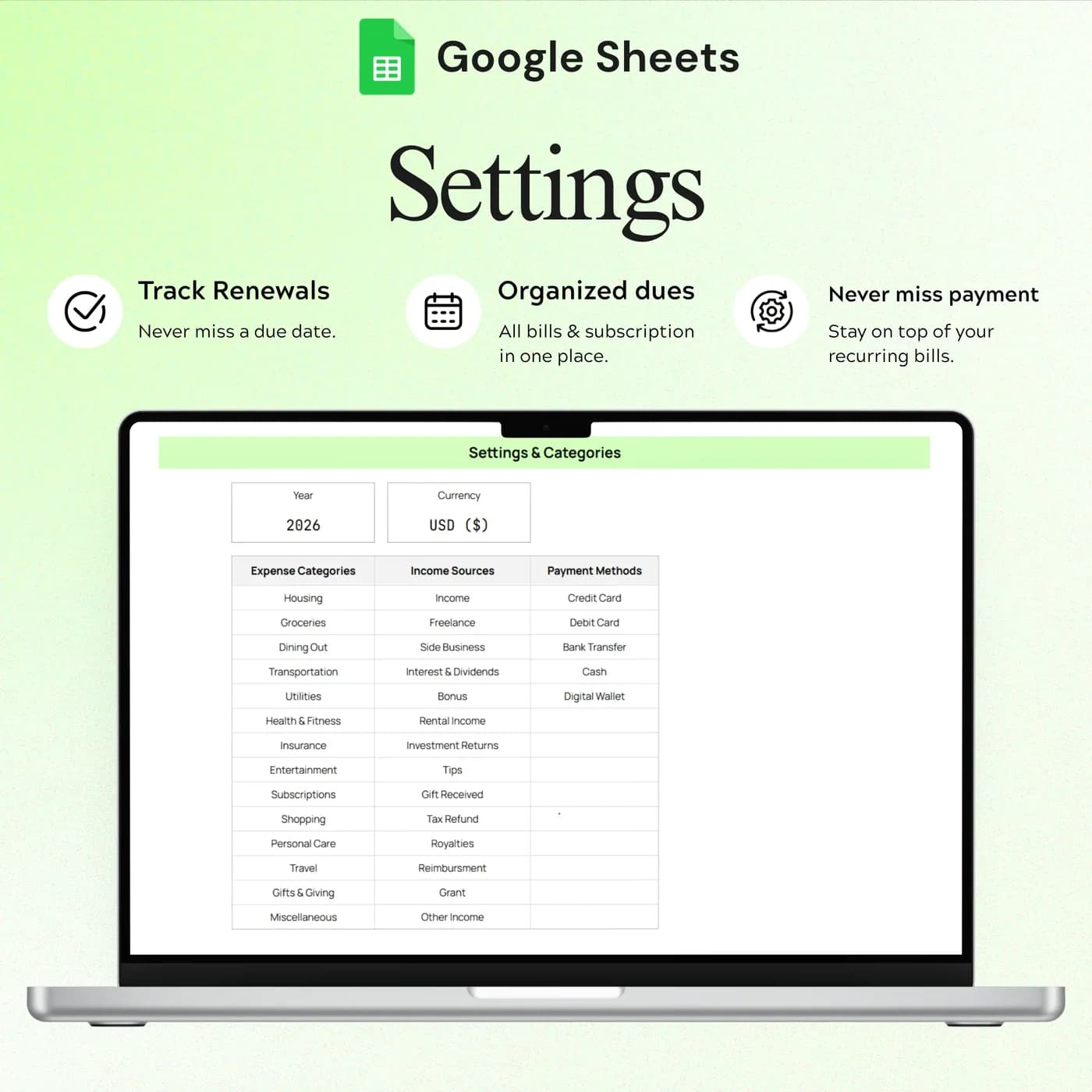
The year, currency, expense categories, income sources and payment methods.
For a fuller picture with debt, savings goals and sinking funds, see the Annual Budget Tracker 2026. To keep recurring payments under control, the Bills & Subscription Tracker adds a renewal calendar.
How to calculate your savings rate: a worked example
Your savings rate is the share of income you keep: net saved divided by income. It is a more honest measure of a month than the size of your paycheck. This example uses one month of example figures.
- Spent$3,250
- Saved$750
| Line | Example |
|---|---|
| Salary | $3,600 |
| Freelance income | $400 |
| Total income | $4,000 |
| Total expenses | $3,250 |
| Net saved ($4,000 – $3,250) | $750 |
| Savings rate ($750 ÷ $4,000) | 18.8% |
The Overview tab shows net saved and savings rate for you once the Income and Expenses tabs are filled in, along with cash flow and a breakdown by payment method. Watching the rate over several months shows whether a change in habits is working. The figures above are examples.
Start tracking income and expenses in 15 minutes
The setup is short. The habit is what makes the tracker useful.
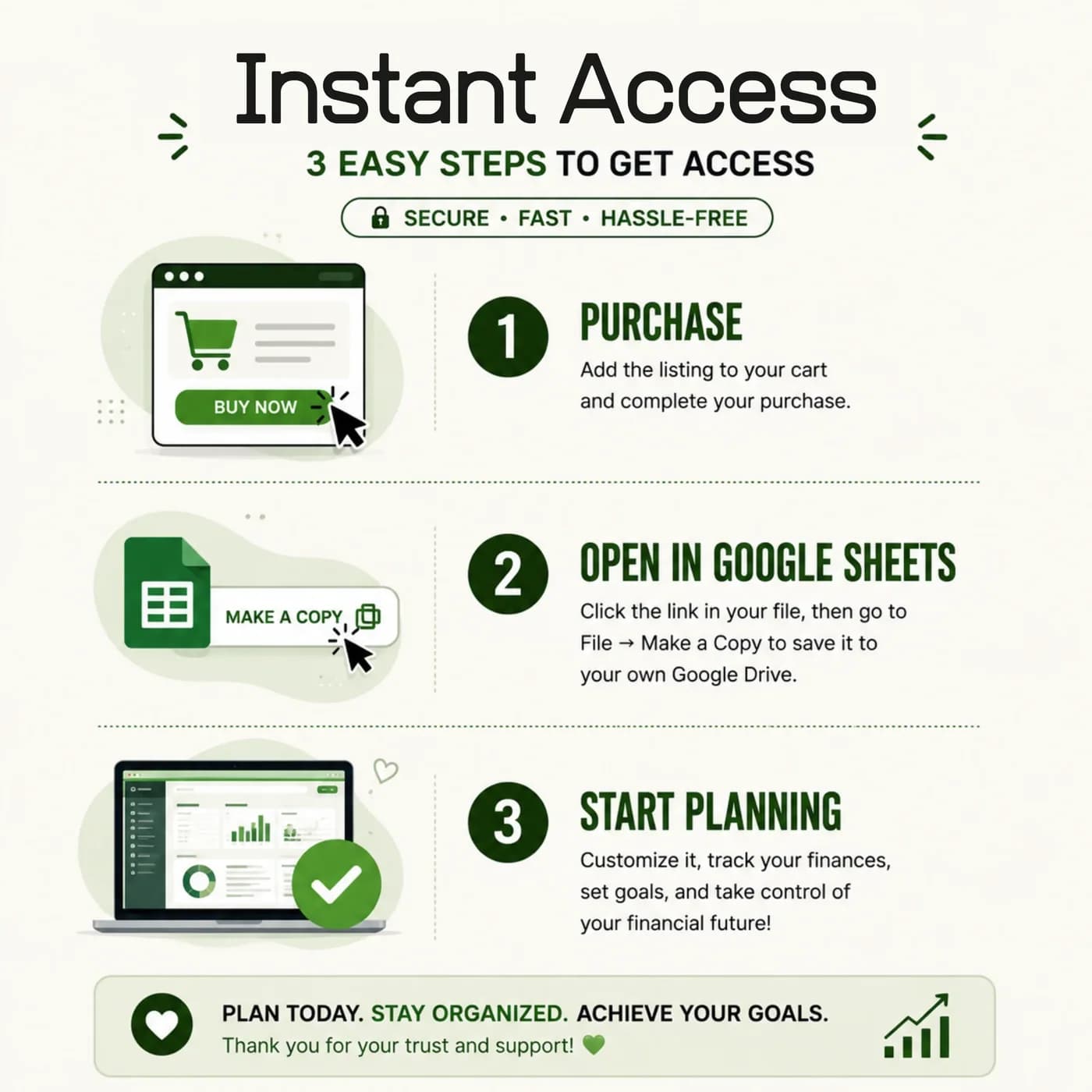
Buy and download
Complete checkout and your download link for the Income & Expense Tracker arrives straight away.
Make your copy
Copy the template into your Google Drive from the link. Work in your own copy and leave the original untouched.
Read Start Here
It explains the daily workflow and the cells you fill in.
Set your categories
In Settings, choose the year and currency, and set your expense categories, income sources and payment methods.
Log your income
Add each income entry with its date and source in the Income tab.
Log your spending
Add each expense with its category and payment method in the Expenses tab.
Check the overview
Open Overview to see cash flow, the payment method breakdown and your savings rate.
Enter transactions at the same time each day or week. Five minutes on a regular schedule beats an hour of catching up, and your monthly numbers will be ready when you need them.
Expense tracker spreadsheet vs app vs bank statements
Three ways to see where money goes, compared on what matters day to day.
| Feature | This template | An expense tracker app | Bank statements |
|---|---|---|---|
| How you pay | One-time payment | Often a monthly or yearly plan | Free |
| Income and expenses together | Yes, with a savings rate | Varies by app | Separate lines in a list |
| Your own categories | Set in Settings | Limited to what the app offers | Set by the bank |
| Payment method breakdown | In the Overview | Varies by app | Not summarised |
| Where your data lives | Your own Google Drive | On the provider’s servers | Your bank |
Bank statements show everything and explain nothing. A tracker with your own categories turns the same transactions into answers.
What you get and what you need
- Included
- A Google Sheets template with 5 tabs: Start Here, Income, Expenses, Overview and Settings.
- Format
- A link to a Google Sheets template. You do not receive a PDF, an Excel workbook or a printable.
- You need
- A Google account and a browser or the Google Sheets app. Your copy is saved in your Google Drive.
- Excel
- Google Sheets is the supported home. An .xlsx export is possible, with the risk that formulas, charts or dropdowns change.
- Scope
- Income, expenses and an overview. Debt, sinking funds and savings goals are in the Annual Budget Tracker.
- Payment
- A single payment at the Lemon Squeezy checkout, with no subscription or renewal.
Frequently asked questions
What is an income and expense tracker?
An income and expense tracker is a spreadsheet where you record money coming in and money going out, then review the difference. This one runs in Google Sheets and adds categories, payment methods and a savings rate on an overview tab.
Is this a complete annual budget workbook?
No. It focuses on income, expenses and their overview. Dedicated debt, sinking fund and savings goal tabs belong to the Annual Budget Tracker.
Can I use my own categories?
Yes. The Settings tab contains expense categories, income sources and payment methods, and you can change them to match how you think about your money.
Can I track more than one income source?
Yes. The Income tab records entries by date and source and shows totals by source, so a salary and a side income appear separately.
What does the overview show?
The Overview tab shows cash flow, a payment method breakdown and your savings rate, built from your income and expense entries.
Does it work as a monthly expense tracker?
Yes. Log expenses with their dates and review the totals by month and by category. The expense summary also shows budget targets, so you can compare spending with a plan.
Does it connect to my bank?
No. You enter transactions yourself. That keeps your bank details out of the file and makes you look at each category.
Can I change the example data in the expense tracker?
Yes. The previews show example entries. Replace them with your own details in your copy and keep the formula cells intact.
Can I use this expense tracker template in Excel?
The expense tracker is made for Google Sheets, so you receive a link and not an .xlsx file. If you download a copy for Excel, parts such as dropdowns, charts or formulas may not convert cleanly, so keep working in Google Sheets for the best result.
Do I need a Google account to use the expense tracker?
Yes. A free Google account and Google Sheets are all you need. Open the download link, make your own editable copy in Google Drive and enter your details there.
Is the expense tracker a subscription?
No. It is a one-time payment through Lemon Squeezy with no monthly fee. You pay once and keep your own copy.
See what came in and where it went
An income log, an expense log and a clear overview in one Google Sheets file.
Last updated . Written by the DGClicks Store team.