
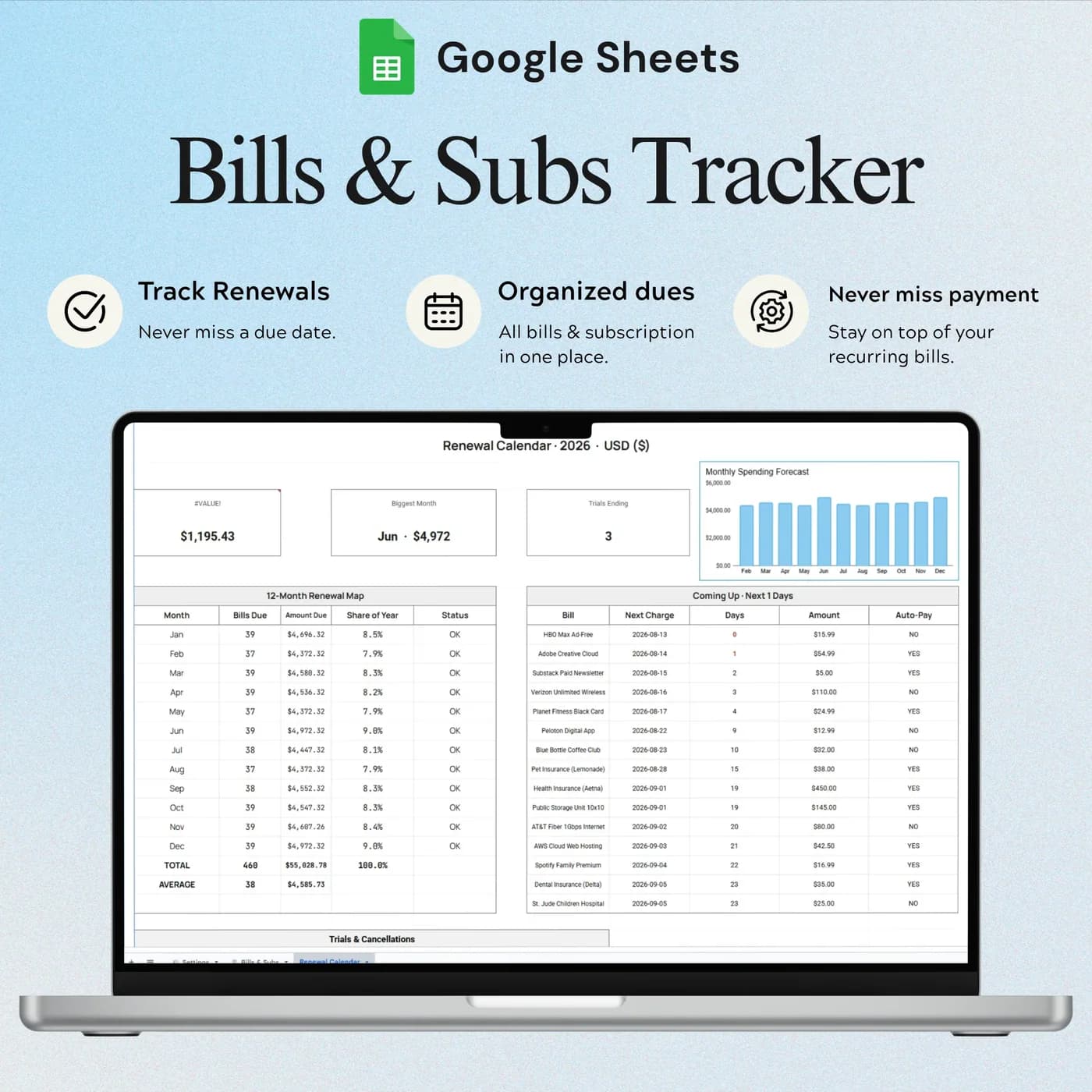

- 3 tabs
- Settings, bills and renewal calendar
- $10.49
- One payment, no subscription
- Google Sheets
- Editable copy in your own Drive
- Instant
- Download link arrives at checkout
What is the Bills & Subscription Tracker?
The Bills & Subscription Tracker is a monthly bill tracker spreadsheet that also works as a subscription tracker. You list every recurring payment, from rent and utilities to streaming and software, with its amount, category, how often it is paid and whether it is on autopay. The workbook totals the cost by month and by year, and a renewal calendar shows what is coming.
Recurring costs are easy to lose track of precisely because they are automatic. A free trial turns into a paid plan, an annual fee lands in a month you did not plan for, and a service you stopped using keeps billing. Putting everything in one household bills spreadsheet makes the total visible, and a total you can see is a total you can question.
This template tracks and reminds; it does not pay or cancel anything for you. That is deliberate. You stay in control of each account, and the sheet gives you the overview that most banking apps do not.
Who this bill tracker spreadsheet is for
It suits anyone with more recurring payments than they can comfortably hold in their head.
Made for
- Households with regular monthly bills
- People reviewing streaming, app and software subscriptions
- Anyone keeping track of free trials and annual payments
- People who want to see the yearly cost of what they pay monthly
- Anyone preparing to cut costs who needs a full list first
Where it stops
It will not pay a bill or cancel a subscription for you, and it does not read your bank account. You enter the details, and the template summarises them. Manage or cancel each subscription with its own provider.
What is inside: 3 tabs for bills and subscriptions
A compact workbook, so it stays quick to maintain.
Settings
The year, currency, categories and the alert window, so the template shows renewals far enough ahead to act on.
Bills & Subscriptions
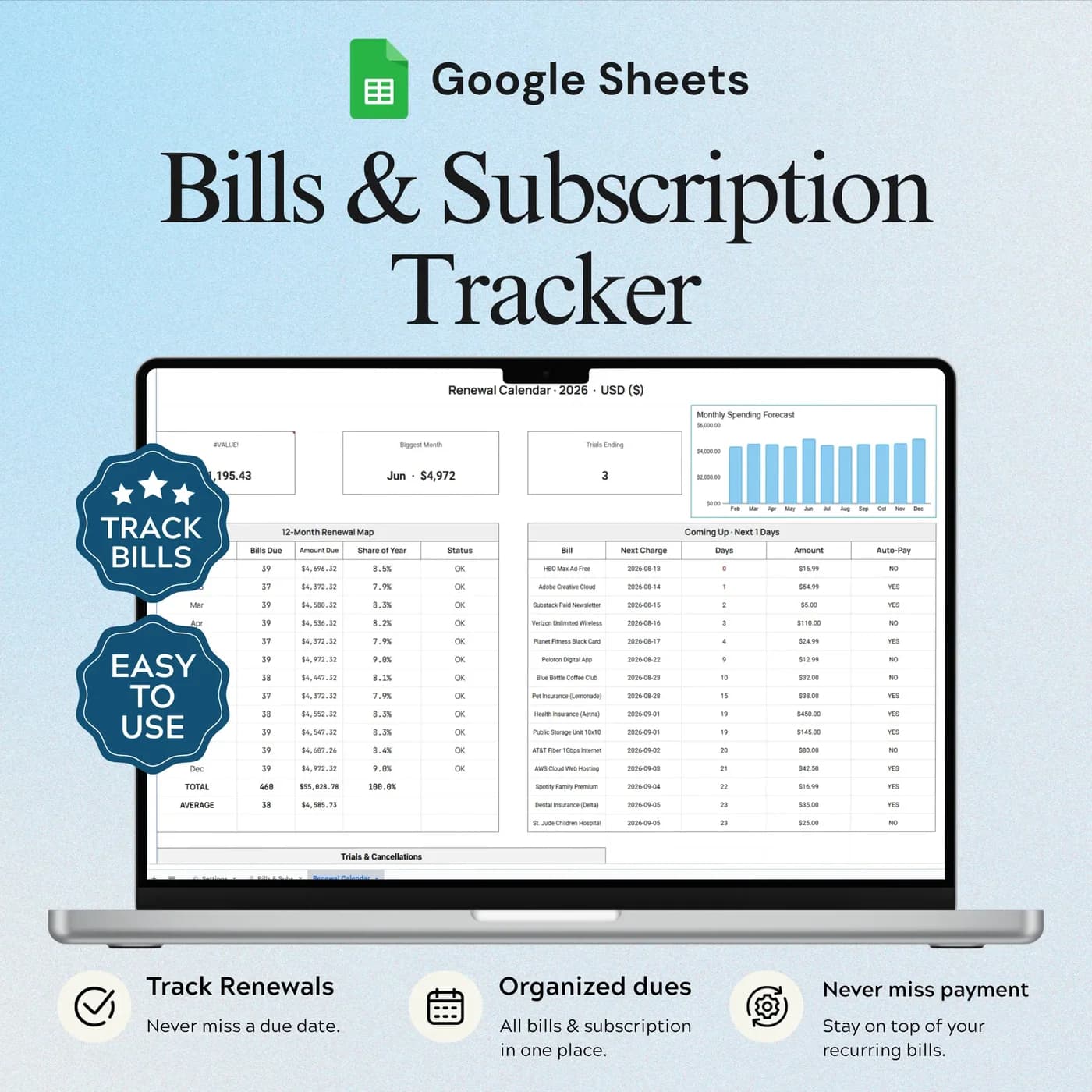
Recurring payment entries with amounts, categories, payment frequency and autopay details, plus cost summaries. This is the bill payment tracker at the centre of the workbook.
Renewal Calendar
Upcoming renewal and trial end dates, together on one calendar, so a free trial never quietly becomes a paid plan.
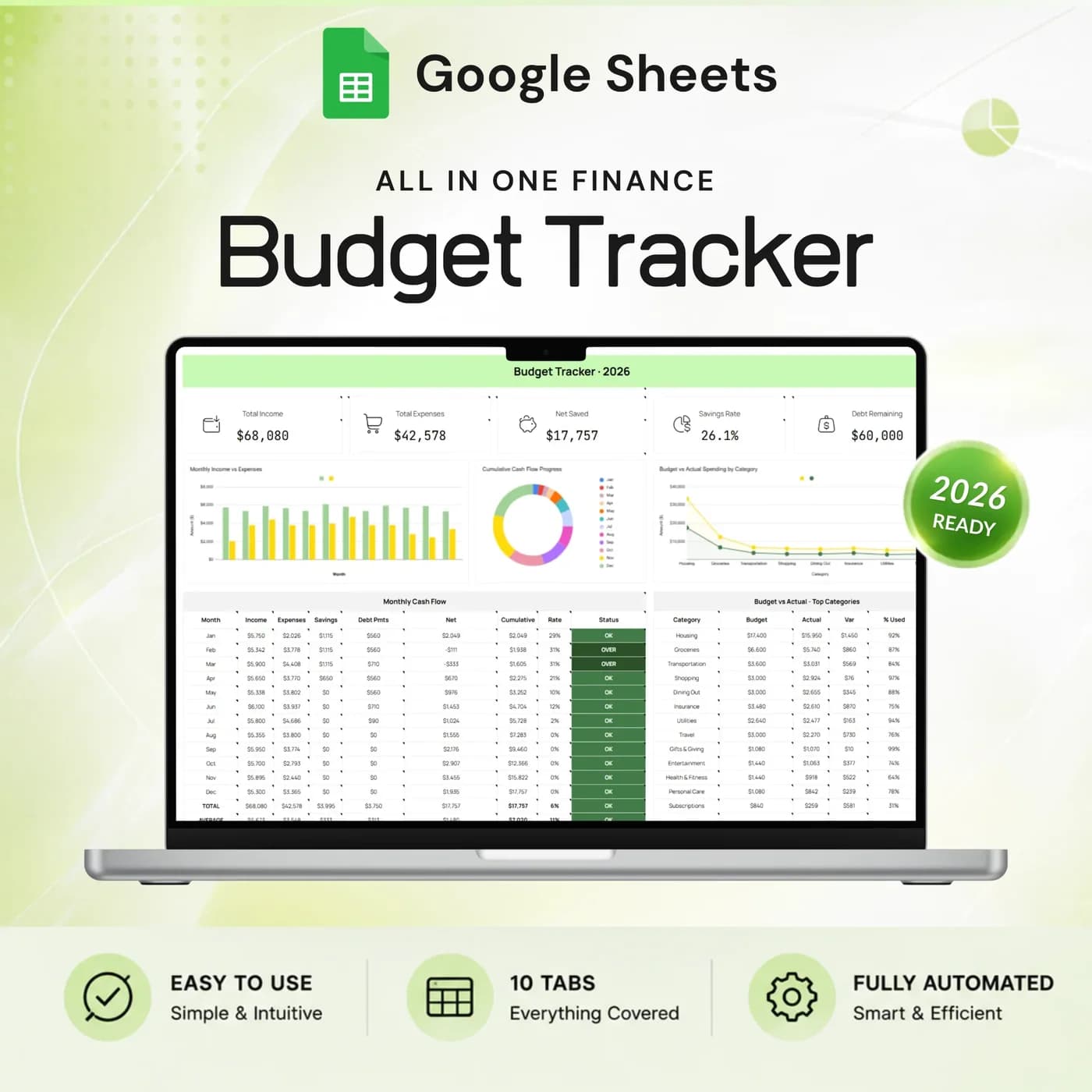
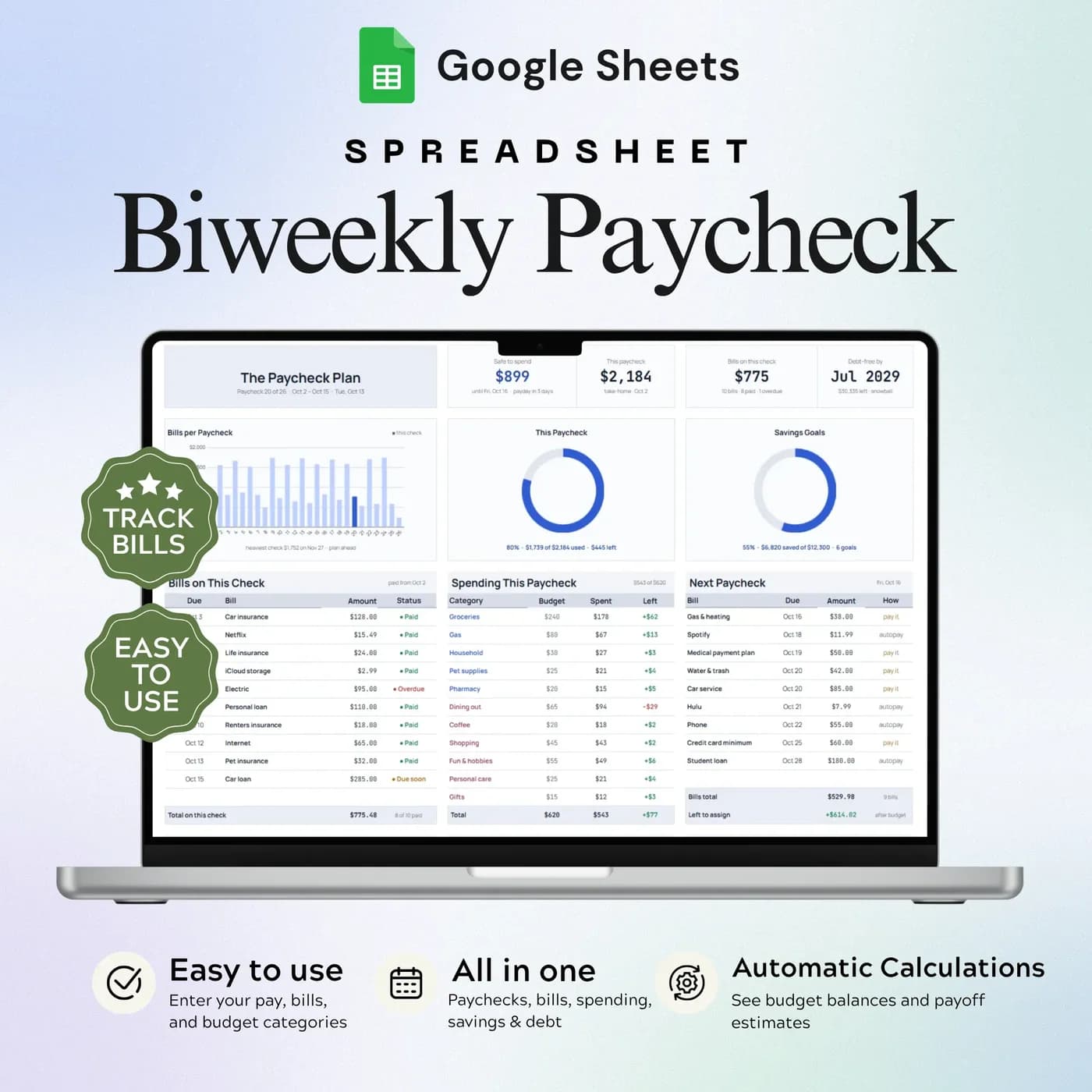
To plan your whole budget around your bills, see the Annual Budget Tracker 2026, which includes a Bills & Subscriptions tab among its ten. If you are paid every two weeks, the Biweekly Paycheck Budget matches bills to paychecks.
What your subscriptions really cost: a worked example
The quickest way to see the scale of recurring payments is to convert everything to the same unit. Multiply a monthly cost by 12 for the yearly figure, and divide an annual fee by 12 for the monthly one. Here are four example subscriptions.
| Subscription and how it is billed | Monthly, annual |
|---|---|
| Streaming, billed monthly | $15.99, $191.88 |
| Cloud storage, billed monthly | $2.99, $35.88 |
| Design software, billed yearly | $8.25, $99.00 |
| Gym membership, billed monthly | $30.00, $360.00 |
| Total | $57.23, $686.76 |
Seeing $686.76 a year can feel different from four small monthly charges. The Bills & Subscriptions tab summarises monthly and annual recurring costs from the entries you make, which helps you judge whether each one still earns its place. The figures above are examples.
Set up your bill tracker in about 30 minutes
The list is the work. Once it is entered, the totals and the calendar build themselves.
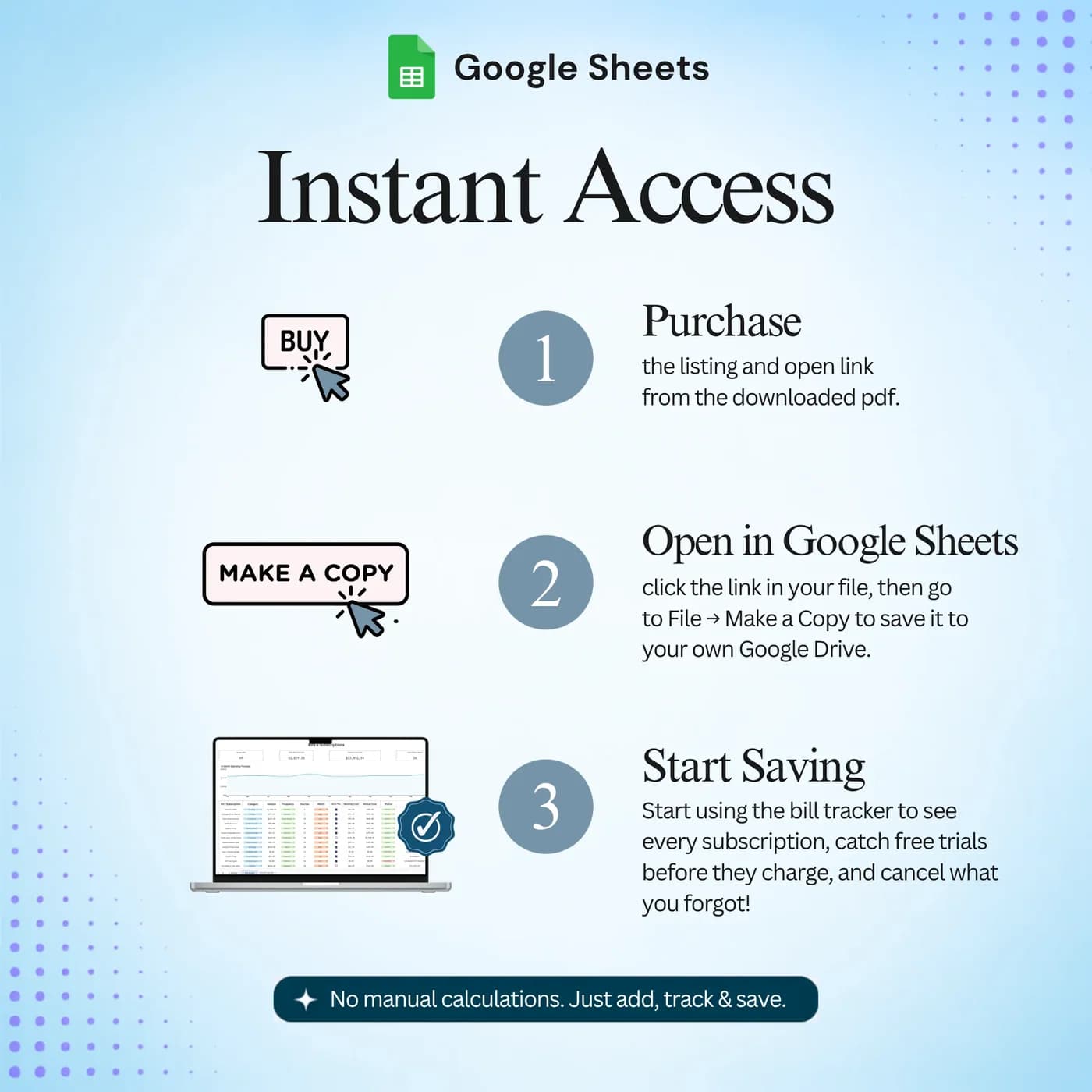
Buy and download
Complete checkout and your download link for the Bills & Subscription Tracker arrives straight away.
Make your copy
Choose to make a copy when the link opens. The new file lives in your Google Drive and is the one you fill in.
Choose your settings
In Settings, set the year, currency, categories and the alert window for upcoming renewals.
List what you pay
In Bills & Subscriptions, add each recurring payment with its amount, frequency and category.
Add the dates
Enter renewal and trial end dates so they appear in the Renewal Calendar.
Review monthly
Check the summary of monthly and annual cost, and question anything you no longer use.
A good time to review is the day after a payday, when bills are fresh in your mind. Cancel unused subscriptions with their providers, then update the list so the totals stay true.
Bill tracker template vs subscription app vs notes
Three common ways to keep track of recurring payments, compared on what matters.
| Feature | This template | A subscription tracking app | Notes or memory |
|---|---|---|---|
| How you pay | One-time payment | Often free with ads or a paid plan | Free |
| Bills as well as subscriptions | Both in one list | Mostly subscriptions | Whatever you remember |
| Renewals and trials | A dedicated calendar | Usually built in | Easy to miss |
| Monthly and annual totals | Summarised for you | Usually built in | Calculated by hand |
| Where your data lives | Your own Google Drive | On the provider’s servers | Wherever you wrote it |
Apps often read your bank to find subscriptions, and a template never does. If you prefer not to share account access, a manual list keeps you in control.
What you get and what you need
- Included
- A Google Sheets template with 3 tabs: Settings, Bills & Subscriptions and Renewal Calendar.
- Format
- A link to a Google Sheets template. You do not receive a PDF, an Excel workbook or a printable.
- You need
- A free Google account, to open the link and save your own editable copy.
- Excel
- Built for Google Sheets. A Google Sheet can be downloaded as .xlsx, but some formulas, dropdowns and charts may not carry over.
- Scope
- Tracking and reminders only. It does not pay bills or cancel subscriptions.
- Payment
- One-time payment through Lemon Squeezy. There is no subscription.
Frequently asked questions
What is a bill tracker template?
A bill tracker template is a spreadsheet that lists your recurring payments with their amounts, due dates and frequency so you can see what you owe and when. This one runs in Google Sheets, also tracks subscriptions, and shows monthly and annual totals.
Is this a subscription tracker as well?
Yes. Streaming, software and membership subscriptions go into the same list as your bills, and the Renewal Calendar shows renewal and trial end dates together. It is a subscription tracker for Google Sheets.
Will it cancel a subscription for me?
No. It is a tracking template. Manage or cancel the subscription directly with its provider, then update your list.
Are costs entered automatically?
No. You enter your bill and subscription details, and the template summarises those entries, including monthly and annual recurring costs.
Can it track free trials?
Yes. The Renewal Calendar shows upcoming renewal dates and trial end dates together, and the alert window in Settings controls how far ahead you see them.
Can I use it as a monthly bills spreadsheet for a household?
Yes. List rent, utilities, insurance and other regular bills alongside subscriptions, and set your own categories in Settings. Share your copy with the people you live with through Google Drive if you wish.
Does it track autopay?
The list includes autopay details for each recurring payment, so you can see which bills pay themselves and which need your attention.
Can I change the example data in the bill tracker?
Yes. The previews show example entries. Replace them with your own details in your copy and keep the formula cells intact.
Can I open the bill tracker in Excel?
It is built for Google Sheets and delivered as a link, not as an Excel file. A Google Sheet can be downloaded as .xlsx, but formulas, dropdowns and charts may not all behave the same way in Excel, so the bill tracker works best in Google Sheets.
Do I need a Google account to use the bill tracker?
Yes. A free Google account and Google Sheets are all you need. Open the download link, make your own editable copy in Google Drive and enter your details there.
Is the bill tracker a subscription?
No. It is a one-time payment through Lemon Squeezy with no monthly fee. You pay once and keep your own copy.
Keep recurring costs from slipping past you
Every bill and subscription, with monthly and annual totals and a renewal calendar.
Last updated . Written by the DGClicks Store team.