





- 10 tabs
- Budget, tracker and yearly summary
- $10.49
- One payment, no subscription
- Dark theme
- Easier on the eyes in low light
- Instant
- Download link arrives at checkout
What is the Annual Budget Tracker · Dark?
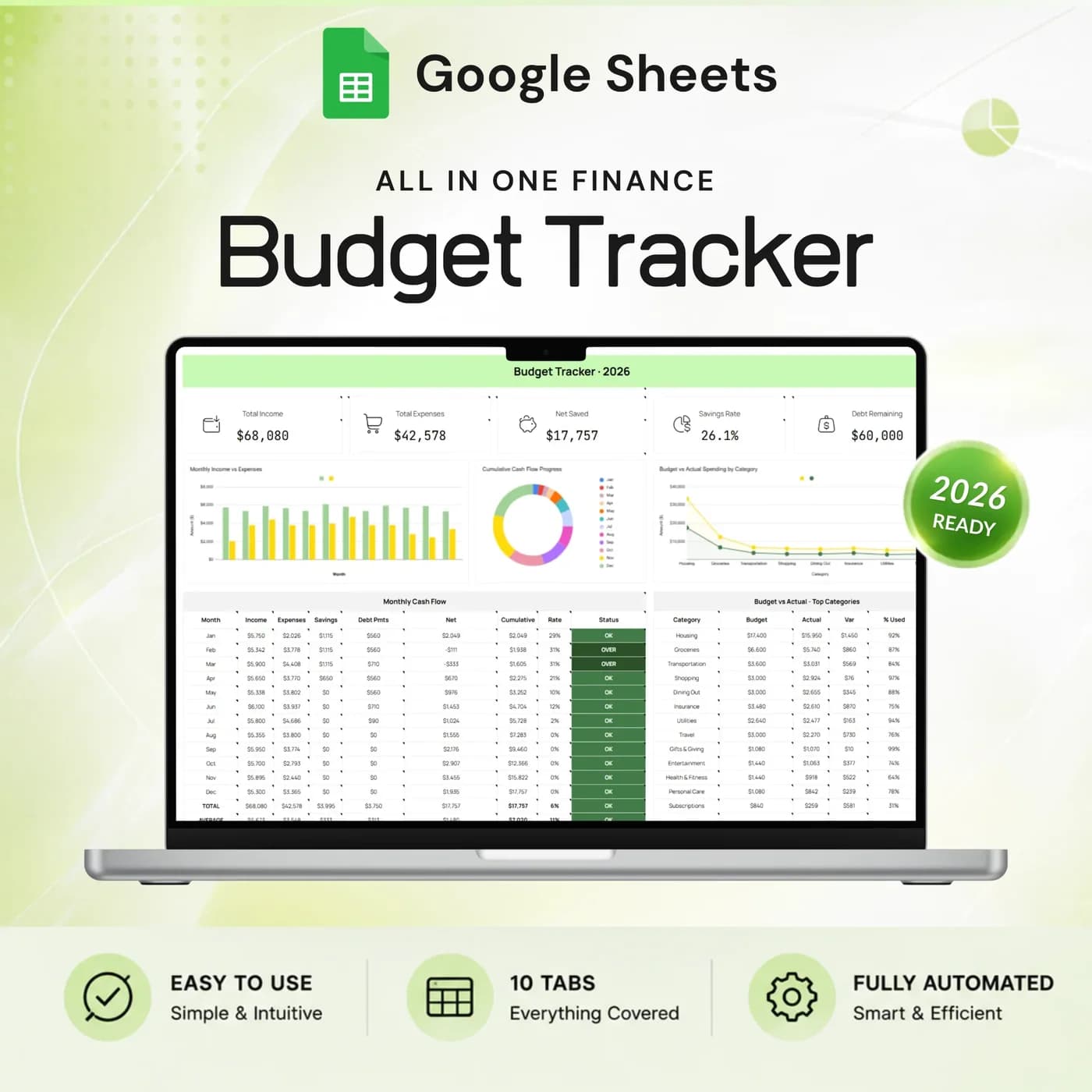
The Annual Budget Tracker · Dark is a Google Sheets budget tracker template in a sleek dark theme. It combines a monthly budget with trackers for income, expenses, bills, savings goals, debt and sinking funds, and it brings the results together on a dashboard and a year-long summary.
A budget tracker is only useful if you open it, and the look of a spreadsheet matters more than people admit. A dark theme is easier to read in the evening, which is when most people sit down with their finances. The structure underneath is the full annual budget workbook, so you give up nothing for the look.
Think of it as an expense and budget tracker that grows with you. Start with income and expenses, add your bills, then switch on savings goals and debt payoff when you are ready. Every entry you make updates the dashboard, so the tracker always shows where the year stands.
Who this budget tracker spreadsheet is for
It suits people who want a full budget in Google Sheets and prefer a dark workspace.
Made for
- People who budget in the evening and prefer a dark screen
- Anyone moving from a notes app to a proper budget tracking spreadsheet
- People managing income, bills, savings and debt in one file
- Households that want a monthly view and a yearly overview
- Google Sheets users who like a polished, themed template
Where it stops
It is a manual-entry tracker. It does not link to your bank or import transactions, and it does not give financial advice. If you want the light look, the same workbook is sold as the Annual Budget Tracker 2026.
What is inside: 10 tabs in a dark budget tracker
The tabs are the same as in the light version, so the choice is purely about how you like to look at your numbers.
Settings
Choose the year, currency, expense categories and income sources before you enter anything.
Dashboard
Income, expenses, net saved, savings rate and debt remaining on one screen, with monthly cash flow and budget comparisons.
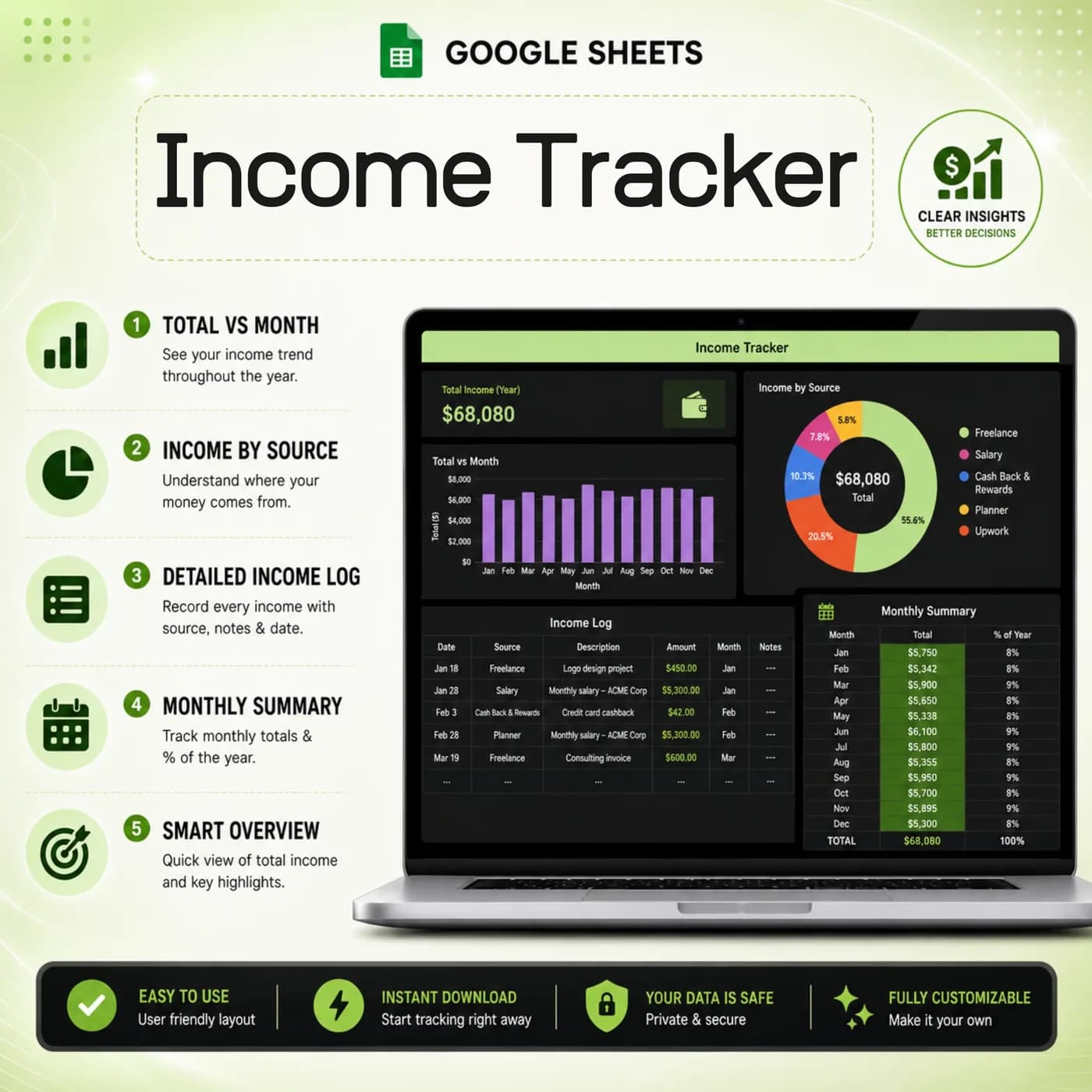
Income
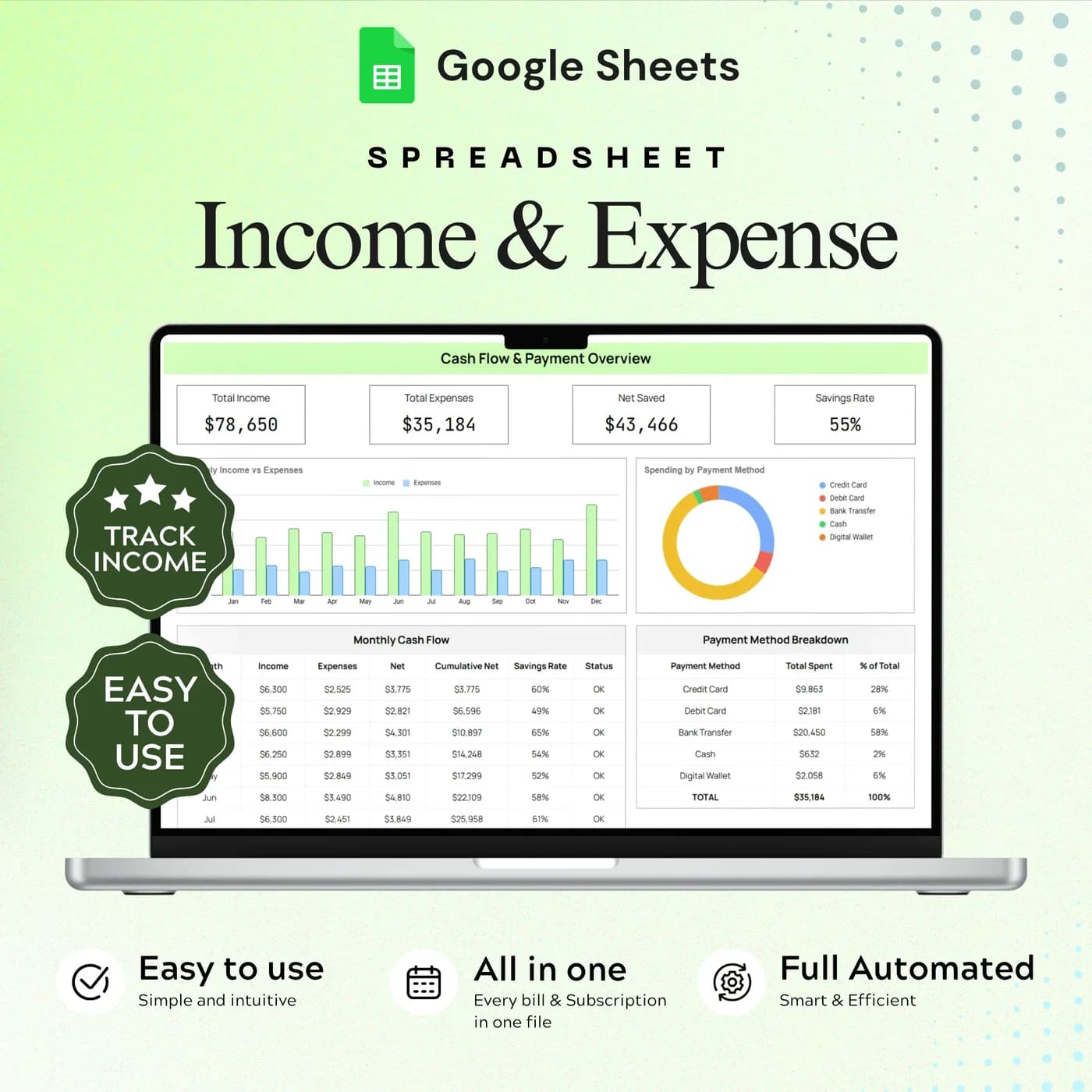
Record income entries and review totals by source.
Expenses
Log spending by category and compare categories across the year.
Monthly Budget
Set category budgets and compare monthly amounts with what you spent.
Bills & Subscriptions
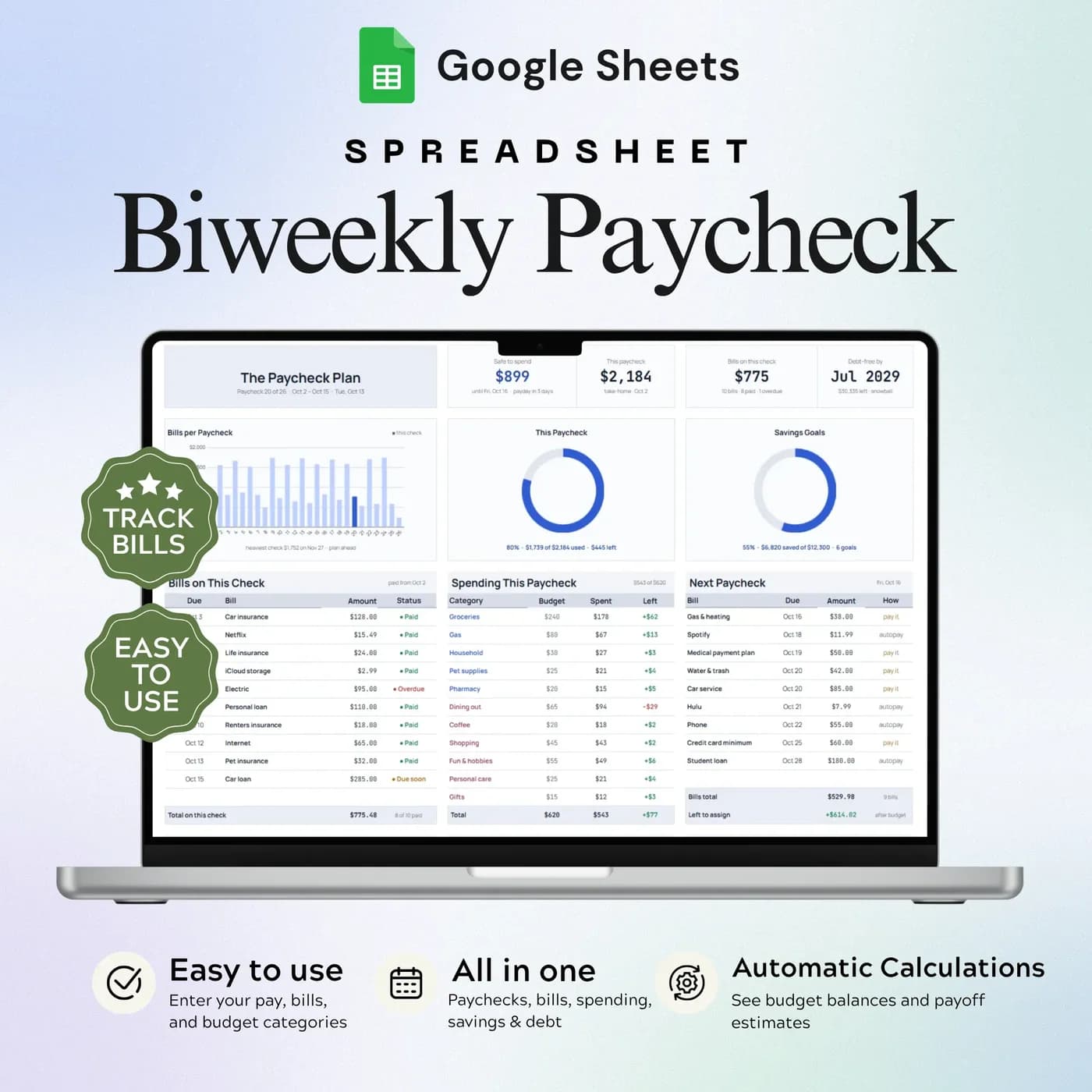
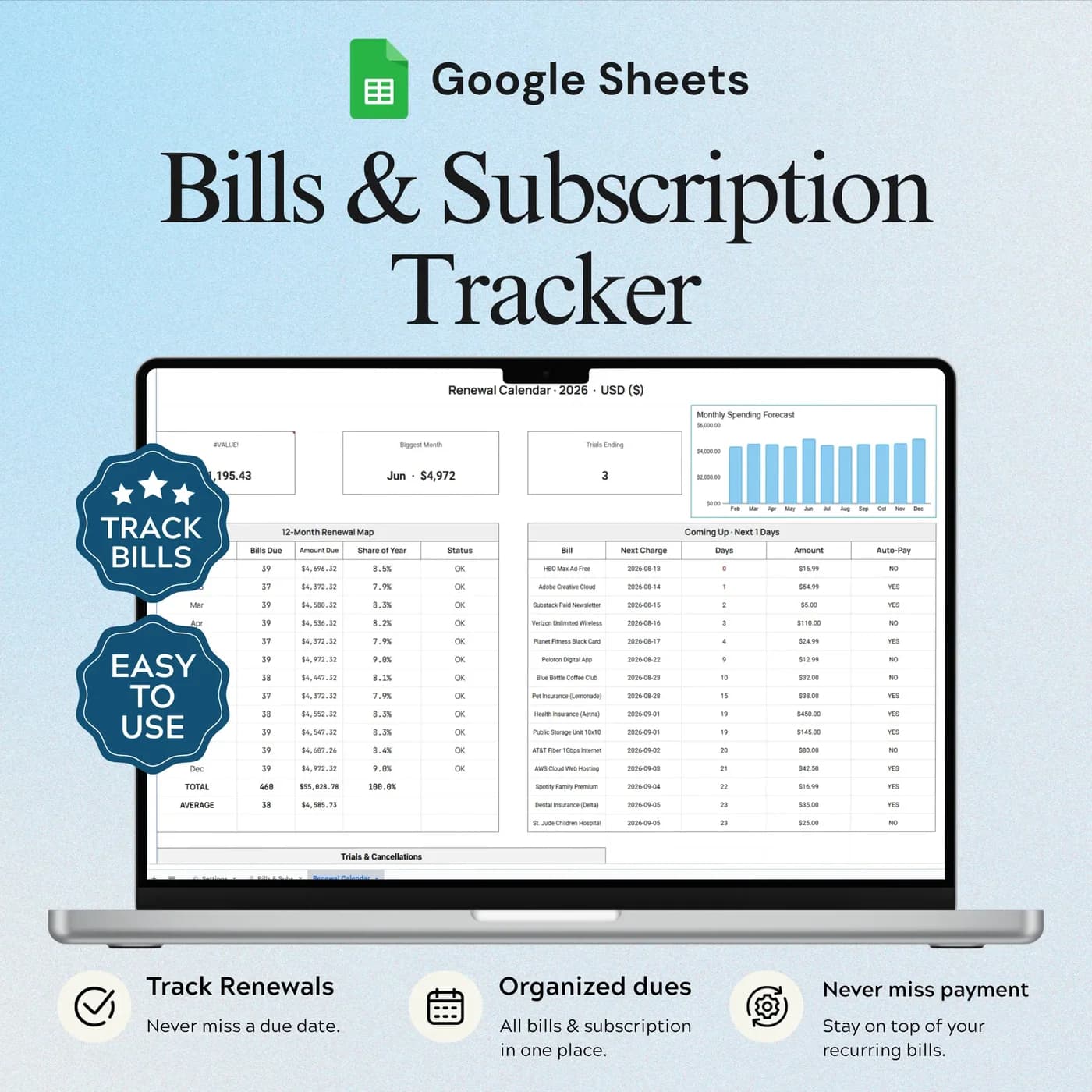
List recurring costs and how often they are paid.
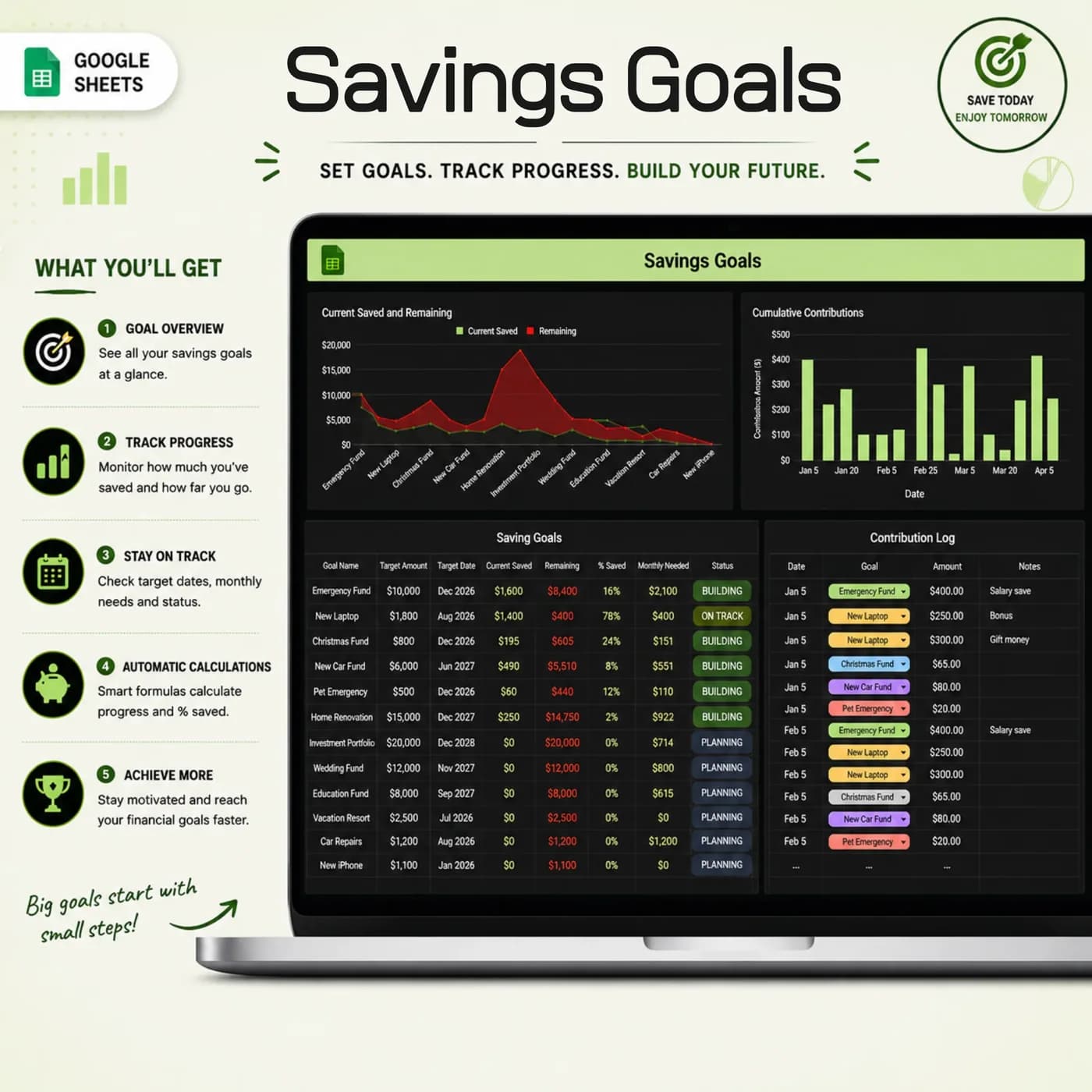
Savings Goals
Plan and follow emergency fund progress.
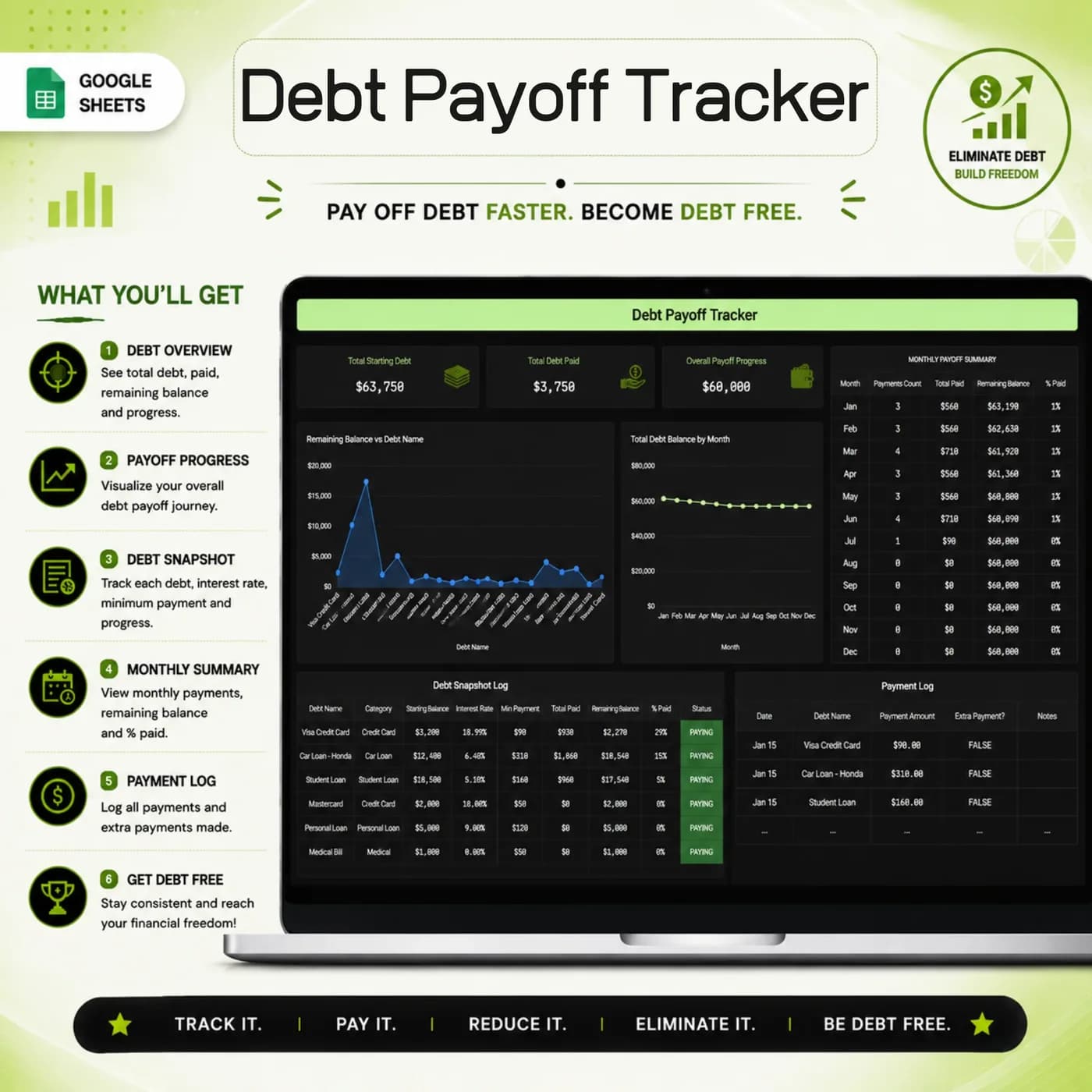
Debt Payoff
Track starting balances, payments and the debt that remains.
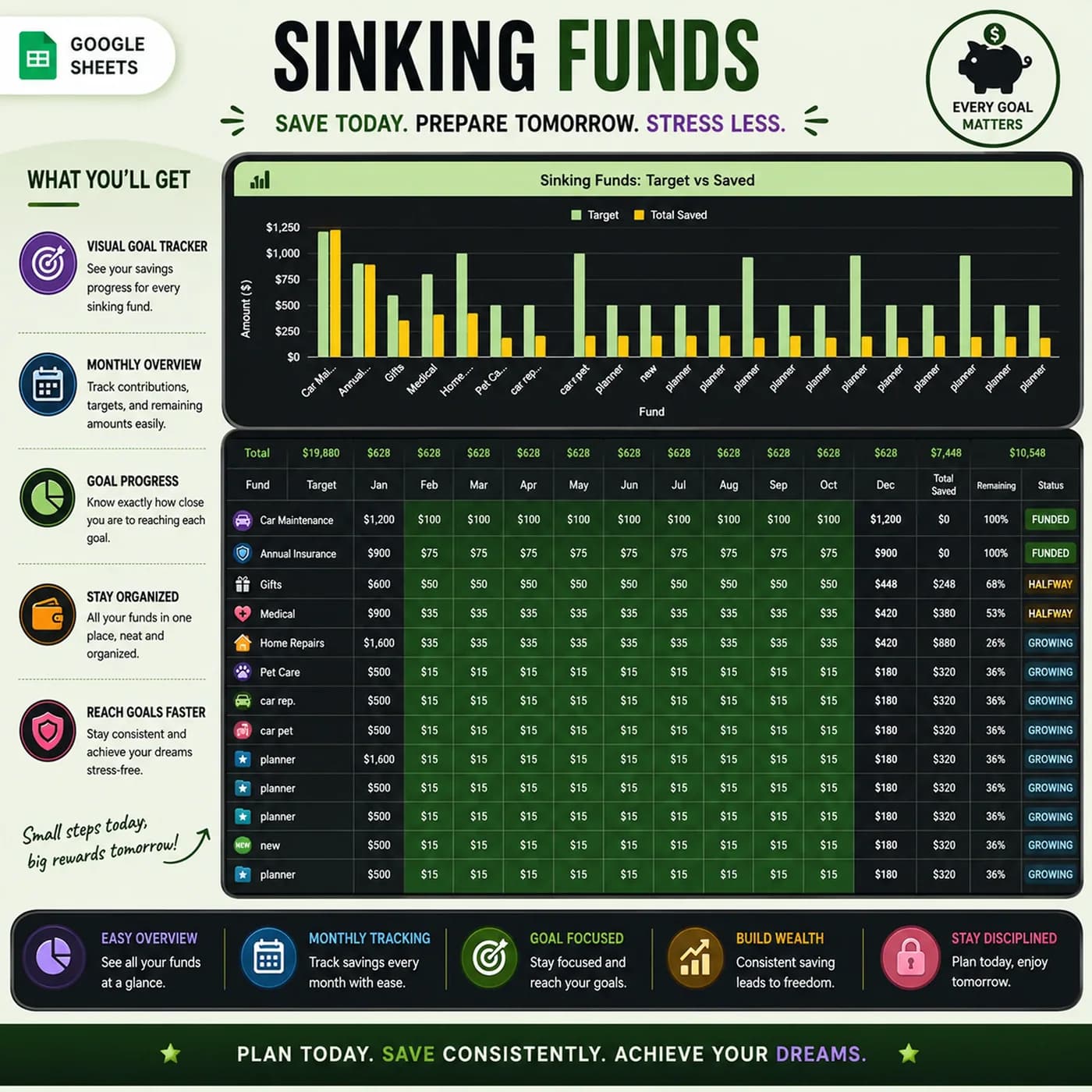
Sinking Funds
Set targets for planned expenses and record contributions.
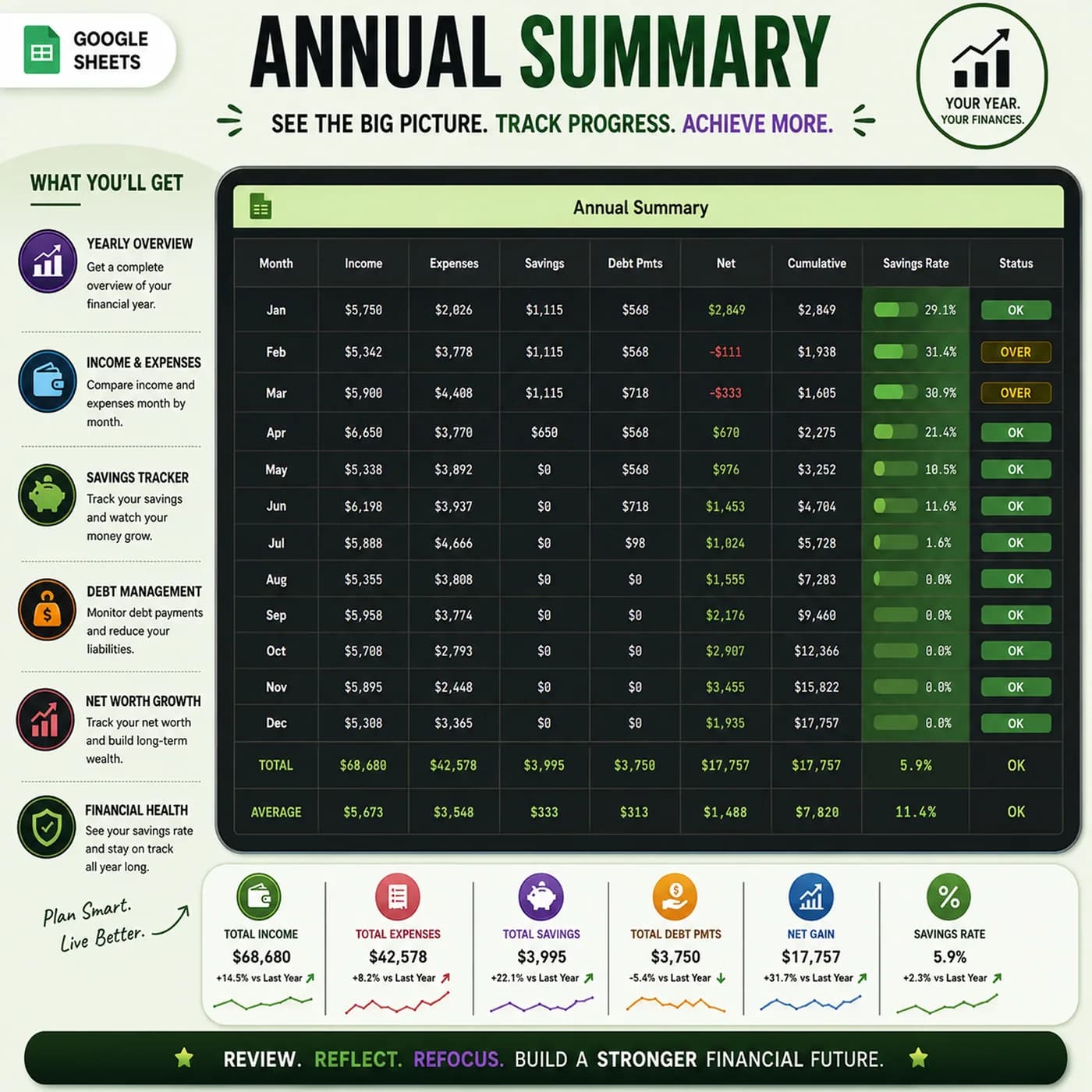
Annual Summary
Review each month’s income, spending, savings, debt payments and cash flow in one table.
Prefer a light theme? See the Annual Budget Tracker 2026. For a focused income and expense log without the extra tabs, the Income & Expense Tracker is a lighter workbook.
How to read budget vs actual: a worked example
The most useful number in any budget tracker is the gap between what you planned and what happened. Subtract actual from planned for each category: a positive number means you came in under budget. This example uses one month of example figures.
| Category | Planned, actual, difference |
|---|---|
| Groceries | $600, $655, –$55 |
| Dining out | $200, $140, +$60 |
| Transport | $150, $150, $0 |
| Utilities | $220, $231, –$11 |
| Total | $1,170, $1,176, –$6 |
The total looks nearly on target, but the categories tell the story: groceries ran over by $55 while dining out saved $60. The Monthly Budget and Dashboard tabs show this comparison for you once you have entered your plan and your spending. The figures above are examples.
Start your budget tracker in one sitting
Most of the work is the first setup. After that you only enter what happens.
Buy and download
Pay at the secure checkout and the Annual Budget Tracker · Dark download link is available immediately.
Make your copy
Open the link and save an editable copy to your own Google Drive. The file you edit is yours alone.
Set the basics
In Settings, choose the year and currency, then your expense categories and income sources.
Plan each month
Set a budget for each category in the Monthly Budget tab.
Add what repeats
Enter your bills and subscriptions, any debts, and the savings goals and sinking funds you are building.
Track what happens
Record income and expenses as they occur, and watch the Dashboard compare them with your plan.
Choose a set weekly time to update the tracker, for example Sunday evening. The dark theme makes a short session pleasant, and a regular rhythm keeps the dashboard accurate.
Budget tracker template vs blank sheet vs app
Three common ways to track a budget, compared on what matters to someone who wants control.
| Feature | This template | A blank spreadsheet | A budgeting app |
|---|---|---|---|
| How you pay | One-time payment | Free, but you build it | Often a monthly or yearly plan |
| Ready-made tabs | 10, from Settings to the Annual Summary | None until you build them | Varies by app |
| Themes | Dark theme included | You format it yourself | Varies by app |
| Entering transactions | By hand, so you notice each one | By hand | Often imported automatically |
| Where your data lives | Your own Google Drive | Wherever you save it | On the provider’s servers |
If you want transactions imported automatically, an app is the better fit. If you want to own your data and see every number, a tracker template is.
What you get and what you need
- Included
- A Google Sheets template with 10 connected tabs in a dark theme.
- Format
- A Google Sheets file delivered as a download link. It is not a PDF, an Excel file or a printable.
- You need
- A Google account and a browser or the Google Sheets app. Your copy is saved in your Google Drive.
- Excel
- Google Sheets is the supported home. An .xlsx export is possible, with the risk that formulas, charts or dropdowns change.
- Look
- A dark theme. The same workbook is sold in a light theme as the Annual Budget Tracker 2026.
- Bank connection
- None. You enter income and spending yourself.
- Payment
- A single payment at the Lemon Squeezy checkout, with no subscription or renewal.
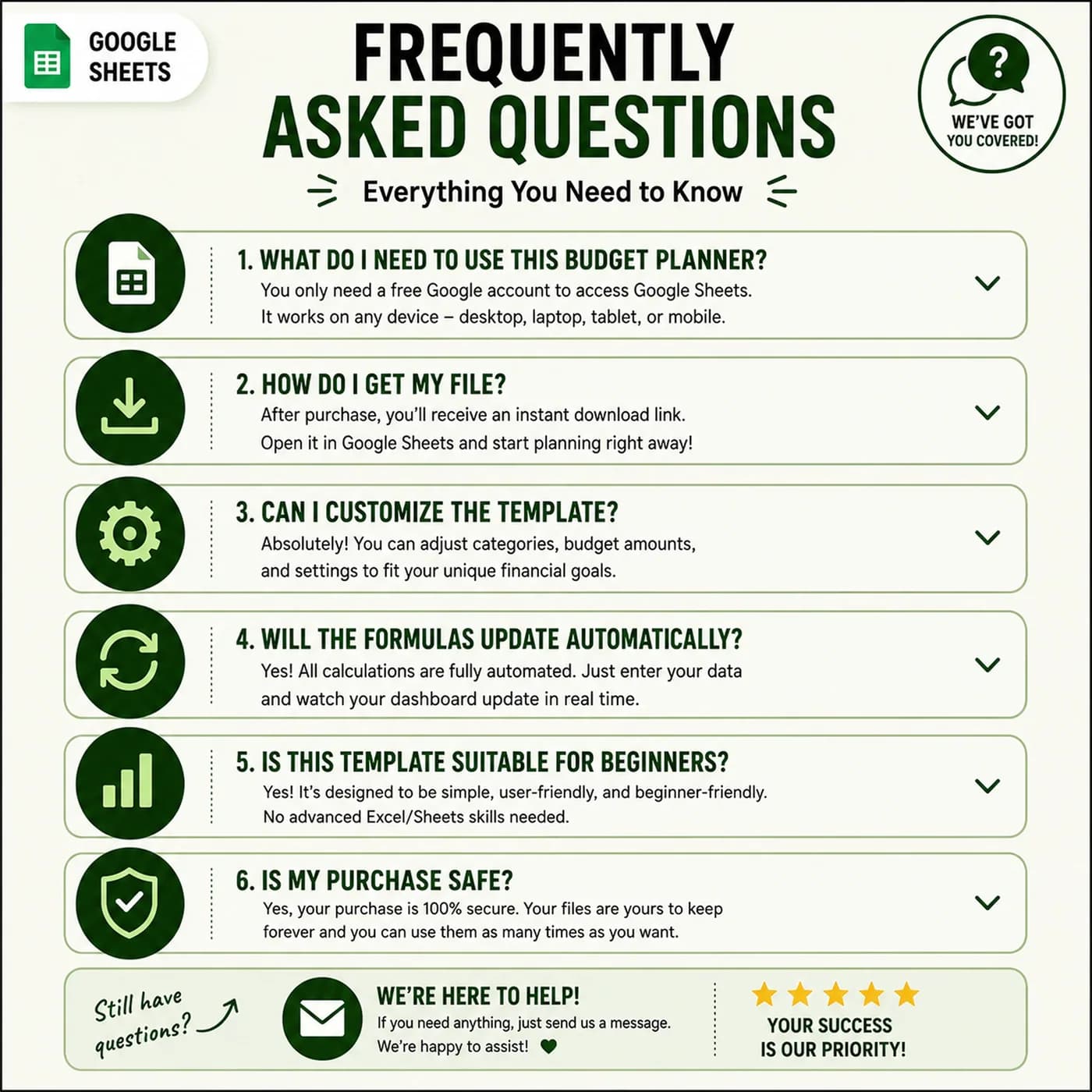
Frequently asked questions
What is a budget tracker template?
A budget tracker template is a spreadsheet where you plan a budget and record real income and spending to compare them. This one runs in Google Sheets, covers the whole year and has separate tabs for bills, savings goals, debt and sinking funds.
Is there a dark mode in this budget spreadsheet?
Yes. This version is built with a dark theme from the start, so it is easy to read in low light. The light version, with the same ten tabs, is the Annual Budget Tracker 2026.
Is it a Google Sheets budget tracker?
Yes. It is a Google Sheets budget tracker delivered as a link. Open it, make your own editable copy in Google Drive and it works in the browser and in the Google Sheets app.
Does it work as an expense and budget tracker?
Yes. You log income and expenses, set category budgets, and the dashboard compares them. Debt, savings goals, bills and sinking funds each have their own tab.
Does it import transactions from my bank?
No. It is a manual entry template. Entering transactions yourself keeps bank details out of the file and makes you aware of each category.
Can I track a monthly budget and a yearly one?
Yes. The Monthly Budget tab holds the plan for each month, and the Annual Summary reviews monthly income, spending, savings, debt payments and cash flow across the year.
Can I change the categories?
Yes. The Settings tab holds your expense categories and income sources, so you can rename them to match how you think about money.
Is the budget tracker an Excel file?
It is built for Google Sheets and delivered as a link, not as an Excel file. A Google Sheet can be downloaded as .xlsx, but formulas, dropdowns and charts may not all behave the same way in Excel, so the budget tracker works best in Google Sheets.
What do I need to open the budget tracker?
A free Google account is enough. The link opens a template that you copy into your own Google Drive, and the copy is the file you edit and keep.
Do I pay monthly for the budget tracker?
No. You pay once, at checkout with Lemon Squeezy, and there is nothing to renew. The copy you make is yours to keep.
A full budget tracker in a dark theme
Ten connected tabs for income, spending, bills, savings and debt in one Google Sheets file.
Last updated . Written by the DGClicks Store team.