


- 4 tabs
- Tracker, plan and settings
- $10.49
- One payment, no subscription
- Google Sheets
- Editable copy in your own Drive
- Instant
- Download link arrives at checkout
What is the Debt Payoff Tracker?
The Debt Payoff Tracker is a debt payoff spreadsheet that keeps your debts, your payments and your progress in one place. You list each debt with its category, starting balance, interest rate and minimum payment. You record each payment by date, marking extra payments. Calculated columns show the amount paid, the remaining balance and the progress for every debt.
Paying off debt is mostly a question of attention. When balances live in separate apps and statements, it is hard to know which debt to pay first or whether the extra money you send is making a dent. A single debt tracker template shows all balances together, so the plan and the progress are in front of you every time you open it.
It is a manual tracking tool. It does not make payments or read your accounts. You pay through your lender, then record the payment here, and the workbook turns those entries into a monthly summary, balance charts and a projected payoff plan based on your settings.
Who this debt payoff worksheet is for
It suits anyone who wants a clearer record of the payments they make.
Made for
- People organising several debt balances
- Anyone tracking regular and extra payments
- People who want payment logs and progress charts together
- Anyone comparing a snowball plan with an avalanche plan
- People tracking credit card debt alongside loans
Where it stops
It will not make payments for you, negotiate with lenders or give financial advice. Make payments through your own lender or account, then record them in the log. If your situation is difficult, a qualified credit counsellor can help.
What is inside: 4 tabs for tracking debt payoff
A short workbook that starts with your debts and ends with a plan.
Start Here
Setup instructions, input guidance and troubleshooting, so you can fill the right cells first.
Debt Payoff Tracker
The debt snapshot, the payment log, a monthly summary and progress charts. This is the main debt payoff worksheet, where each debt and each payment lives.
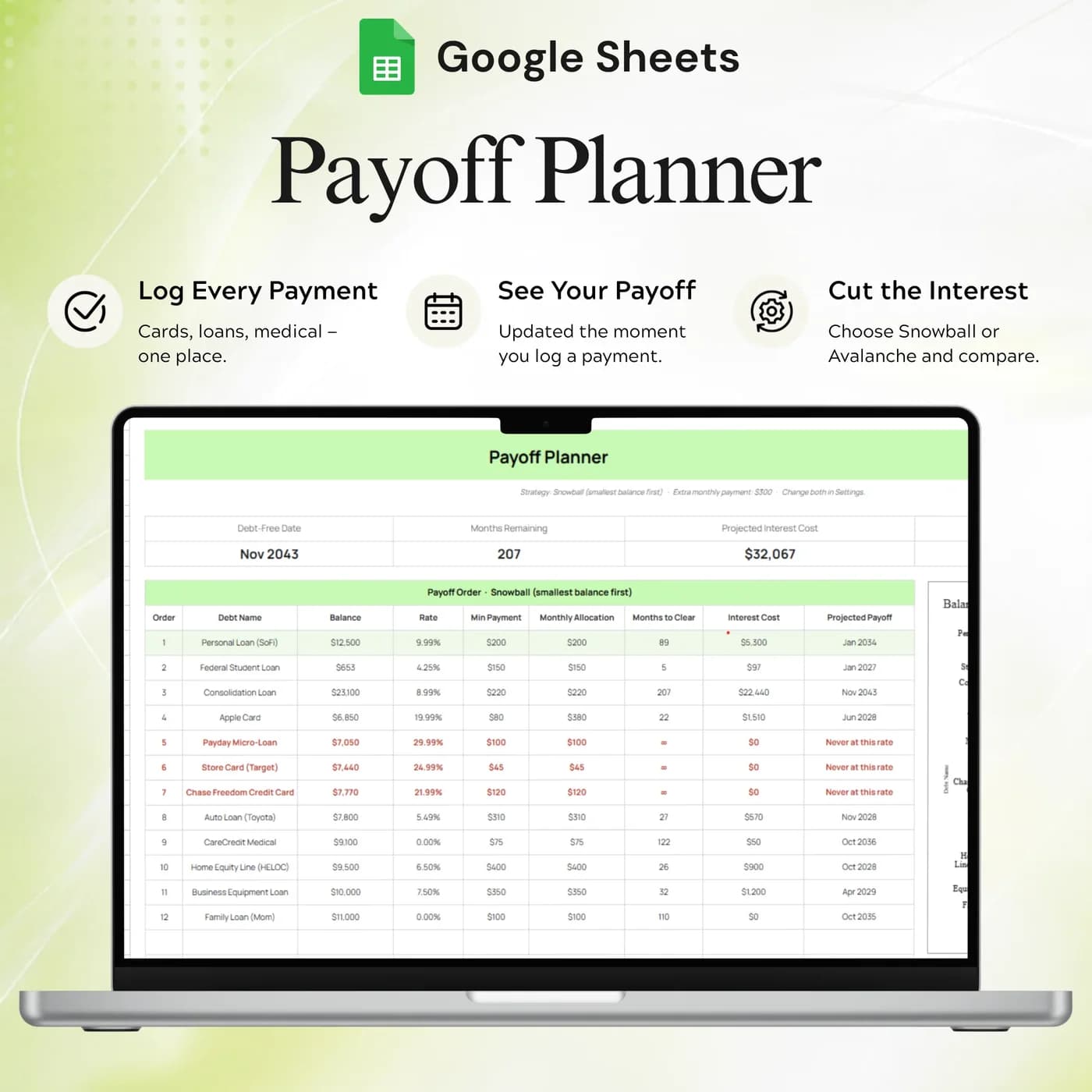
Payoff Plan
A projected plan based on your debt details and settings.
Settings
The year, currency, payoff strategy, extra payment and dropdown lists.
To fit debt into a wider budget, see the Annual Budget Tracker 2026, which has a Debt Payoff tab beside income, expenses and savings. For planned costs that should not turn into debt, the Sinking Funds Tracker helps you save ahead.
Snowball vs avalanche: a worked example
There are two well-known ways to order your debts. The snowball method pays the smallest balance first, for quick wins. The avalanche method pays the highest interest rate first, to minimise interest. This example uses three example debts.
- Card X$1,200
- Loan Z$2,800
- Card Y$4,500
| Debt | Balance, rate, minimum |
|---|---|
| Card X | $1,200, 18%, $40 |
| Card Y | $4,500, 26%, $110 |
| Loan Z | $2,800, 9%, $85 |
| Snowball order (smallest balance first) | Card X, Loan Z, Card Y |
| Avalanche order (highest rate first) | Card Y, Card X, Loan Z |
Whichever order you choose, the rule is the same: pay the minimum on every debt and send any extra money to the target debt. When it is paid off, roll its payment into the next one. The Settings tab has a payoff strategy and an extra payment setting, and the Payoff Plan tab organises a projection from your inputs. The figures above are examples.
Set up your debt payoff plan in an hour
The first hour is gathering numbers. After that, you only record payments.
Buy and download
Pay at the secure checkout and the Debt Payoff Tracker download link is available immediately.
Make your copy
Copy the template into your Google Drive from the link. Work in your own copy and leave the original untouched.
Read Start Here
It explains the inputs, the order to fill them in and how to fix common problems.
Choose your settings
In Settings, pick the year, currency, payoff strategy and any extra payment.
List your debts
In the Debt Snapshot Log, enter each debt’s category, balance, rate and minimum payment.
Record payments
Add each payment by date and debt name, and mark extra payments, using matching debt names.
Review progress
Check the monthly summary, balance charts and Payoff Plan to see how you are doing.
Use the debt names exactly as you entered them in the snapshot, so payments match the right balance. A short routine of recording each payment when it clears keeps the picture accurate.
Debt payoff spreadsheet vs app vs statements
Three common ways to follow debt repayment, compared on what matters.
| Feature | This template | A debt payoff app | Lender statements |
|---|---|---|---|
| How you pay | One-time payment | Often a monthly or yearly plan | Free |
| All debts in one view | Yes | Often yes | No, one statement per lender |
| Extra payments marked | Yes, in the payment log | Varies by app | Shown as separate payments |
| Progress charts | Balance and progress charts | Usually built in | None |
| Where your data lives | Your own Google Drive | On the provider’s servers | With each lender |
Statements are accurate and scattered. A tracker puts the same facts side by side, which is what you need to choose where the next extra dollar goes.
What you get and what you need
- Included
- A Google Sheets template with 4 tabs: Start Here, Debt Payoff Tracker, Payoff Plan and Settings.
- Format
- Delivered as a Google Sheets link, not as a PDF, an .xlsx file or a printable.
- You need
- A free Google account, to open the link and save your own editable copy.
- Excel
- Google Sheets is the supported home. An .xlsx export is possible, with the risk that formulas, charts or dropdowns change.
- Scope
- Manual tracking and planning. It does not make payments or connect to accounts.
- Payment
- A single payment at the Lemon Squeezy checkout, with no subscription or renewal.
Frequently asked questions
What is a debt payoff tracker?
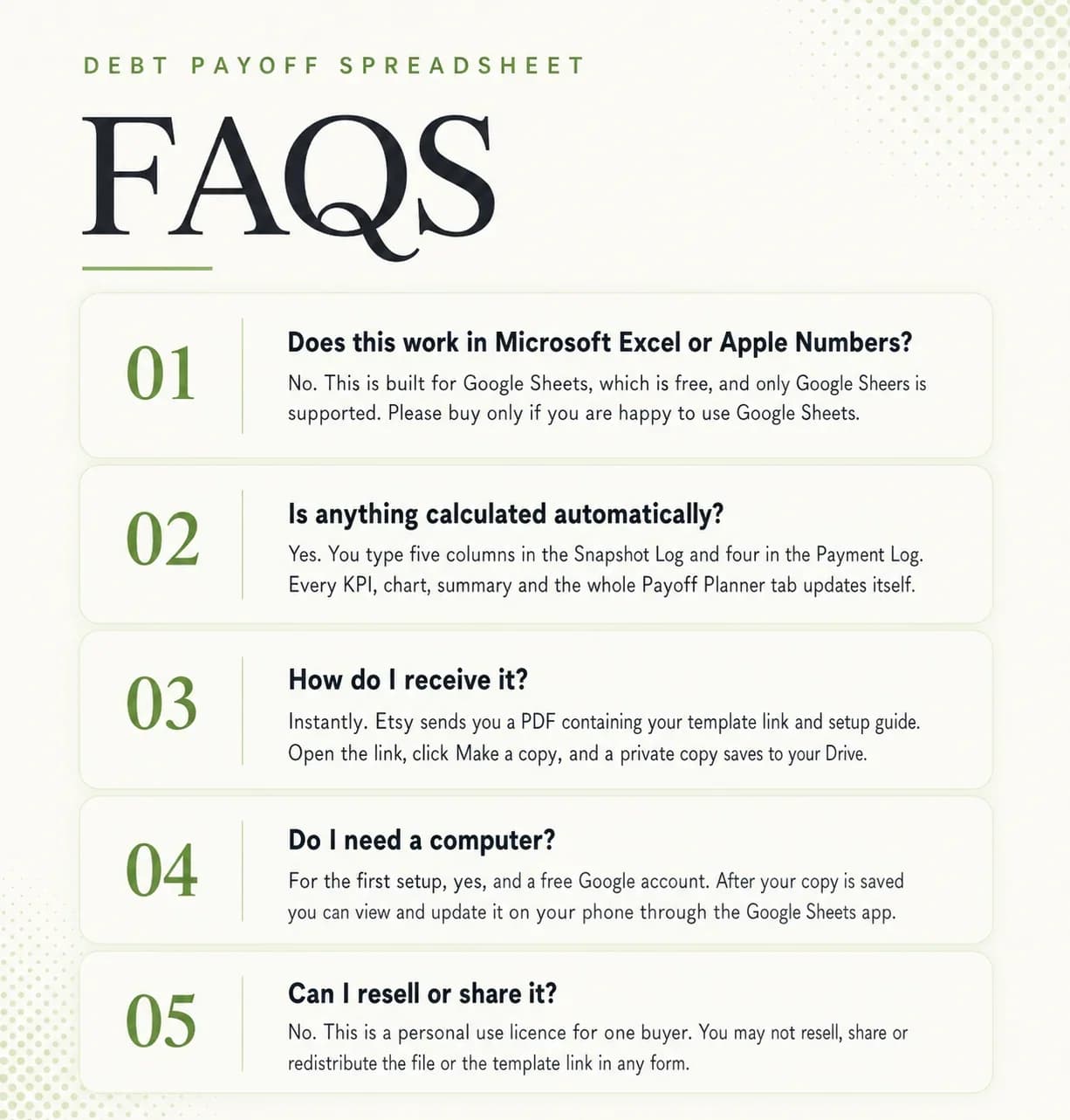
A debt payoff tracker is a spreadsheet that lists your debts with balances, rates and payments, then shows how much you have paid and how much remains. This one runs in Google Sheets and adds a payment log, charts and a payoff plan.
Will it make payments for me?
No. This is a manual planning and tracking template. Make payments through your own lender or account, then record them in the log.
What do I enter first?
Follow Start Here, choose your settings and fill the Debt Snapshot Log. Then record payments using the matching debt names.
Can I use it for the debt snowball method?
Yes, you can plan a snowball with it. List your debts, order them by balance in your own plan, and use the payment log and Payoff Plan to follow progress. Settings includes a payoff strategy option.
What is the difference between debt snowball and debt avalanche?
The snowball pays off the smallest balance first for quick wins. The avalanche pays off the highest interest rate first to reduce total interest. Both pay the minimum on every other debt.
Can it track credit card debt?
Yes. Each debt has a category, starting balance, interest rate and minimum payment, so credit cards, loans and other debts can sit side by side as a credit card debt tracker.
Can I track extra payments?
Yes. Add payments by date and debt name and mark the extra ones. The monthly summary shows them alongside your regular payments.
Does it show my progress?
Yes. Calculated columns show the amount paid, the remaining balance and progress for each debt, and the tracker includes balance charts and overall progress.
Are the example figures in the debt payoff tracker editable?
They are examples only. In your copy, overwrite them with your own entries; the calculated cells keep working as long as you do not replace their formulas.
Can I use this debt payoff template in Excel?
The debt payoff tracker is made for Google Sheets, so you receive a link and not an .xlsx file. If you download a copy for Excel, parts such as dropdowns, charts or formulas may not convert cleanly, so keep working in Google Sheets for the best result.
Is a Google account required for the debt payoff tracker?
You need a free Google account. Open the link, choose to make a copy, and the workbook is saved in your Google Drive ready for your own details.
Is there a recurring fee for the debt payoff tracker?
There is no recurring fee. The price is a single payment handled by Lemon Squeezy, and you keep the file afterwards.
Every payment, a clearer view of progress
Your debts, payments and payoff plan together in one Google Sheets file.
Last updated . Written by the DGClicks Store team.