
- Hundreds
- Planner templates to start from
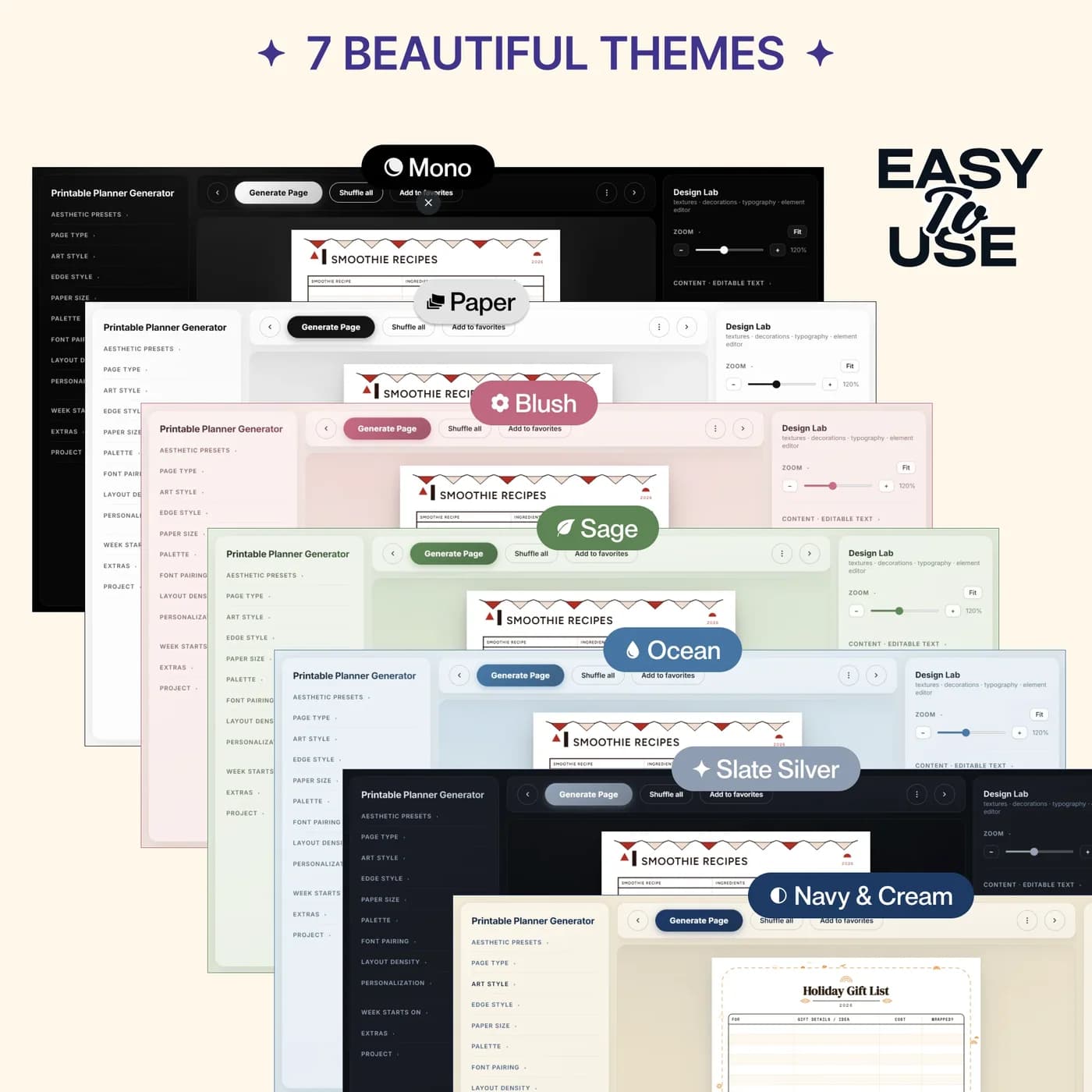
- 7 themes
- Sage, Paper, Blush, Mono and more
- 3 sizes
- A4, A5 and US Letter
- $14.49
- One payment, no subscription
What is the Printable Planner Generator?
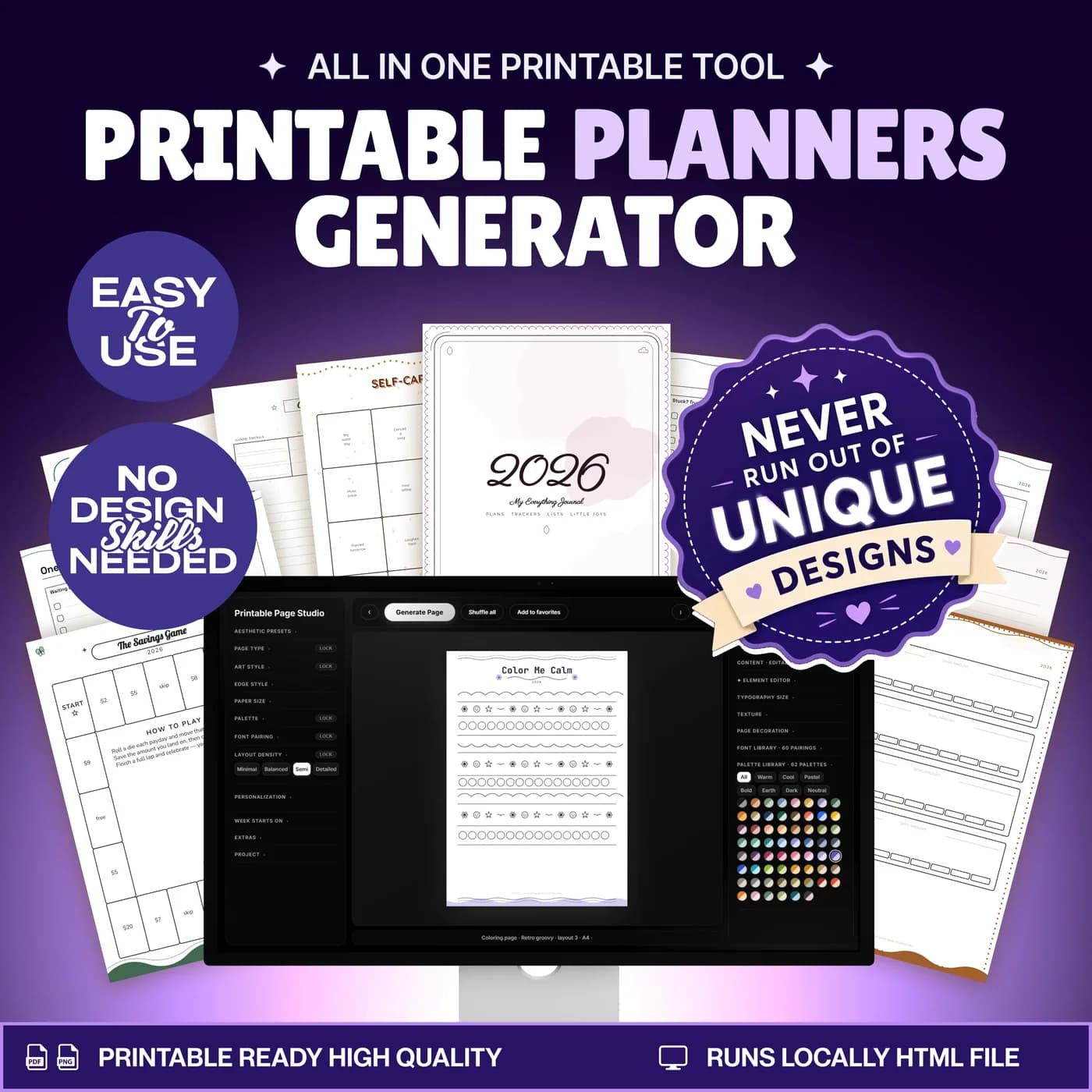
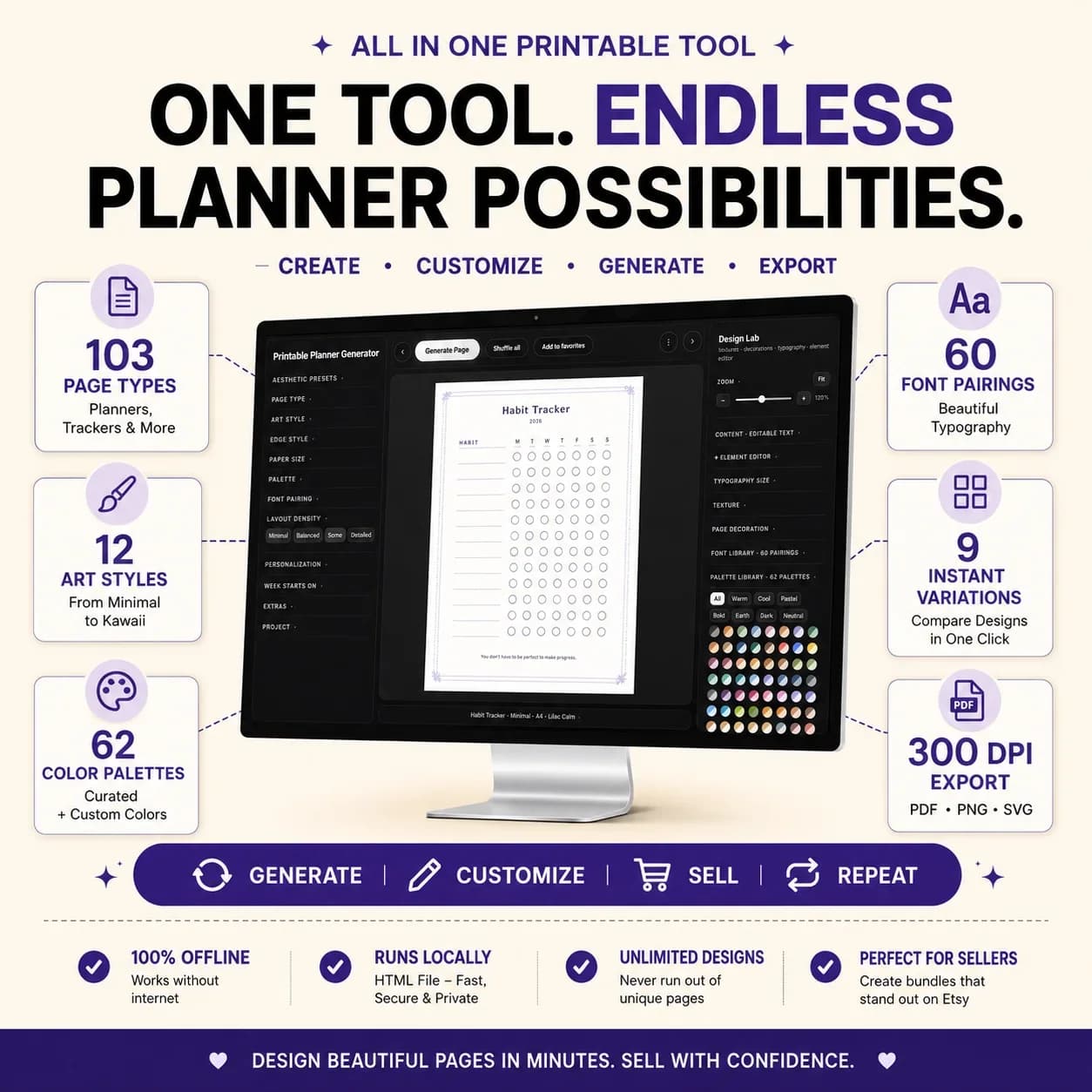
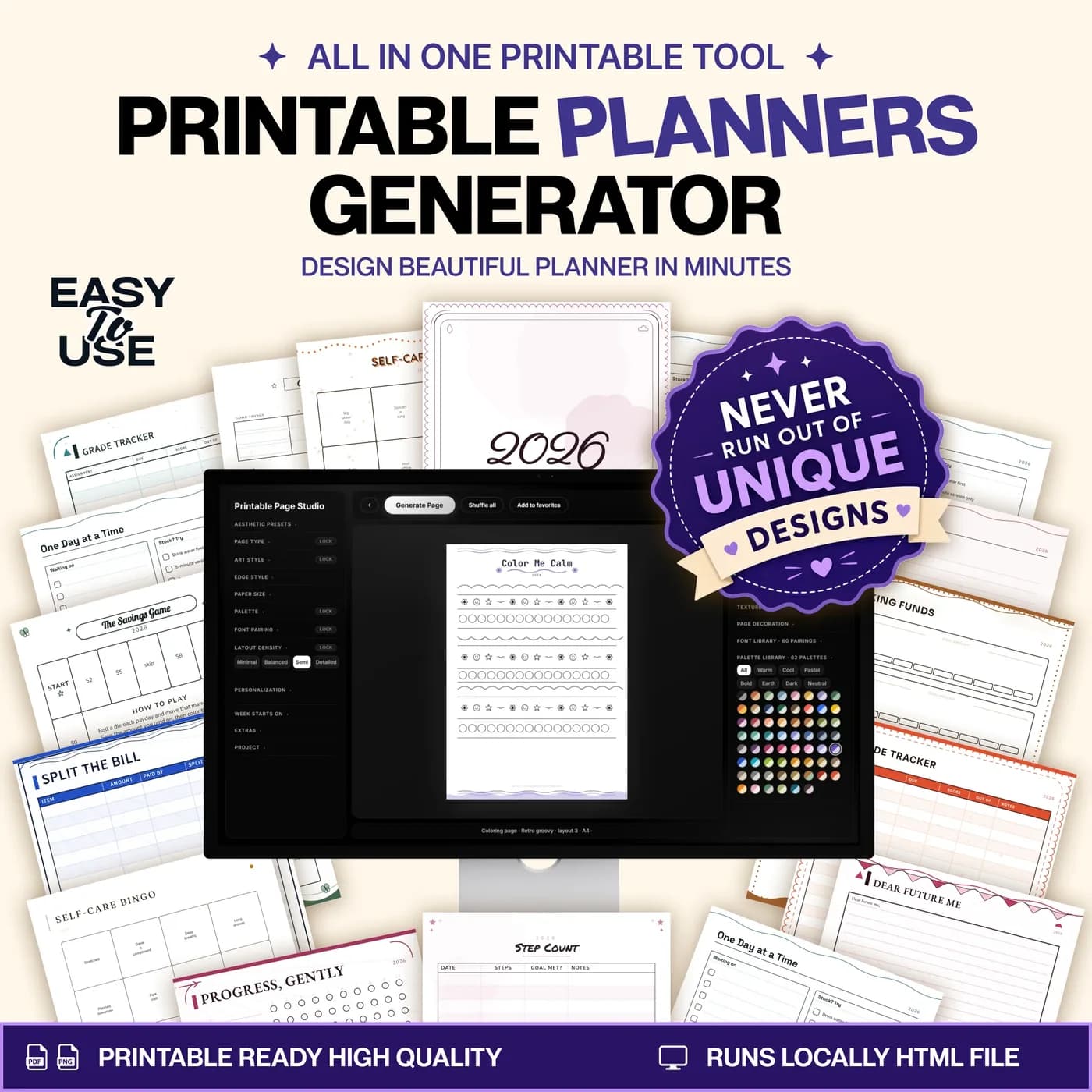
The Printable Planner Generator is a printable planner maker delivered as a single HTML file. You open it in a modern browser on your computer, choose a planning, journaling, organisation or tracking template, and shape the page with themes, fonts and layout controls. When it looks right, you export it as a PDF, PNG or SVG and print it.
Ready-made planner pages are fixed: the layout, the colours and the week start are whatever the seller chose. A planner generator turns the page into a starting point. You decide whether the week starts on Monday or Sunday, how dense the layout is, how heavy the lines are, and which palette and font pairing you prefer. You can add your own title, name, year or month where the template supports it.
There is nothing to install. The core tool runs locally from its HTML file, so it keeps working without an account or a subscription. Some fonts may need an internet connection the first time they load. It is a design tool for planner pages, and it does not synchronise with calendars or apps.
Who this planner generator is for
It suits anyone who would rather print a page that fits than adapt to a page that does not.
Made for
- People who like planning on paper
- Anyone who wants planner pages in their own style
- Creators designing planners to print
- People who need a weekly, daily or monthly schedule layout in a specific paper size
- Anyone who wants low-ink pages for everyday printing
Where it stops
It is a browser-based design tool, not a spreadsheet, so Google Sheets is not needed. It works best on a desktop browser. PDF export uses your browser’s print workflow, so check the paper size and print preview before printing.
What is inside: templates, themes, sizes and export options
One tool, six parts, from choosing a page to keeping the result.
Planner templates
Hundreds of planning, journaling, organisation and tracking pages to start from.
Seven themes
Sage, Paper, Blush, Mono, Ocean, Slate Silver and Navy & Cream.
Paper sizes
A4, A5 and US Letter layouts, with a Monday or Sunday week start.
Design controls
Palettes, font pairings, layout density, line weight, artwork and edges.
Personal details
Editable titles, names, years and months where the template supports them.
Export & save
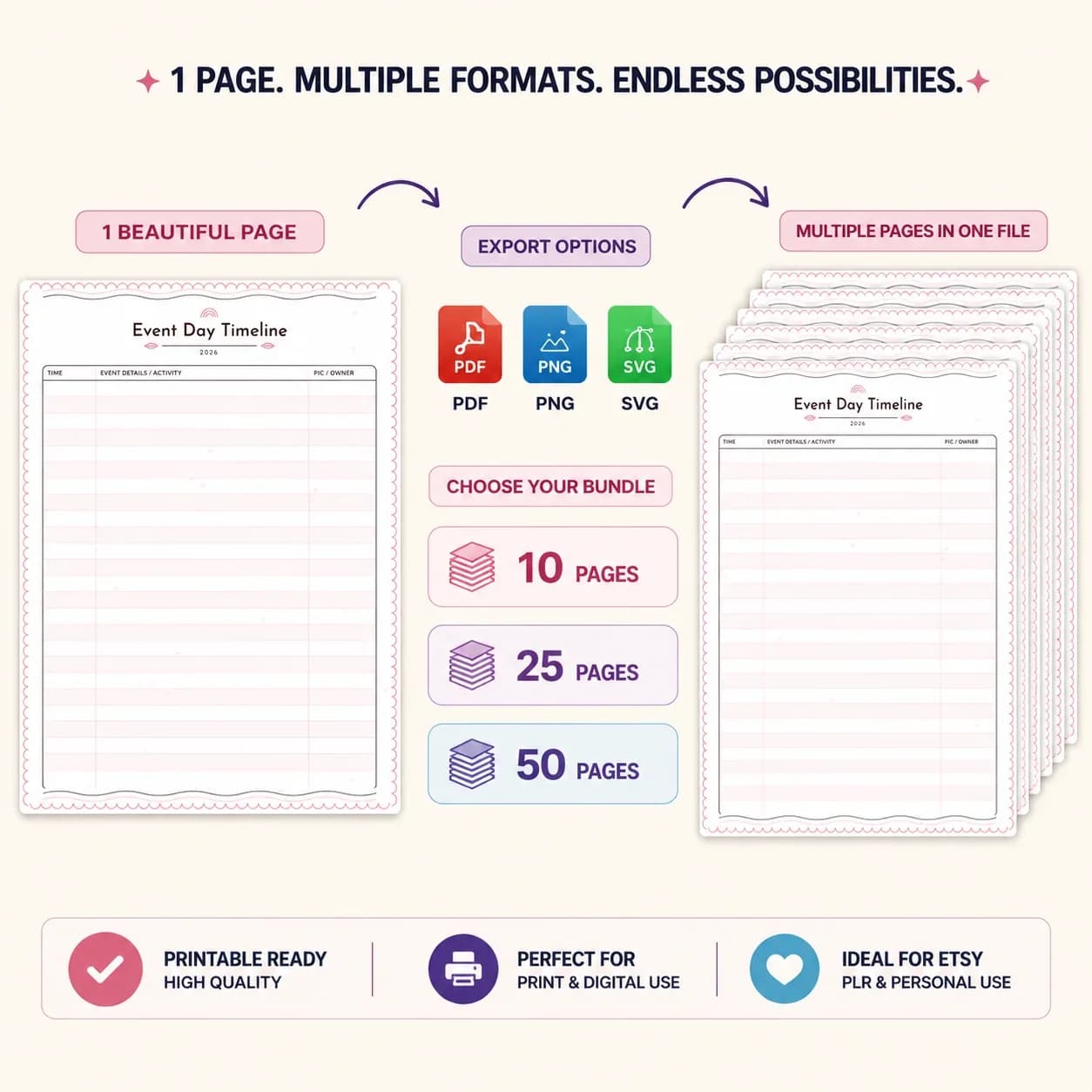
PDF, PNG and SVG export, low ink printing, saved favourites and project export so you can continue later.
If you plan in a spreadsheet instead, the Student Organizer and Habit Tracker are Google Sheets templates for study and routines. Browse all the Google Sheets templates in the store.
Which paper size to choose: A4, A5 or US Letter
Choosing a paper size is the first decision, and it should match your printer and the way you carry the planner. The tool includes all three common sizes. Here is how they compare.
| Paper size | Dimensions and typical use |
|---|---|
| A4 | 210 × 297 mm, desk planners and weekly spreads |
| A5 | 148 × 210 mm, bags, notebooks and binders |
| US Letter | 8.5 × 11 in, planners printed on US paper |
Match the paper size you chose in the tool to the paper size in your print settings, and check the print preview before printing. The tool also offers low ink options for everyday printing. The Monday or Sunday week start is set for the whole planner.
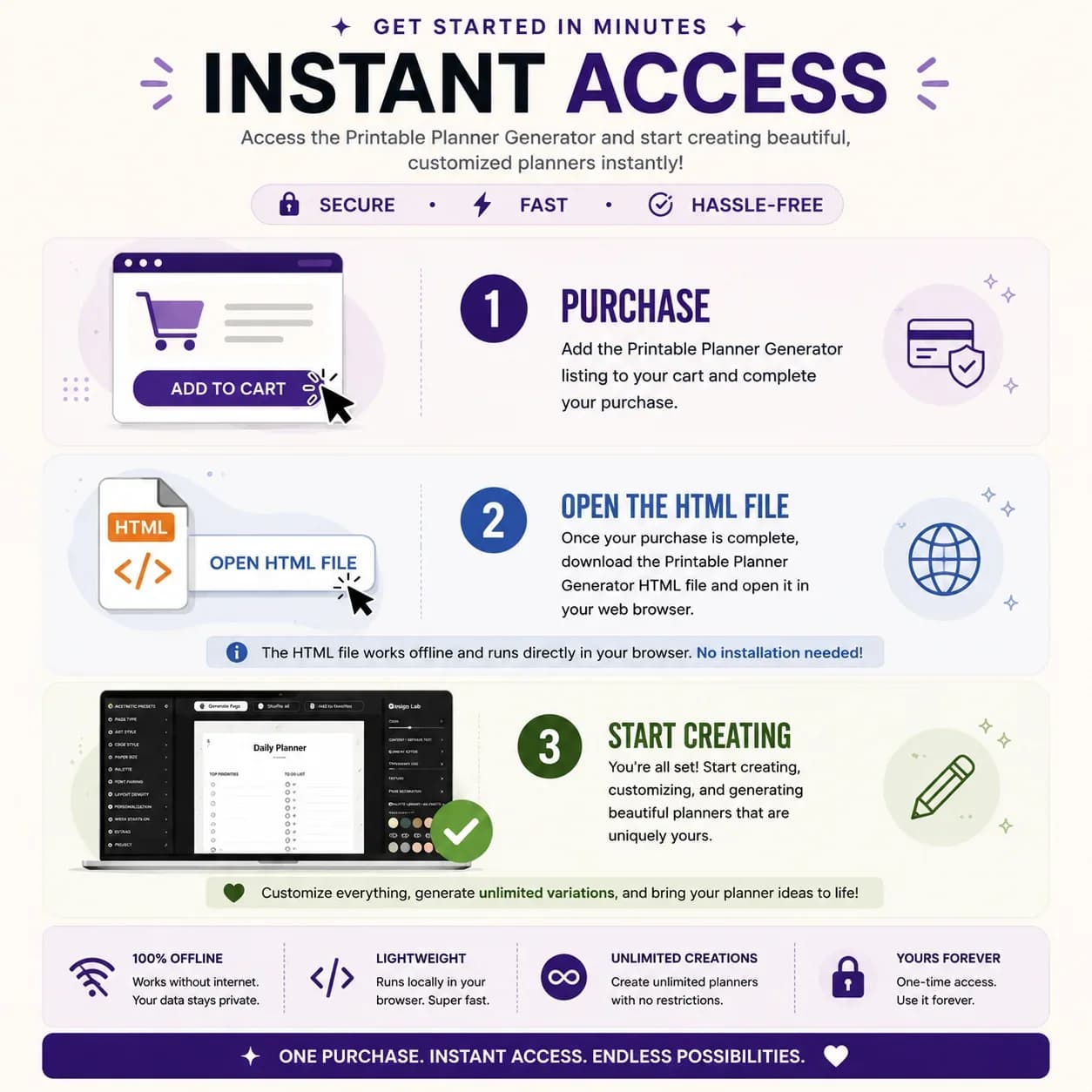
From download to printed page in three steps
There is no application to install. You need a modern desktop browser and a printer, or a PDF viewer.
Open your tool
Download the HTML file and open it in a modern browser on your computer. There is no application to install.
Choose and customise
Pick a template and paper size. Adjust the theme, typography and details until the page fits your plans.
Export and print
Save a PNG or SVG, or use the browser print workflow for PDF. Check the paper size and print preview before printing.
Save your favourite layouts, and use project export to carry on working later. When you print, try a low ink option for everyday pages and keep the full colour for the pages you want to display.
Planner generator vs printable PDFs vs design apps
Three common ways to get planner pages, compared on what matters.
| Feature | This tool | Ready-made printable PDFs | A general design app |
|---|---|---|---|
| How you pay | One-time payment | Per pack, usually | Often a subscription for full features |
| Choosing the layout | Hundreds of templates and controls | Fixed by the seller | Build from a blank page |
| Paper sizes | A4, A5 and US Letter | Often one or two | Any, set by you |
| Time to a printed page | Minutes | Minutes | Longer, because you design it |
| Needs an account | No, it runs from its HTML file | No | Usually yes |
Printable PDFs are the quickest and the least flexible. A design app is the most flexible and the slowest. A generator sits in between.
What you get and what you need
- Included
- The planner generator as an HTML file, with hundreds of templates, seven themes and design controls, A4, A5 and US Letter layouts, and PDF, PNG and SVG export.
- Format
- A downloadable HTML file you open in your browser. It is not a spreadsheet.
- You need
- A modern desktop browser. A printer is optional if you only want PDF, PNG or SVG files.
- Offline
- The core tool runs locally from its HTML file. Some fonts may need an internet connection when they first load.
- PDF export uses the browser print workflow: choose Save as PDF in the print dialog.
- Payment
- One-time payment through Lemon Squeezy. Your download is available as soon as the order completes.
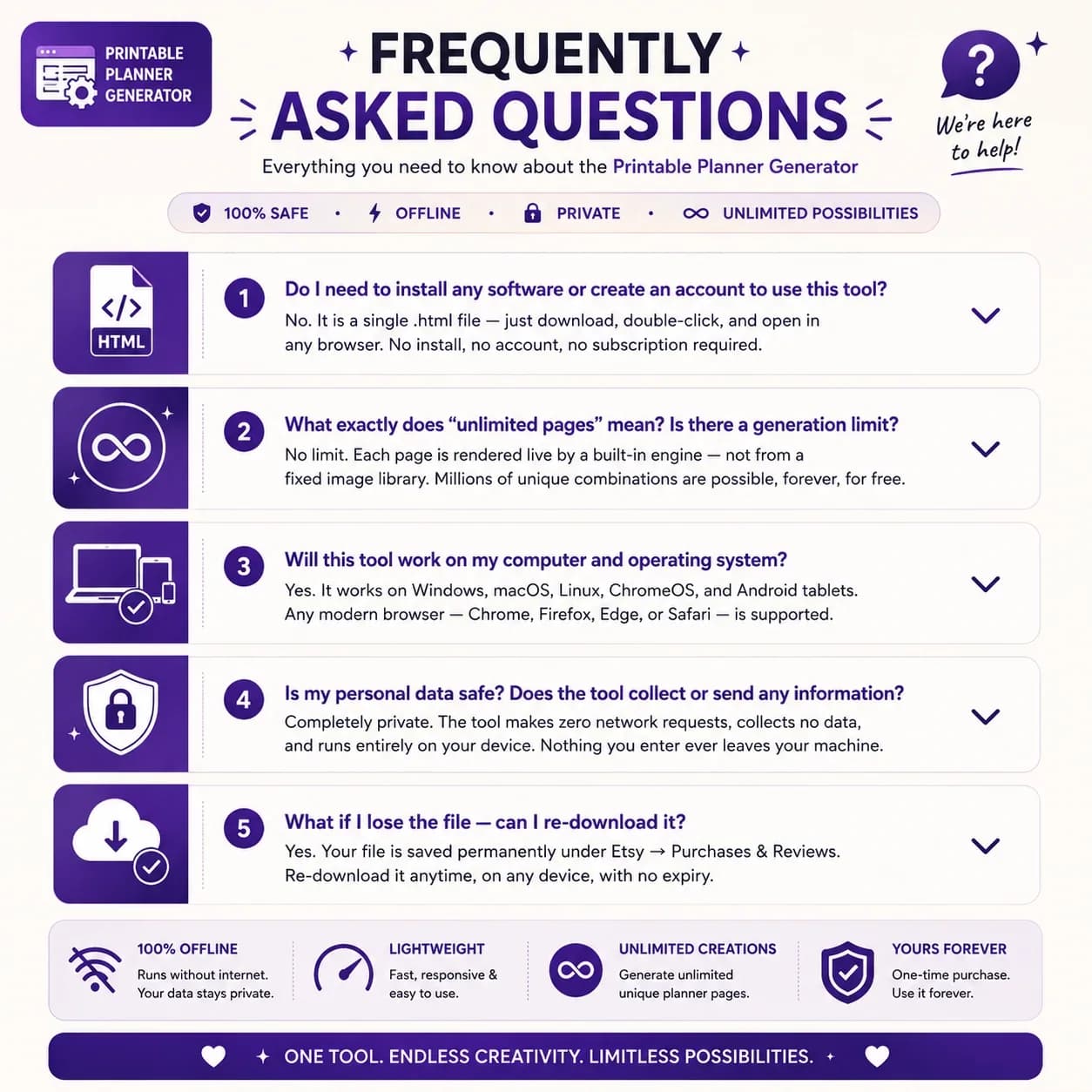
Frequently asked questions
What is a printable planner generator?
A printable planner generator is a tool that builds planner pages for you to print. This one runs in your browser from a downloaded HTML file: choose a template, customise the design and export a page as PDF, PNG or SVG.
What will I receive?
A downloadable HTML planner generator. Open the file in your browser to choose templates, customise pages and export your designs.
Do I need Google Sheets?
No. This is a browser-based design tool, rather than a spreadsheet. A modern desktop browser is the best place to use its editor.
Can I use it offline?
The core tool runs locally from its HTML file. Some fonts may need an internet connection when they first load.
Which paper sizes can I choose?
The tool includes A4, A5 and US Letter. Match the chosen size in your print settings and check the preview before printing.
How do PDF exports work?
PDF export uses the browser print workflow. Choose Save as PDF in the print dialog. PNG and SVG are available as other export formats.
Can I change the colours and text?
Yes. The design controls include palettes, font pairings, layout density, editable titles and template-specific personalisation.
Is it a subscription?
No. It is a one-time payment through Lemon Squeezy with no monthly fee. Use the buy button on this page to open the secure checkout.
Make room for your next plan
A planner generator you open in your browser, with templates, themes and export options.
Last updated . Written by the DGClicks Store team.