
- 4 tabs
- Builder, costing and settings
- $10.49
- One payment, no subscription
- Google Sheets
- Editable copy in your own Drive
- Instant
- Download link arrives at checkout
What is the Recipe Costing & Builder?
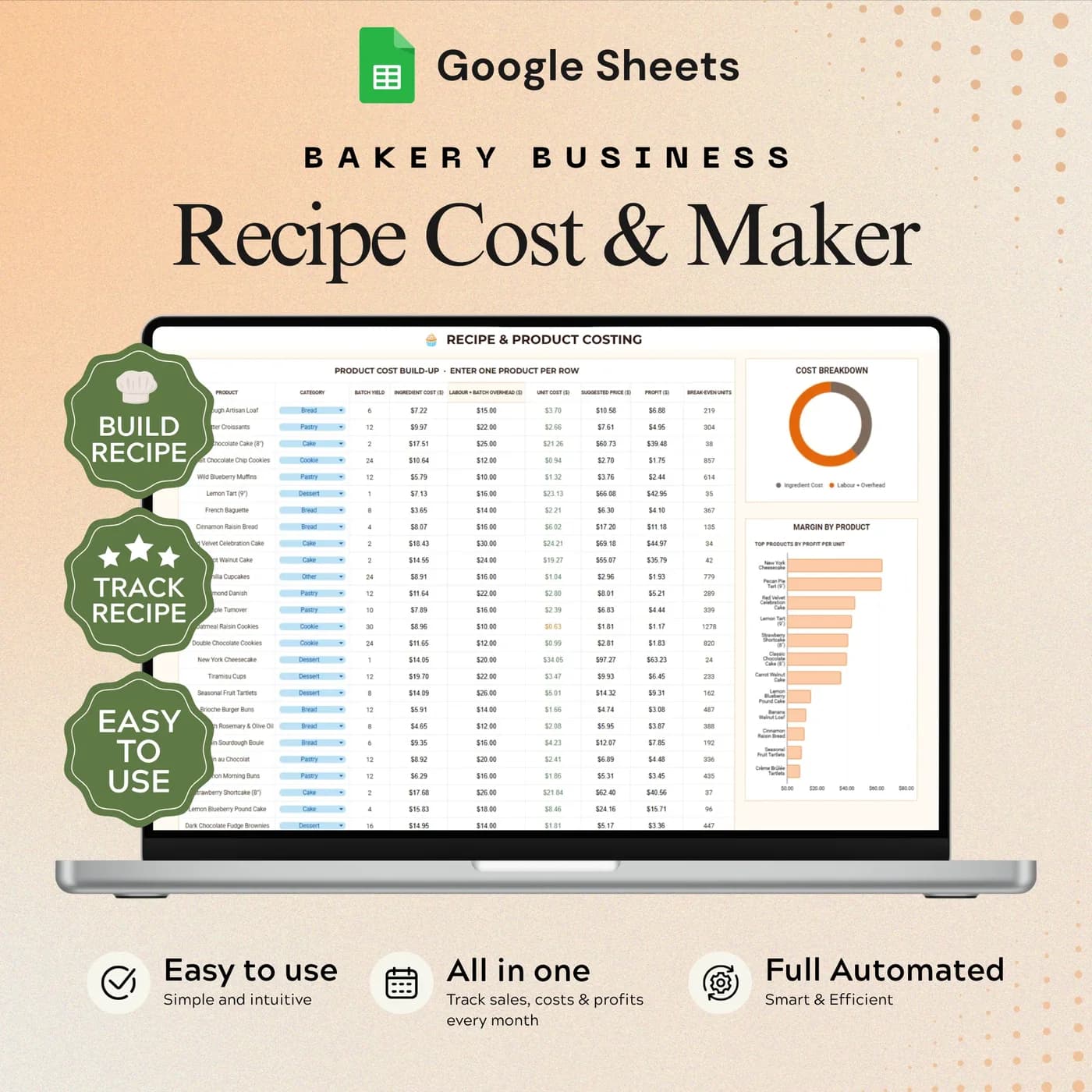
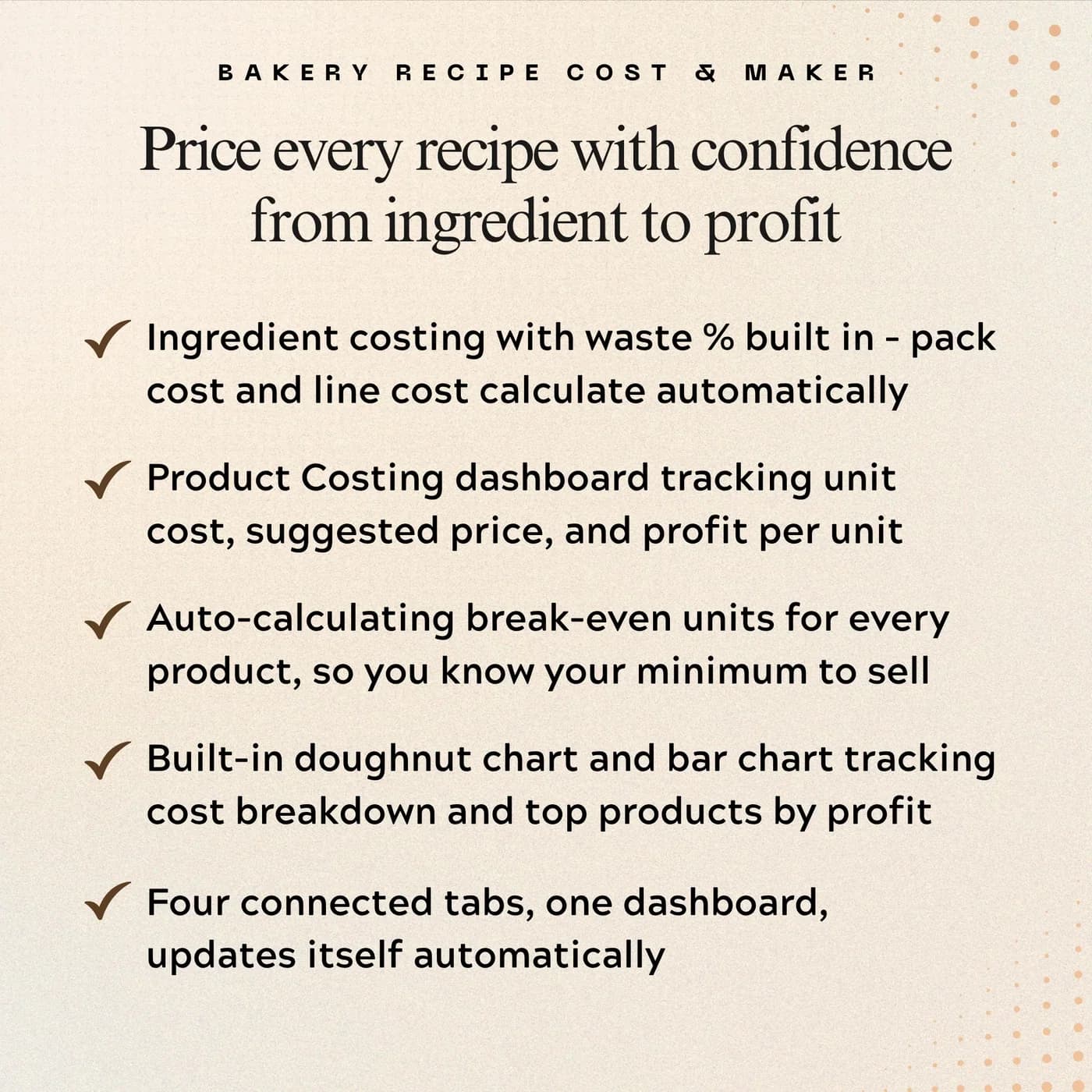
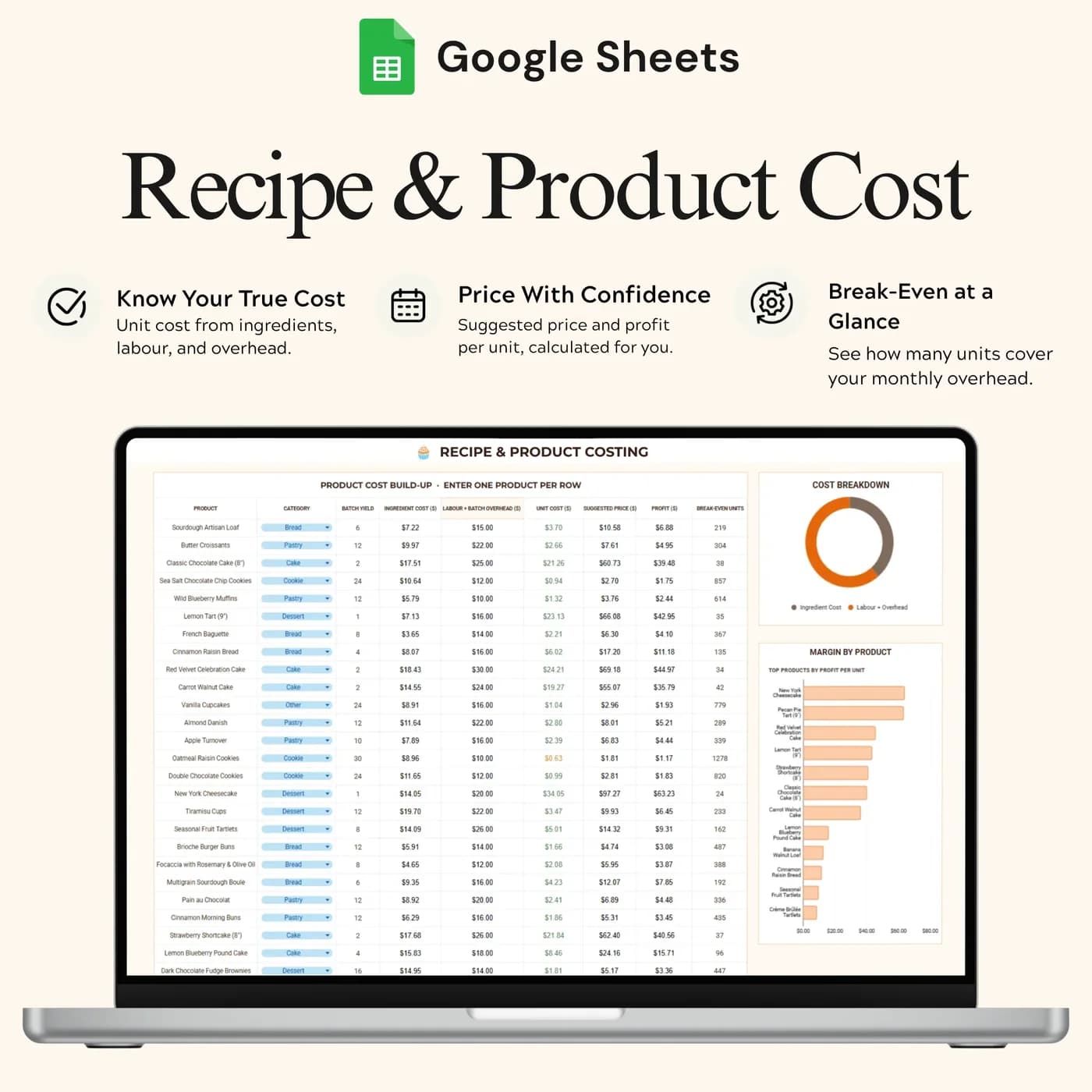
The Recipe Costing & Builder is a recipe cost calculator in the form of a Google Sheets food costing template. You build each recipe from its ingredients and quantities, add labour, batch overhead and batch yield, and the costing tab shows what one finished item costs, what you could charge for it and how much profit it leaves.
Most bakers price by looking at what others charge. That ignores the cost of your own flour, butter, boxes and time, and it is how a popular product ends up losing money. Costing a recipe properly means counting every ingredient, spreading labour and overhead across the batch, and dividing by the number of items you get out of it. This spreadsheet does the dividing so you can concentrate on the decisions.
It is built with bakers in mind, but the logic of food costing applies to any made-to-order product. You choose the final price: the sheet gives a suggested price from your inputs and assumptions, and you decide whether it fits your market.
Who this recipe costing spreadsheet is for
It suits makers who want to understand their prices before they publish them.
Made for
- Home bakers planning a product menu
- Cake and cupcake businesses comparing the cost of different recipes
- Small bakeries reviewing labour and overhead costs
- Anyone starting a baking business who needs a first set of costed products
- Makers who sell in batches and want to know the cost of one finished item
Where it stops
It does not choose your price for you and it does not track orders, stock or expenses. It is a costing tool: it turns your inputs into unit cost, a suggested price, profit and break-even units, and the judgement stays with you.
What is inside: 4 tabs for costing a recipe
A short workbook, arranged in the order you work: set up, build, cost, adjust.
Start Here
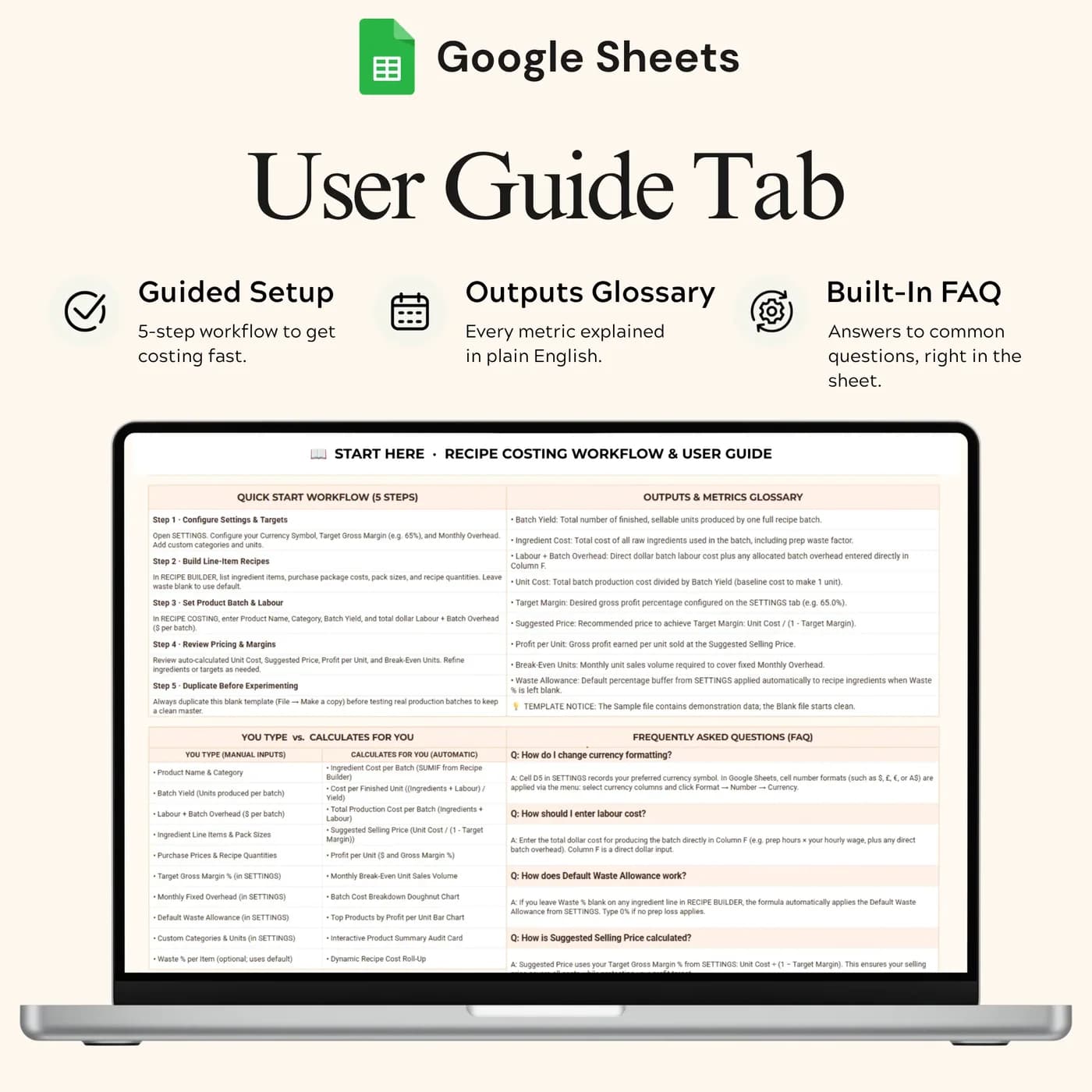
Setup instructions for your costing workflow, so you know which cells are inputs.
Recipe Builder
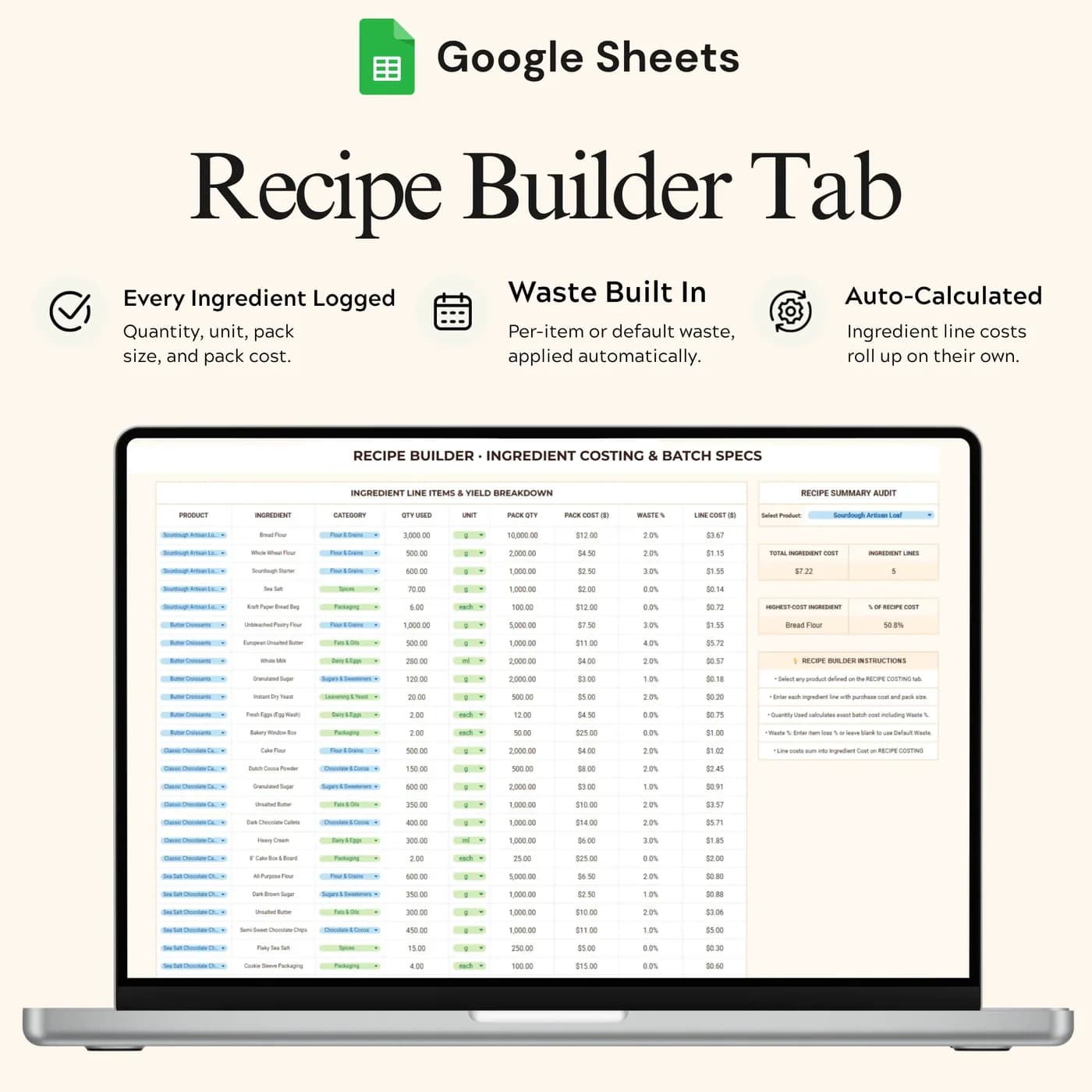
Ingredient and quantity inputs for each recipe. This is the recipe builder side of the workbook, where a product starts as a list of what goes into it.
Recipe Costing
Batch cost, unit cost, suggested price, profit and break-even units, using ingredient cost, labour, batch overhead and batch yield.
Settings
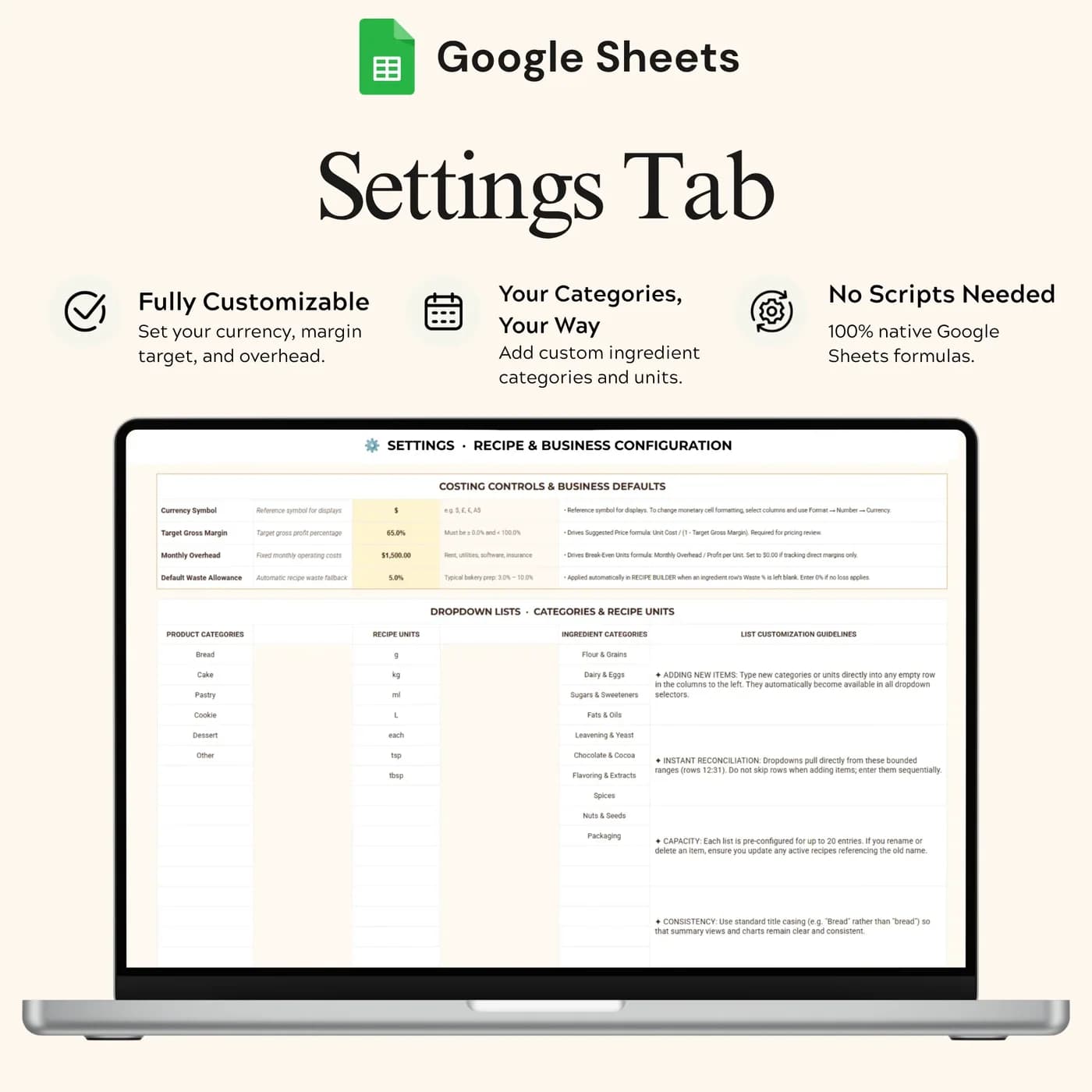
Your business details and costing assumptions, so the suggested prices reflect how you work.
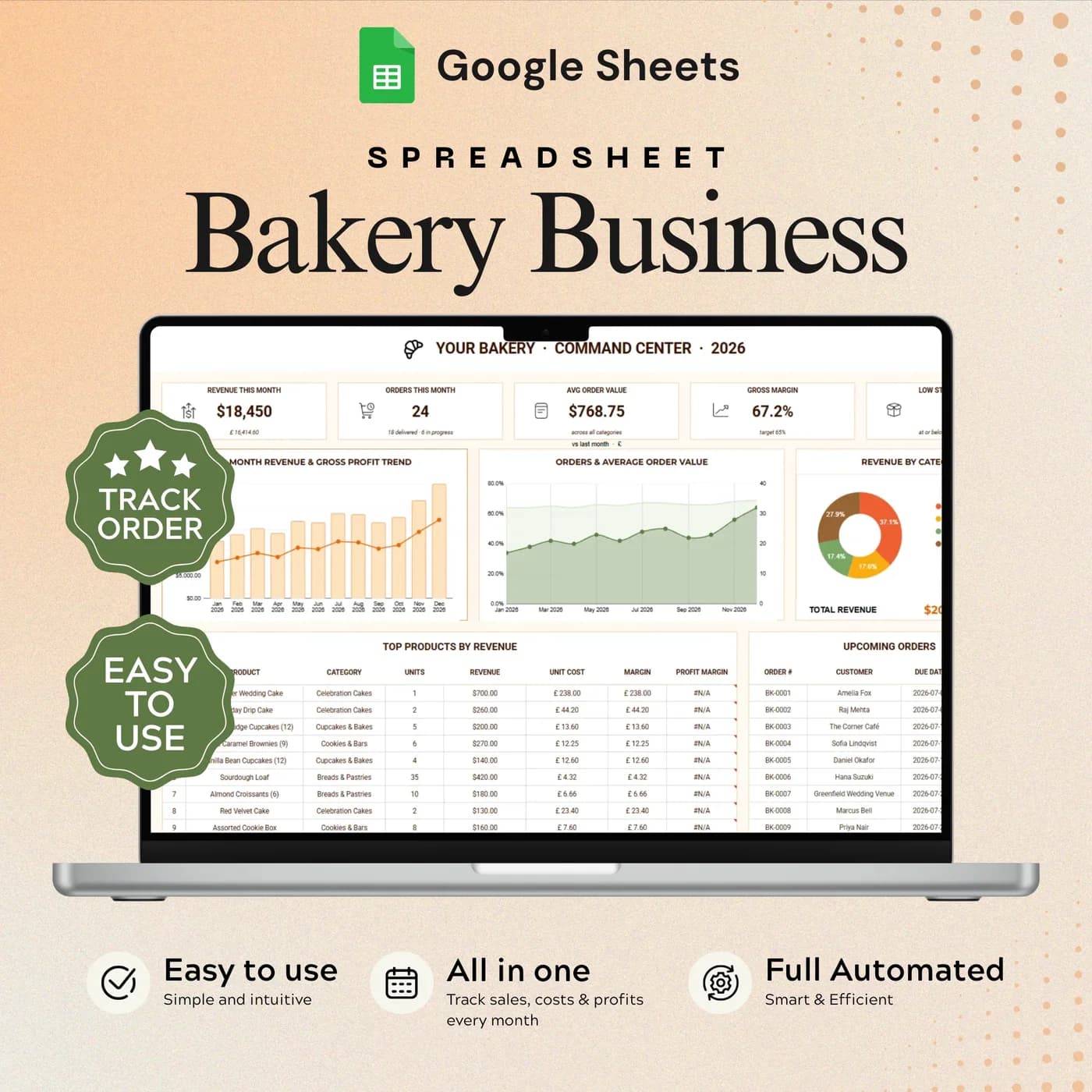
To keep ingredient prices current, pair it with the Bakery Inventory & Ingredient Cost Tracker. For orders, stock, expenses and profit and loss in one place, the Bakery Business Command Center includes recipe costing as one of its tabs.
How to cost a recipe: a worked example
Recipe costing comes down to three steps: add up the batch, divide by the yield, then decide on a margin. This example costs a batch of 15 cupcakes with example figures.
- Ingredients$7.80
- Labour$4.50
- Batch overhead$1.20
| Step | Example |
|---|---|
| Ingredients for the batch | $7.80 |
| Labour (20 minutes at $13.50 an hour) | $4.50 |
| Batch overhead | $1.20 |
| Batch cost | $13.50 |
| Batch yield | 15 cupcakes |
| Unit cost ($13.50 ÷ 15) | $0.90 |
| Target margin | 60% |
| Price at that margin ($0.90 ÷ 0.40) | $2.25 |
| Profit per cupcake | $1.35 |
| Break-even for $90 of fixed costs ($90 ÷ $1.35) | 67 cupcakes |
The Recipe Costing tab calculates unit cost, suggested price, profit and break-even units from your inputs, using the assumptions you set in Settings. The margin method above is a common one that lets you sense-check any figure. The numbers are examples, not benchmarks, so use your own costs.
Cost your first recipe in about an hour
Start with your best seller. Once one recipe is costed, the rest follow the same pattern.
Buy and download
Complete checkout and your download link for the Recipe Costing & Builder arrives straight away.
Make your copy
Copy the template into your Google Drive from the link. Work in your own copy and leave the original untouched.
Read Start Here
It explains the workflow and which cells are for your inputs.
Set your assumptions
Open Settings and enter your business details and costing assumptions.
Build the recipe
In the Recipe Builder, list each ingredient with its quantity and cost.
Add labour and yield
In Recipe Costing, add labour, batch overhead and the number of items the batch makes.
Read the result
Review unit cost, suggested price, profit and break-even units, then decide on your final price.
Re-cost a recipe whenever a main ingredient changes price. Because the sheet recalculates from your inputs, changing a cost updates that recipe’s unit cost and suggested price straight away.
Recipe costing spreadsheet vs calculator vs software
Three ways to work out what a recipe costs, compared on what matters to a small food business.
| Feature | This template | A one-off online calculator | Recipe costing software |
|---|---|---|---|
| How you pay | One-time payment | Usually free | Often a monthly or yearly plan |
| Labour, overhead and yield | Included in the costing | Often ingredients only | Usually included |
| Suggested price and break-even units | Built in | Rarely | Varies by product |
| Keeping your recipes | In your own Google Drive | Re-enter each time | On the provider’s servers |
| Changing assumptions | Edit them in Settings | Limited | Within the app’s options |
A quick calculator answers one question once. A costing spreadsheet keeps every recipe, so you can compare products and re-cost them when prices change.
What you get and what you need
- Included
- A Google Sheets template with 4 tabs: Start Here, Recipe Builder, Recipe Costing and Settings.
- Format
- A link to a Google Sheets template. You do not receive a PDF, an Excel workbook or a printable.
- You need
- A free Google account, to open the link and save your own editable copy.
- Excel
- Made in Google Sheets. Excel can open a downloaded copy, though some dropdowns, formulas and charts may not convert correctly.
- Scope
- Recipe and product costing. Orders, stock and profit reporting are separate templates.
- Payment
- One-time payment through Lemon Squeezy. There is no subscription.
Frequently asked questions
What is a recipe costing spreadsheet?
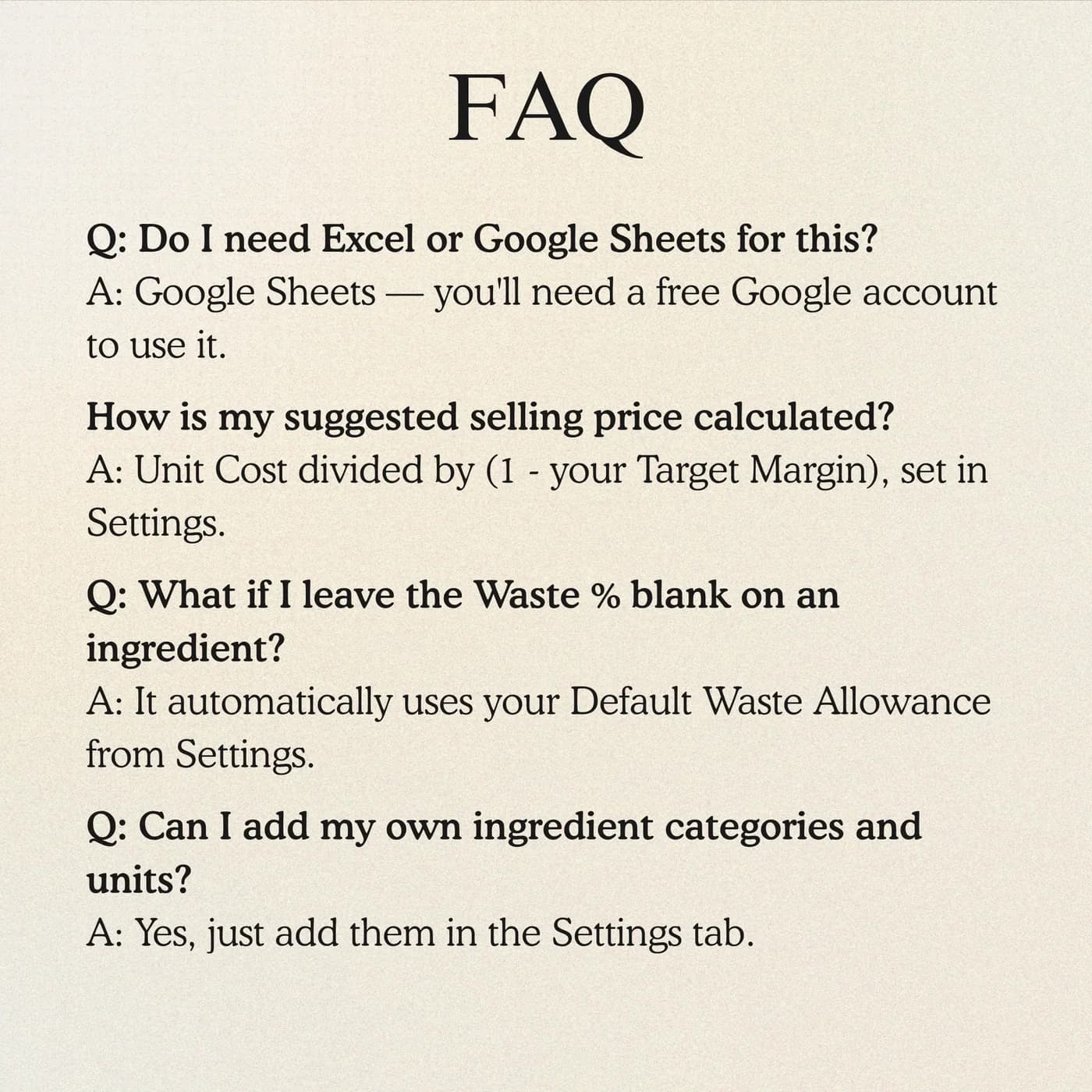
A recipe costing spreadsheet adds up the ingredients, labour and overhead behind a recipe and divides by the number of items it makes. This one then shows unit cost, a suggested price, profit and break-even units, so you can price products from facts.
Does it choose the final selling price for me?
It provides a suggested price from your inputs and assumptions. You choose the final price for your product, and you can compare it with what your market will pay.
What costs does it include besides ingredients?
The costing uses ingredient cost, labour, batch overhead and batch yield. That gives you the cost of one finished item rather than only the cost of the bag of flour.
Can I cost different batch sizes?
Yes. Batch yield is part of the costing inputs, so you can review the cost per finished item for a small test batch and for a full production run.
Is it a food cost calculator for a bakery?
Yes. It is built with bakers in mind, and the method works for any made-to-order food product. Cake, cupcake and cookie businesses are the main users.
What does break-even units mean?
Break-even units are the number of items you must sell to cover your fixed costs, given the profit each item makes. The costing tab shows this for each product so you can judge whether a price is realistic.
Does it track my inventory or orders?
No. It focuses on costing. For stock and suppliers see the Bakery Inventory & Ingredient Cost Tracker, and for orders see the Order Tracker Command Center.
Is it only for bakeries?
It was written for bakers, so the examples and wording suit bakeries. The costing logic, which is ingredients plus labour plus overhead divided by yield, applies to any small food product.
Is the recipe costing tool an Excel file?
The recipe costing tool is made for Google Sheets, so you receive a link and not an .xlsx file. If you download a copy for Excel, parts such as dropdowns, charts or formulas may not convert cleanly, so keep working in Google Sheets for the best result.
Is a Google account required for the recipe costing tool?
You need a free Google account. Open the link, choose to make a copy, and the workbook is saved in your Google Drive ready for your own details.
Is there a recurring fee for the recipe costing tool?
There is no recurring fee. The price is a single payment handled by Lemon Squeezy, and you keep the file afterwards.
Price every bake with a clearer picture of cost
A recipe builder and a costing tab in one Google Sheets file.
Last updated . Written by the DGClicks Store team.