


- 4 tabs
- Guests, thank-yous and settings
- $10.49
- One payment, no subscription
- Google Sheets
- Editable copy in your own Drive
- Instant
- Download link arrives at checkout
What is the Wedding Guest & RSVP Manager?
The Wedding Guest & RSVP Manager is a wedding guest list spreadsheet built around replies. You record every guest and their RSVP status, and the workbook summarises the headcount and the breakdown of who is coming, who has declined and who has not yet answered. Meal selections sit on the same row, so the caterer’s numbers are always one filter away.
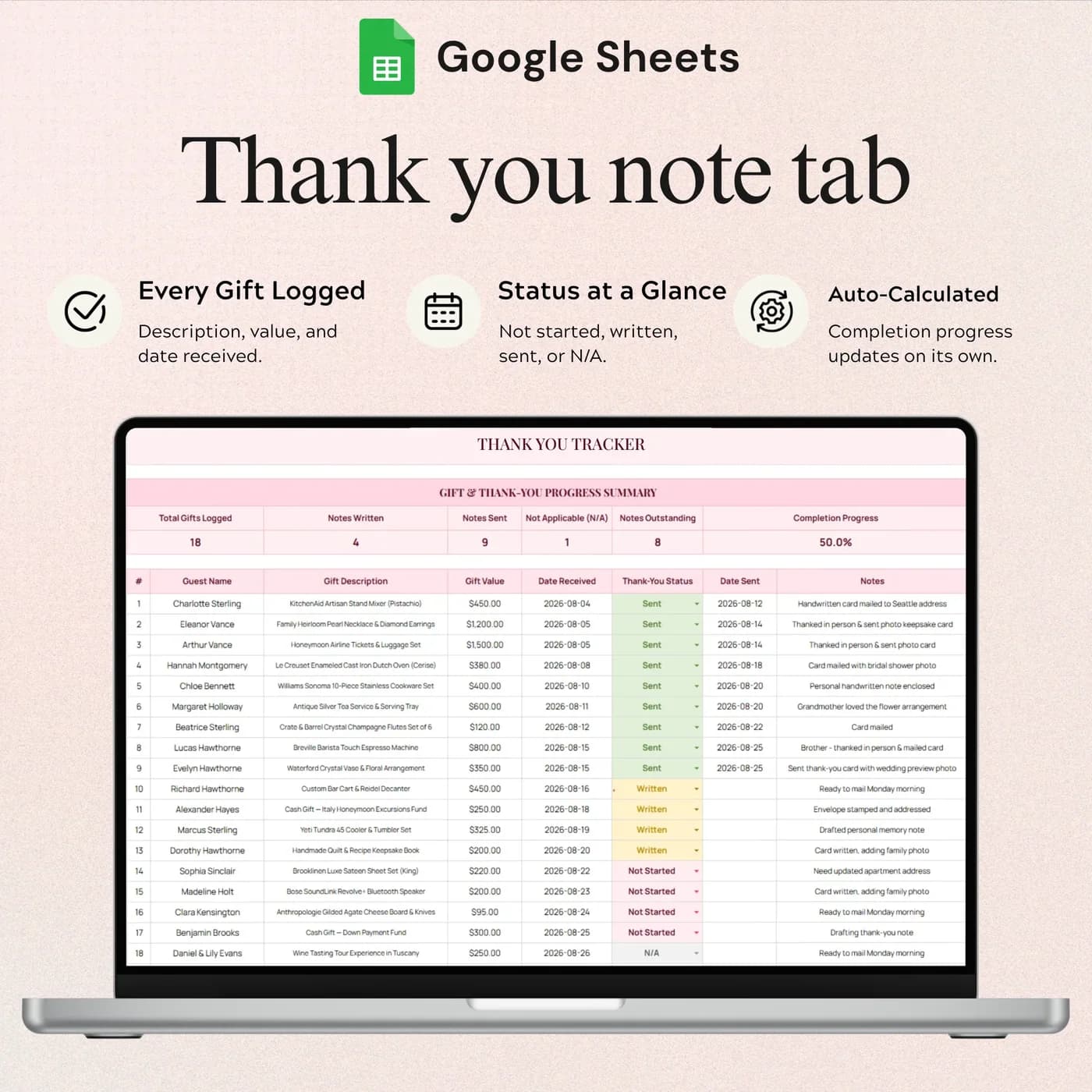
The guest list is the part of a wedding that changes the most. Replies trickle in, plus-ones appear, someone changes their meal. A wedding guest list tracker that you update as you go is more reliable than a list in an email. After the day, the same workbook keeps your thank-you notes from getting lost: log each gift and follow the note through written, sent and outstanding statuses.
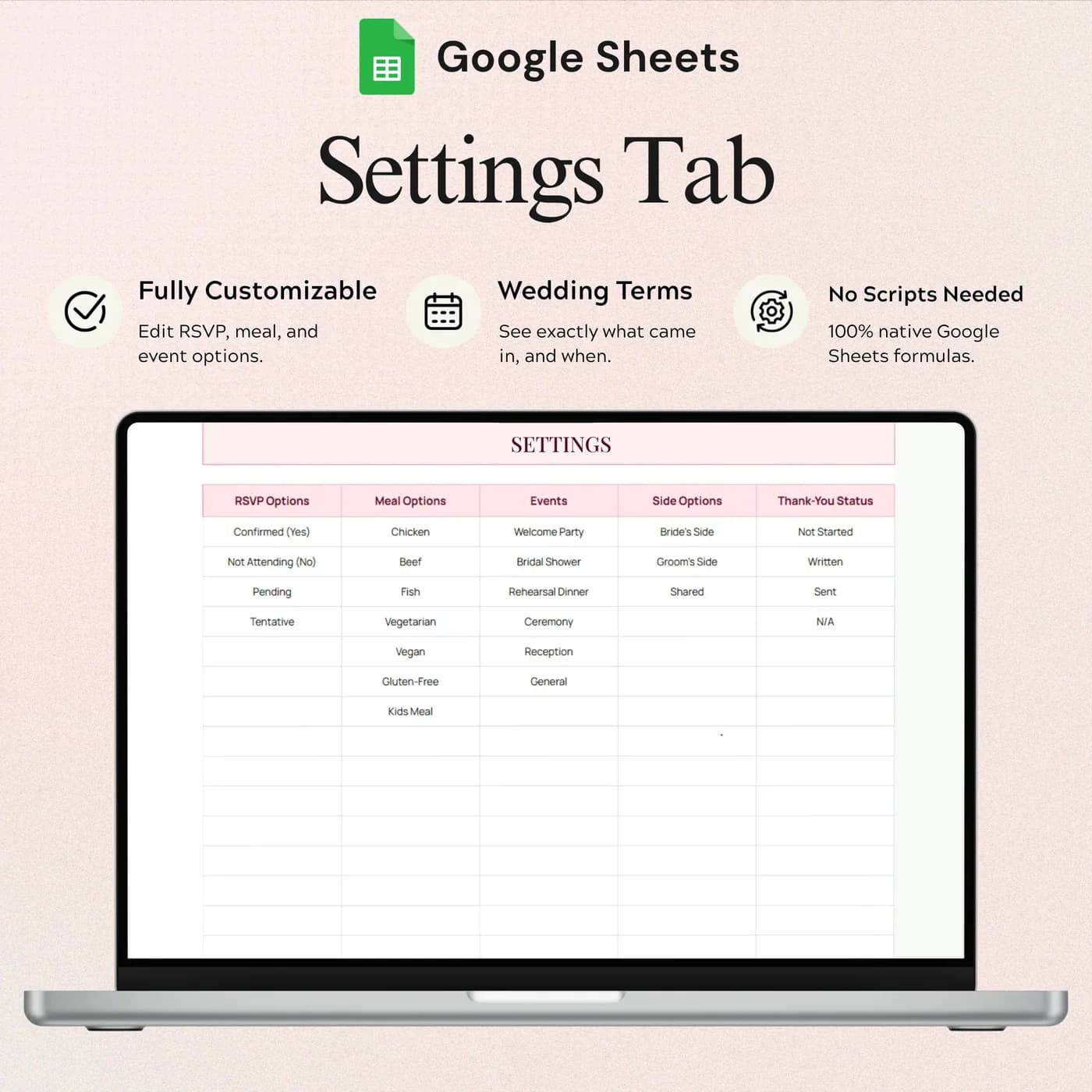
You set the choices that fit your wedding, including RSVP options, meals, events, sides and thank-you statuses, in the Settings tab. It is a planning and tracking workbook, so it does not send invitations or messages; you do that through your usual channels and record the replies here.
Who this wedding guest list spreadsheet is for
It suits the people at the centre of the day, and the people helping them.
Made for
- Couples managing wedding invitations
- People keeping meal choices organised for a caterer
- Anyone tracking gifts and thank-you notes
- Families helping with the guest list
- Couples hosting more than one event who want the choices set up in one place
Where it stops
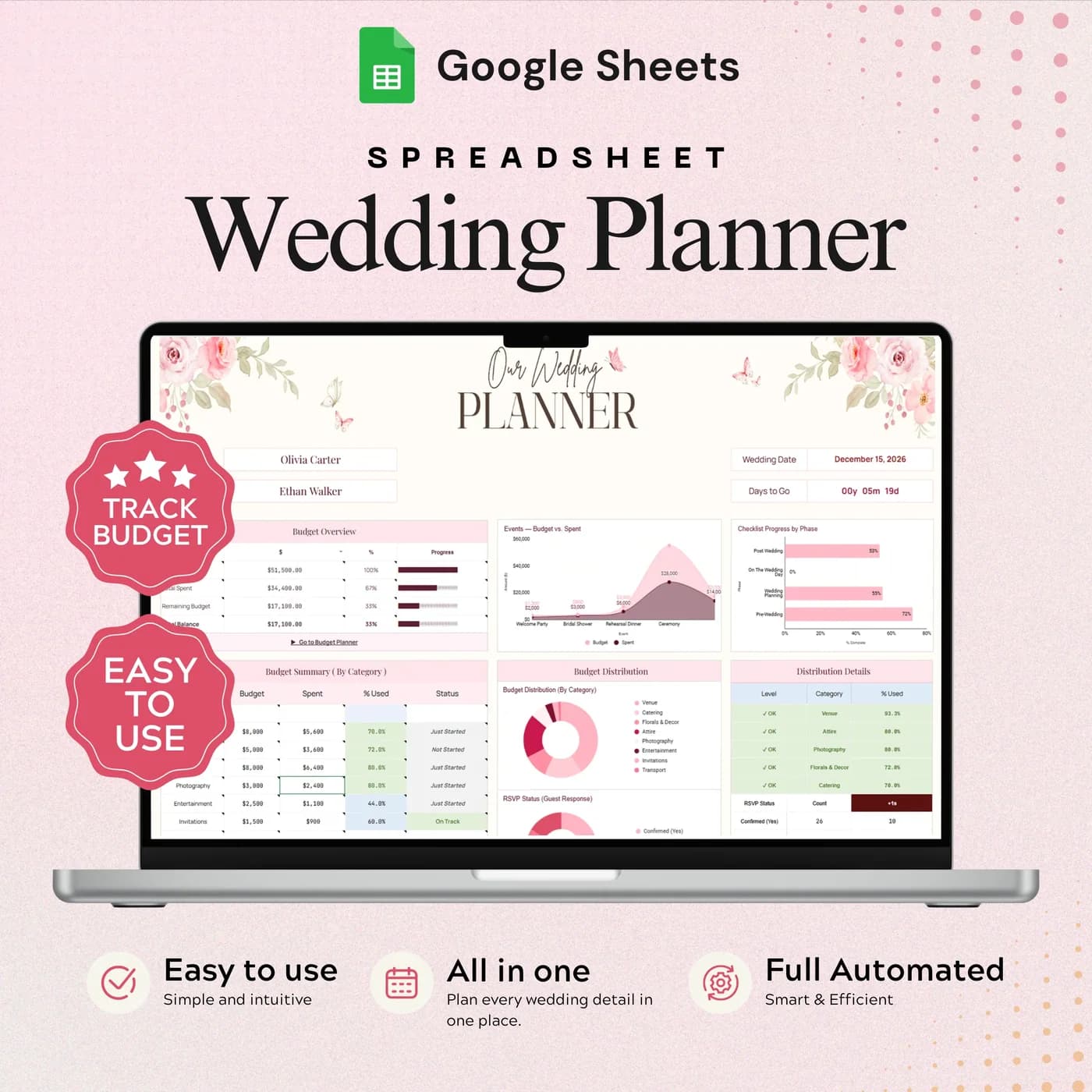
It will not send invitations or messages, and it is focused on guests. The full wedding budget, vendor and task views are in the Wedding Planner. It does not include a seating chart tab.
What is inside: 4 tabs for guests, RSVPs and thank-yous
A short workbook, because the guest list should be easy to keep current.
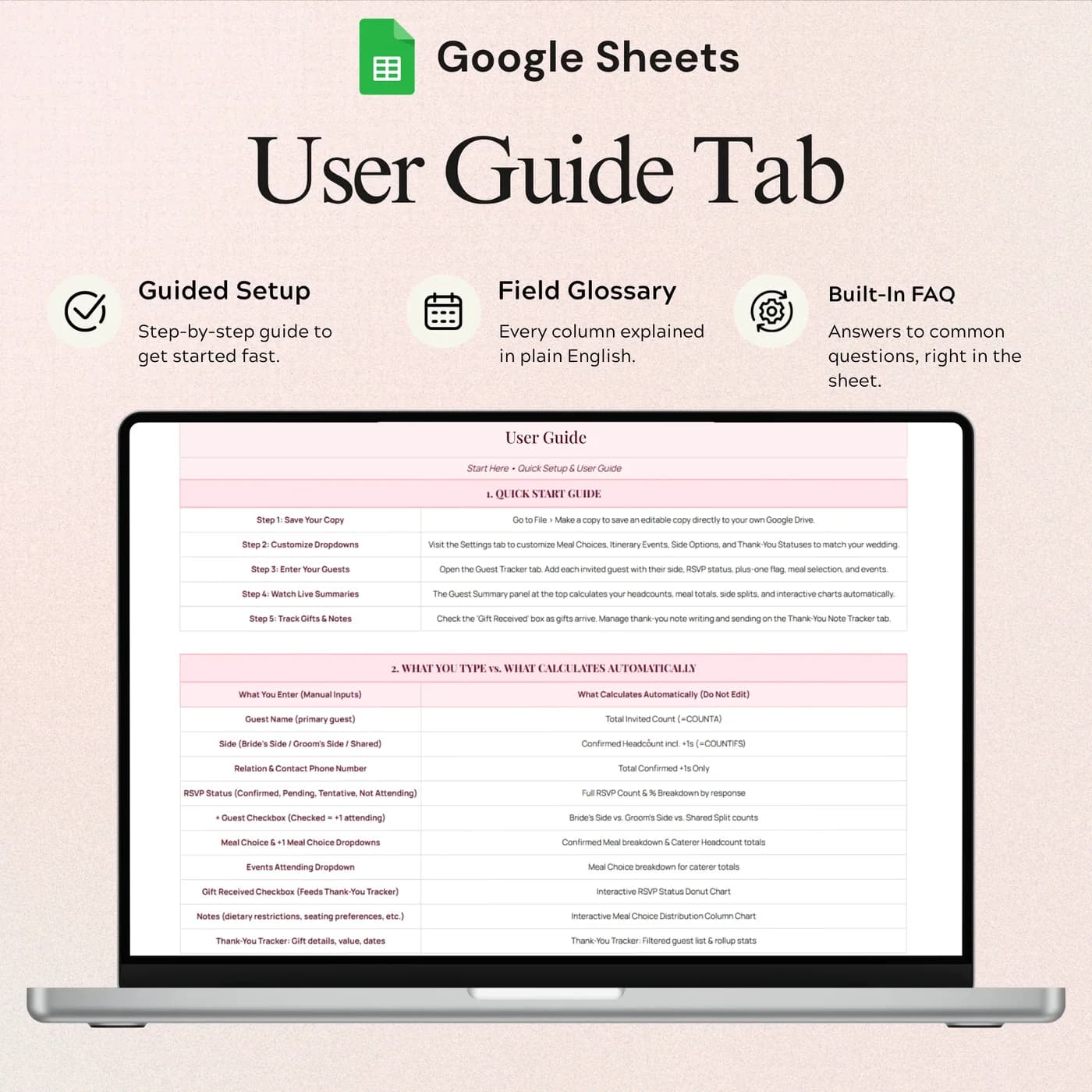
Start Here
Instructions for making your copy, customising dropdowns and entering guests.
Guest Tracker
The guest list, RSVP summaries and meal selections. Record guests and their RSVP status, then review the headcount and guest breakdown.
Thank You Note Tracker
Gift records and note progress, through written, sent and outstanding statuses, so no thank-you note is forgotten.
Settings
RSVP, meal, event, side and thank-you options, so the dropdowns match your wedding.
For the budget, vendors and task list as well as guests, the Wedding Planner covers the whole project in eight tabs, including a Guest Manager. To save for the costs, the Sinking Funds Tracker helps.
How to read an RSVP count: a worked example
Your final headcount is the number of confirmed yes replies, not the number of invitations. The tracker summarises replies as they arrive. Here is how the numbers look for an example guest list of 120 invitees.
- Yes84
- No18
- Awaiting reply18
| Measure | Example |
|---|---|
| Invited | 120 |
| Yes | 84 |
| No | 18 |
| Awaiting reply | 18 |
| Meal choice: chicken | 38 |
| Meal choice: fish | 26 |
| Meal choice: vegetarian | 20 |
| Total meals for the caterer (38 + 26 + 20) | 84 |
The meal choices add up to the confirmed headcount, which is a useful check: if they do not, someone has said yes without choosing a meal. The Guest Tracker shows RSVP summaries and meal selections for you. The figures above are examples.
Set up your guest list tracker in an hour
Customise the dropdowns first, then add guests. It keeps entries consistent from the start.
Buy and download
Pay at the secure checkout and the Wedding Guest & RSVP Manager download link is available immediately.
Make your copy
Copy the template into your Google Drive from the link. Work in your own copy and leave the original untouched.
Read Start Here
It explains how to make your copy, customise dropdowns and enter guests.
Customise Settings
Set your RSVP options, meal choices, events, sides and thank-you statuses.
Enter your guests
Add each guest in the Guest Tracker, then update their RSVP status as replies arrive.
Check the numbers
Review the headcount and meal selection summaries before you give numbers to the caterer.
Track the thank-yous
After the wedding, log gifts and move each note from outstanding to written to sent.
Update replies the day they arrive. A guest list that is always current means you can answer the caterer or venue without a scramble.
Guest list spreadsheet vs paper list vs RSVP website
Three common ways to manage wedding guests, compared on what matters.
| Feature | This template | A paper list | An RSVP website |
|---|---|---|---|
| How you pay | One-time payment | Cost of paper | Often free or a paid plan |
| RSVP summary and headcount | Calculated for you | Counted by hand | Usually built in |
| Meal choices | On each guest’s row | Written beside the name | Usually built in |
| Thank-you notes | A dedicated tracker | Easy to lose | Rarely |
| Who enters replies | You do | You do | Guests do |
A website can collect replies directly from guests. A spreadsheet is where you keep the full picture, including gifts and thank-yous, after the replies are in.
What you get and what you need
- Included
- A Google Sheets template with 4 tabs: Start Here, Guest Tracker, Thank You Note Tracker and Settings.
- Format
- A link to a Google Sheets template. You do not receive a PDF, an Excel workbook or a printable.
- You need
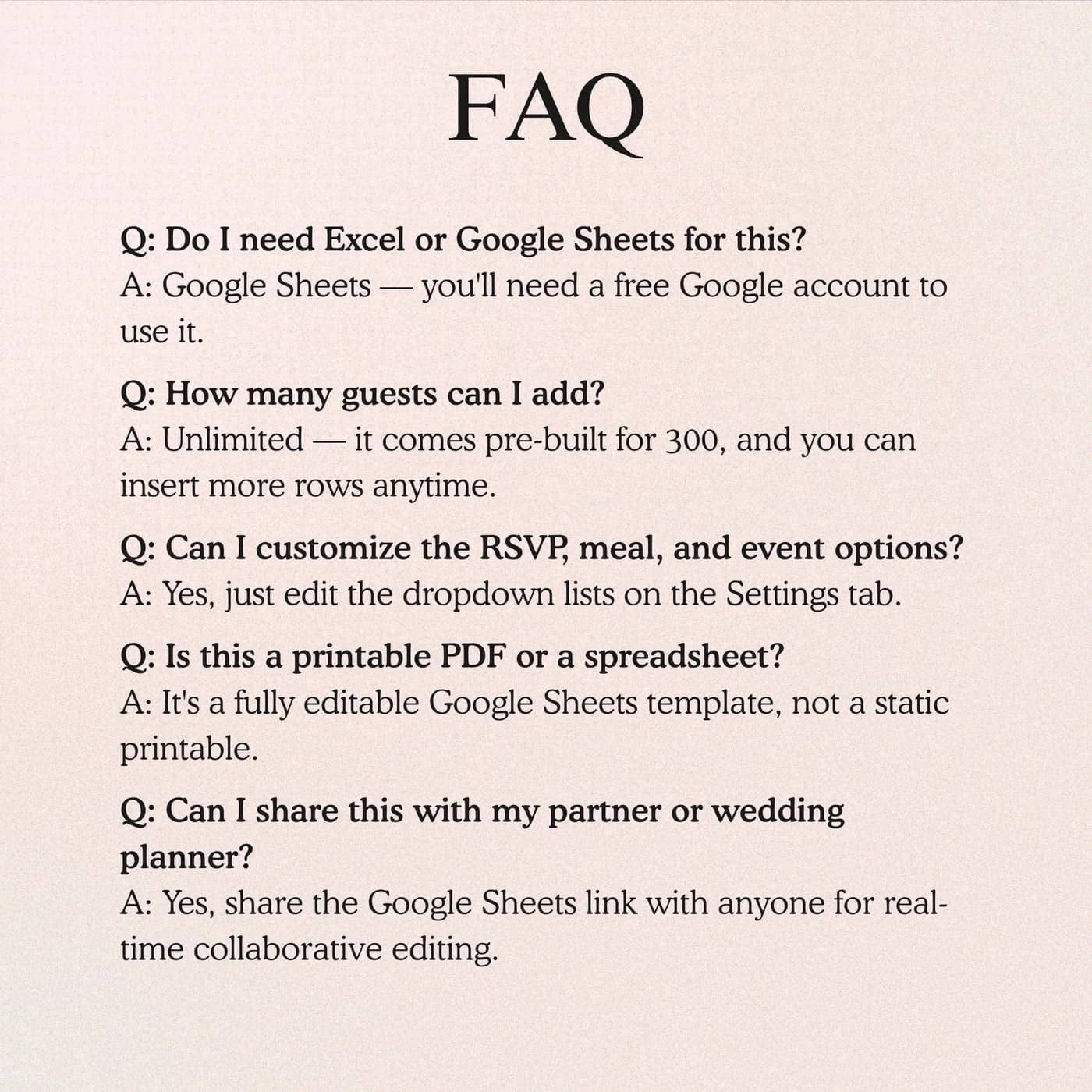
- Only a free Google account. Everything else happens in your own copy of the sheet.
- Excel
- Google Sheets is the supported home. An .xlsx export is possible, with the risk that formulas, charts or dropdowns change.
- Seating chart
- Not included. This workbook tracks guests, RSVPs, meals, gifts and thank-you notes.
- Payment
- Pay once through Lemon Squeezy. Nothing recurs.
Frequently asked questions
What is a wedding guest list template?
A wedding guest list template is a spreadsheet for recording each guest, their contact details, their RSVP status and their meal choice. This one runs in Google Sheets and adds RSVP summaries, a headcount and a thank-you note tracker.
Will it send invitations or messages?
No. It is a planning and tracking workbook. You send invitations and messages through your chosen channels and record the replies here.
Can I track meal choices?
Yes. The Guest Tracker records meal selections, and you set the meal options in Settings. Use the summary to give the caterer an accurate count.
Does it include a seating chart?
No. This workbook focuses on guests, RSVPs, meals, gifts and thank-you notes. It does not include a seating chart or seating plan tab.
Can I track thank-you notes?
Yes. The Thank You Note Tracker logs gifts and follows each note through written, sent and outstanding statuses, so nobody is forgotten.
Is the full wedding budget included?
This is the focused guest and RSVP product. Budget, vendor and broader planning views are in the Wedding Planner.
Can I set up more than one event?
Settings includes event options, so you can set up the events that apply to your wedding, such as a rehearsal dinner as well as the wedding itself, and use them in the dropdowns.
Do I have to keep the sample entries in the guest list template?
Yes. Any sample entries you see are placeholders. Type your own details over them in your copy, and leave the formula cells as they are.
Does the guest list tracker work in Microsoft Excel?
The guest list tracker is made for Google Sheets, so you receive a link and not an .xlsx file. If you download a copy for Excel, parts such as dropdowns, charts or formulas may not convert cleanly, so keep working in Google Sheets for the best result.
Is a Google account required for the guest list tracker?
You need a free Google account. Open the link, choose to make a copy, and the workbook is saved in your Google Drive ready for your own details.
Is there a recurring fee for the guest list tracker?
There is no recurring fee. The price is a single payment handled by Lemon Squeezy, and you keep the file afterwards.
Every guest, every reply, one organised list
Guests, RSVPs, meal choices and thank-you notes in one Google Sheets workbook.
Last updated . Written by the DGClicks Store team.