
- 5 tabs
- Dashboard, plan, recipes and groceries
- $10.49
- One payment, no subscription
- Google Sheets
- Editable copy in your own Drive
- Instant
- Download link arrives at checkout
What is the Meal Planner?
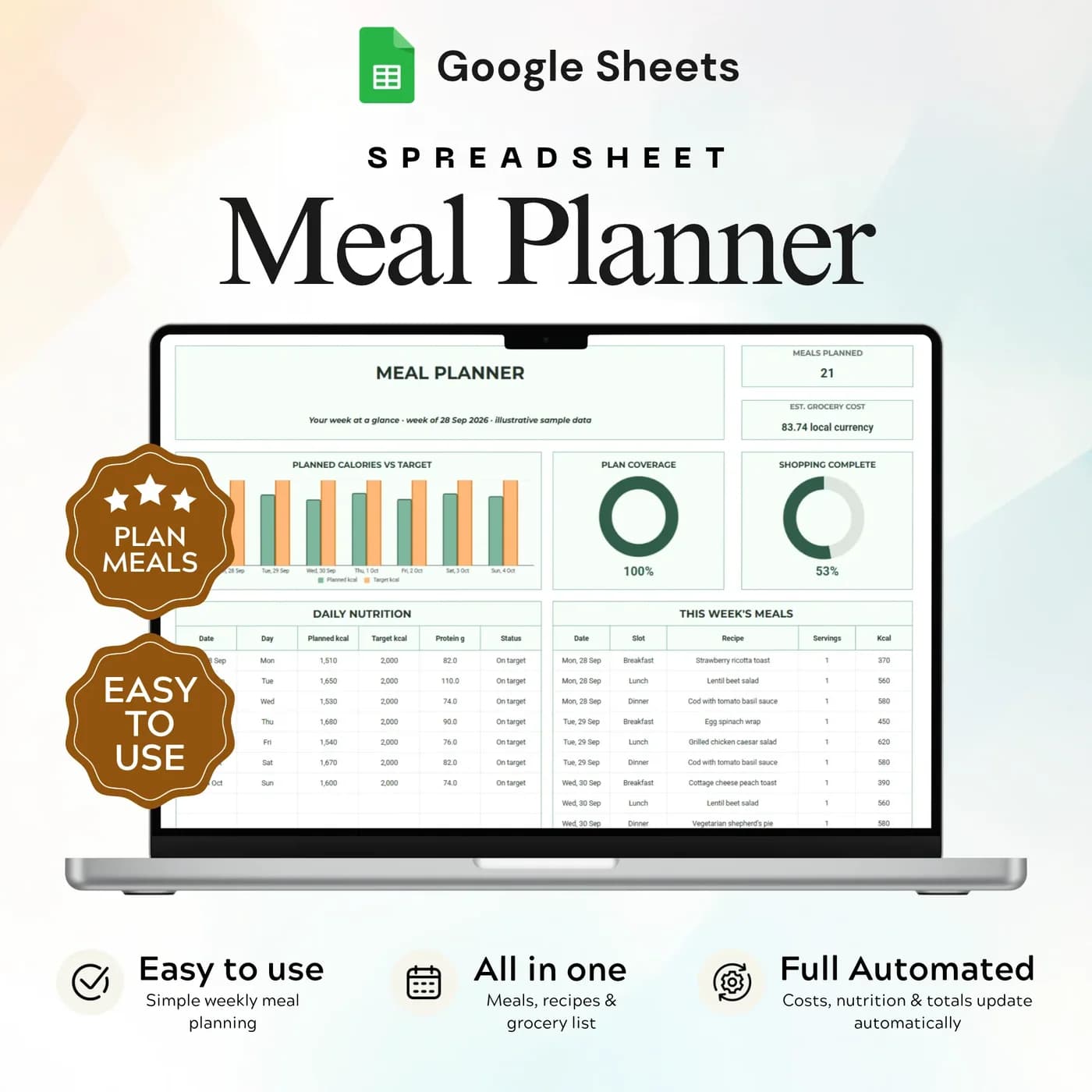
The Meal Planner is a meal planner spreadsheet that joins four things most people keep separately: the recipes they cook, the plan for the week, the nutrition and cost of that plan, and the shopping list. You choose recipes and servings for each day, and the workbook shows daily calories and protein, the cost of what you have planned and a grouped grocery list.
A weekly menu template saves a surprising amount of effort. Deciding what to cook is the hardest part of dinner, and doing it once for the week turns “what shall we eat?” into a glance at the sheet. A plan also stops duplicate shopping: when ingredients from several recipes are grouped on one list, you buy the onions once.
It organises the recipes, targets and meals you enter, and it does not recommend a diet. You set a calorie target and a grocery budget in Setup, and the dashboard shows how your plan compares. The choices stay yours.
Who this weekly meal planner is for
It suits anyone who wants dinner to be a decision made once a week.
Made for
- Households planning meals and shopping together
- People organising recipes in one place
- Anyone comparing the cost and nutrition of their planned meals
- Meal preppers who cook in batches
- People working to a grocery budget
Where it stops
It does not suggest recipes, give dietary or medical advice or order groceries for you. Nutrition figures come from the values you enter for your recipes, so they are only as accurate as your inputs.
What is inside: 5 tabs for planning meals and groceries
Each tab feeds the next, from recipes to the weekly plan to the shopping list.
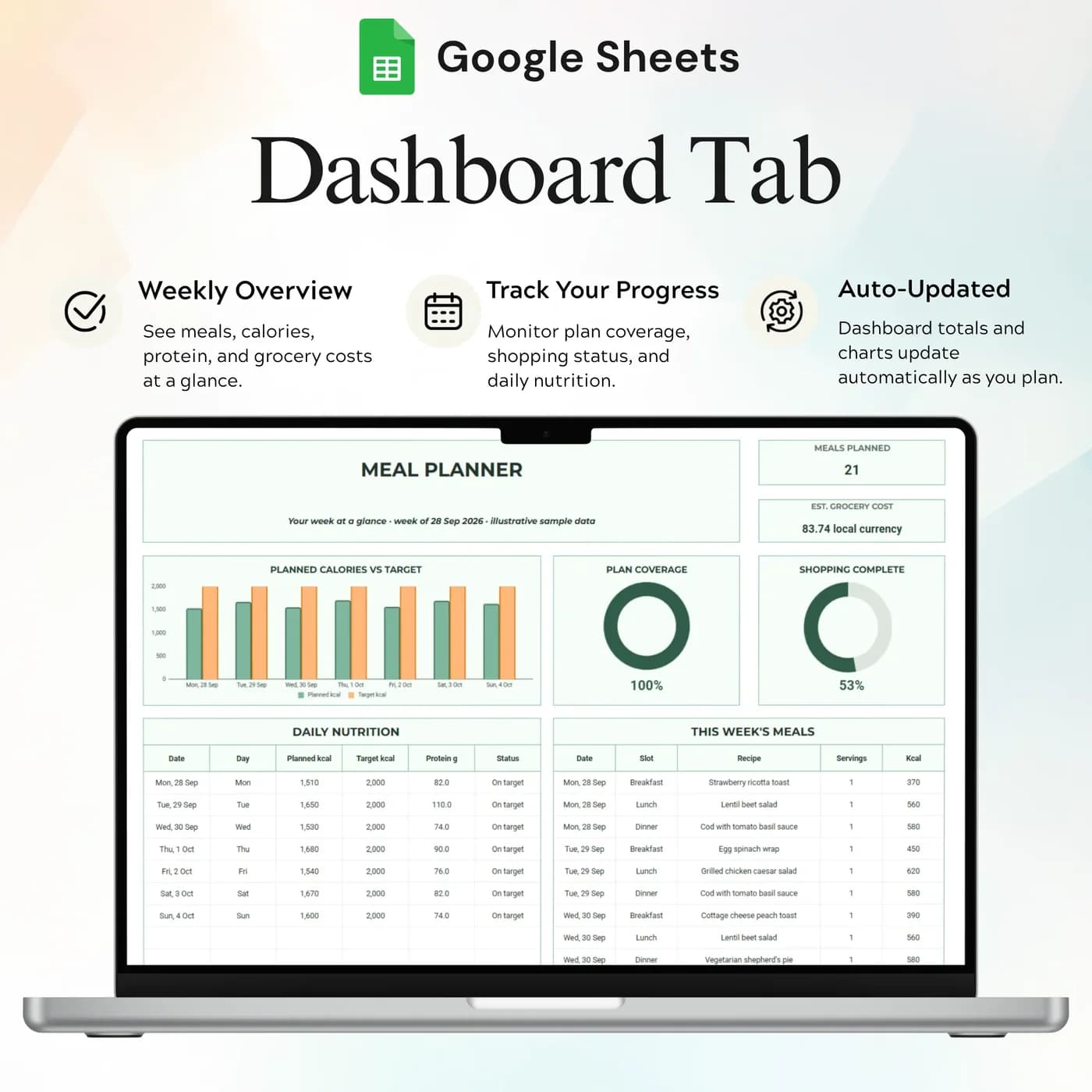
Dashboard
Meal plan coverage, shopping progress and daily targets, so you can see at a glance whether the week is planned.
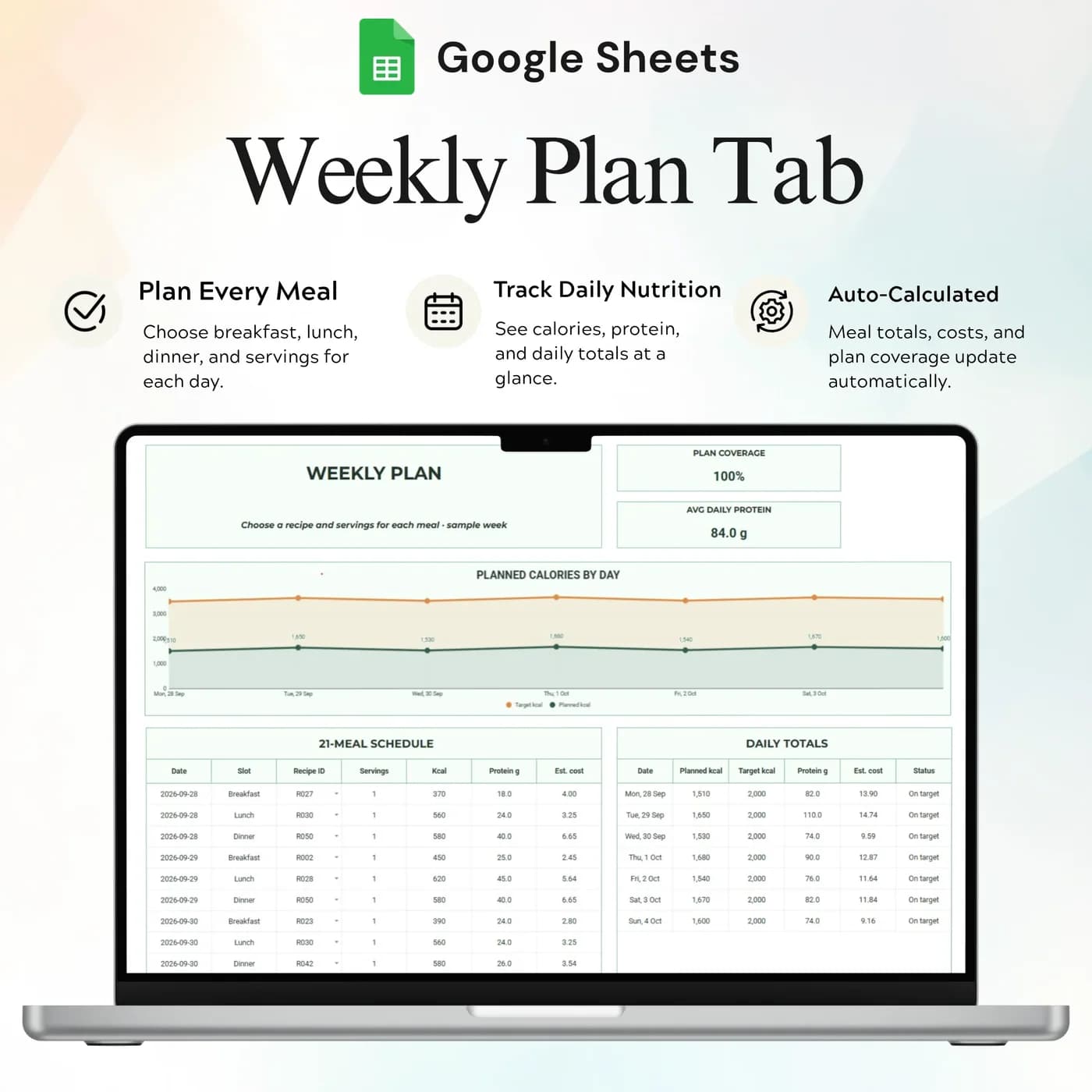
Weekly Plan
Your recipes, servings, dates and a daily summary of nutrition and cost. This is the weekly meal planner view.
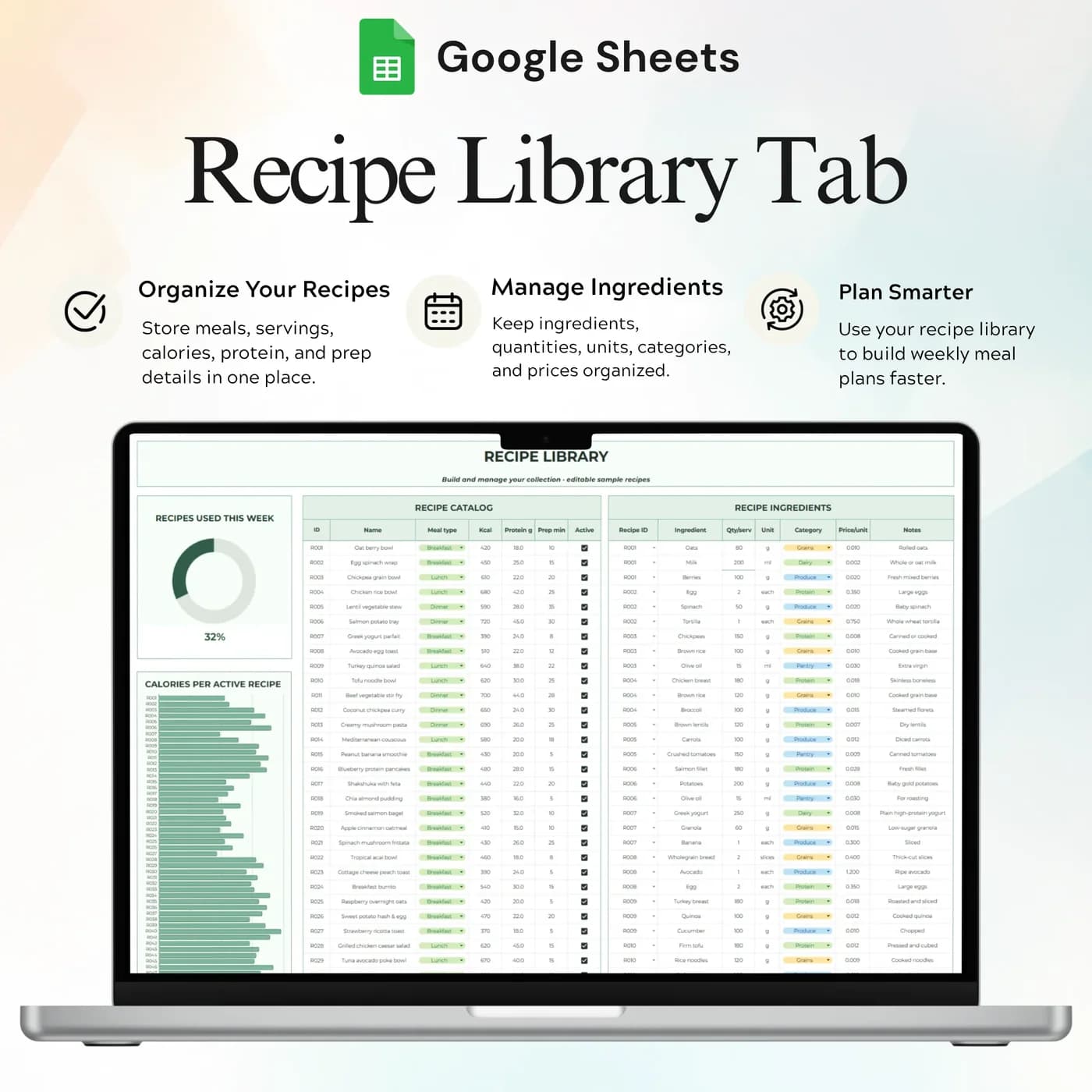
Recipes
Recipe details, ingredients, costs and nutrition inputs, kept together so the weekly plan can use them.
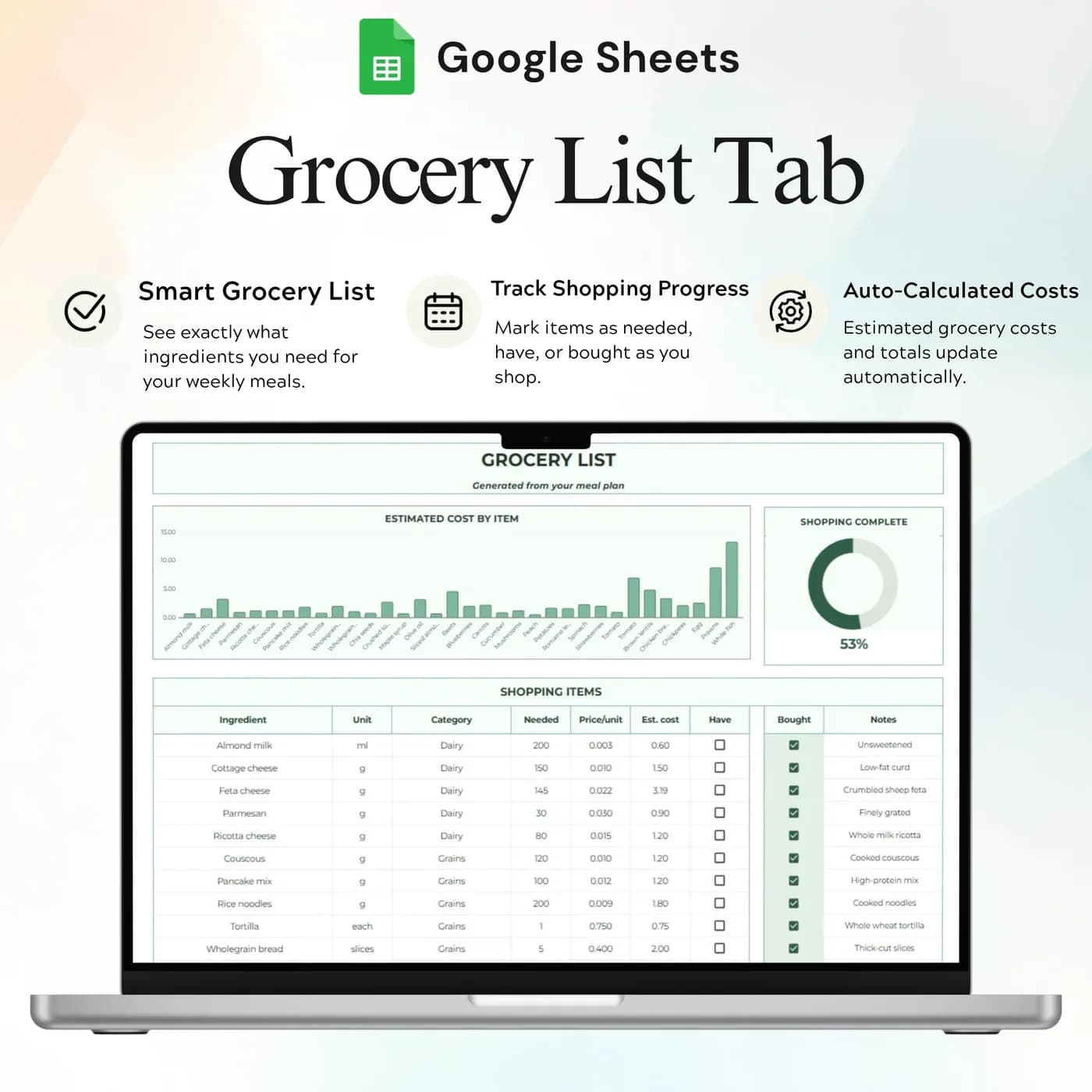
Grocery List
Grouped ingredient quantities and costs with shopping checkboxes, so you can mark what you already have and what you bought.
Setup
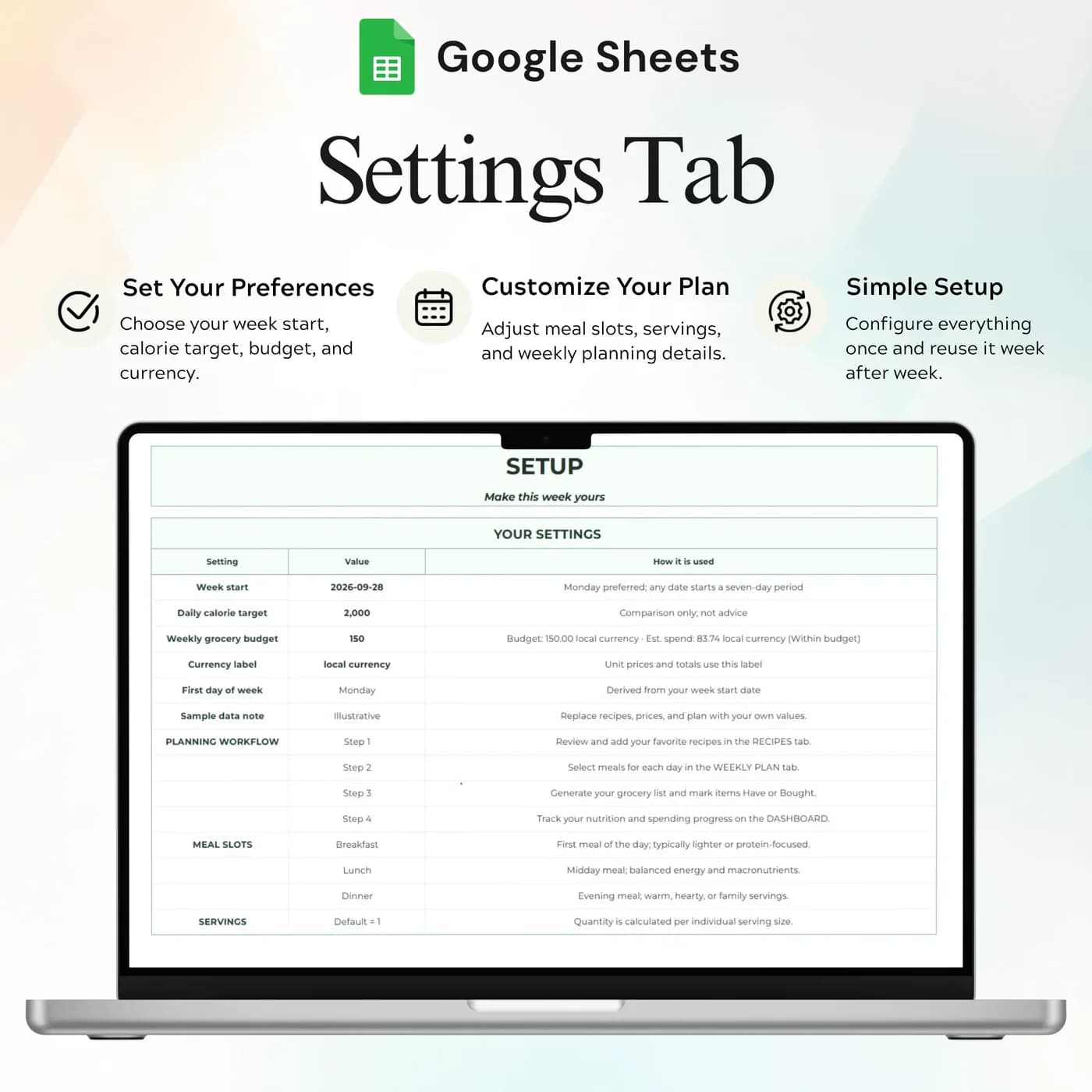
The week start, calorie target, grocery budget and currency.
For routines beyond food, the Habit Tracker tracks daily habits across the year. If your grocery budget is part of a bigger plan, the Annual Budget Tracker 2026 shows the whole picture.
What a week of meals costs: a worked example
Planning meals makes cost visible. Add the cost of each planned recipe, divide by the servings, and compare the total with your grocery budget. This example plans five dinners for four people with example costs.
| Dinner | Recipe cost |
|---|---|
| Chicken stir-fry | $11.40 |
| Lentil soup | $6.80 |
| Tacos | $13.20 |
| Pasta bake | $9.60 |
| Sheet-pan salmon | $18.00 |
| Total for the week | $59.00 |
In the workbook, you enter each recipe’s ingredients and costs once, then choose recipes and servings in the Weekly Plan. The daily summary shows nutrition and cost, and the dashboard shows the plan against your targets. Costs above are examples, so use your own prices.
Plan your first week in about an hour
The first week takes the longest, because you are entering recipes. After that, planning is quick.
Buy and download
Pay at the secure checkout and the Meal Planner download link is available immediately.
Make your copy
Copy the template into your Google Drive from the link. Work in your own copy and leave the original untouched.
Fill in Setup
Set the week start, calorie target, grocery budget and currency.
Add recipes
In Recipes, enter the details, ingredients, costs and nutrition values for the meals you cook.
Plan the week
In the Weekly Plan, choose recipes and servings for each day.
Refresh the grocery list
Use the Meal Planner menu in the Google Sheets version to refresh the shopping list, then tick items off as you buy them.
Plan on the same day each week, such as Sunday, and shop from the list. Over a few weeks, your Recipes tab becomes a library you can reuse, and planning becomes a ten-minute job.
Meal planning template vs app vs notes
Three common ways to plan meals, compared on what matters.
| Feature | This template | A meal planning app | Notes and memory |
|---|---|---|---|
| How you pay | One-time payment | Often a monthly or yearly plan | Free |
| Recipes, plan and grocery list together | In one workbook | Usually | Scattered |
| Cost and nutrition | Daily cost, calories and protein | Varies by app | Not tracked |
| Your own recipes | Enter any recipe you cook | Often a built-in library | Anything you remember |
| Where your data lives | Your own Google Drive | On the provider’s servers | Wherever you wrote it |
Apps come with recipe libraries. A template comes with your recipes, which are the ones you will actually cook.
What you get and what you need
- Included
- A Google Sheets template with 5 tabs: Dashboard, Weekly Plan, Recipes, Grocery List and Setup.
- Format
- A Google Sheets file delivered as a download link. It is not a PDF, an Excel file or a printable.
- You need
- A free Google account, to open the link and save your own editable copy.
- Excel
- Made in Google Sheets. Excel can open a downloaded copy, though some dropdowns, formulas and charts may not convert correctly.
- Grocery list
- Refreshed from the Meal Planner menu in the Google Sheets version, as explained in the setup instructions.
- Payment
- A single payment at the Lemon Squeezy checkout, with no subscription or renewal.
Frequently asked questions
What is a meal planning template?
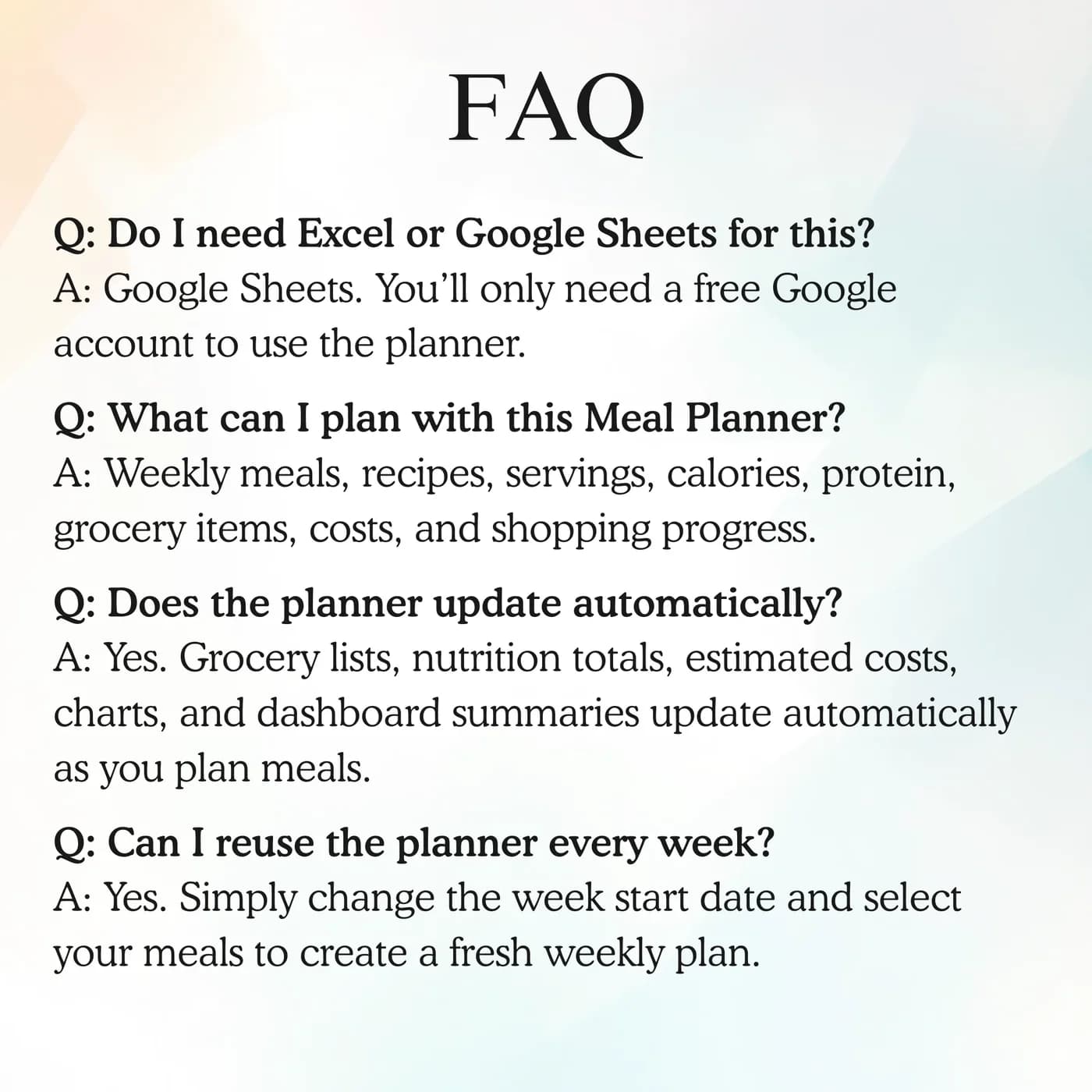
A meal planning template is a spreadsheet where you choose meals for the week, keep your recipes and build a shopping list. This one runs in Google Sheets, adds calories, protein and cost for each day, and shows the plan against your targets.
How does the grocery list update?
Use the Meal Planner menu to refresh the shopping list in the Google Sheets version. Follow the setup instructions when making your copy. The list groups matching ingredients and lets you mark what you have and what you bought.
Does it recommend a diet?
No. It organises the recipes, targets and meals you enter. You choose your meals and targets, and for dietary or medical advice you should ask a professional.
Can I plan more than one week?
The Weekly Plan is built around a week, with the week start set in Setup. For several weeks, you can make a copy of the workbook or plan one week at a time.
Does it track calories and protein?
Yes. The Setup tab holds a calorie target, and the daily summary and dashboard show calories and protein for your planned meals, based on the nutrition values you enter in Recipes.
Can I set a grocery budget?
Yes. Setup includes a grocery budget, and the dashboard and grocery list show the cost of your plan so you can compare it with that budget.
Is it a good meal prep template?
Yes. Choose a recipe, set the number of servings to cover several days, and the grocery list groups the matching ingredient quantities. It works as a meal prep template as well as a weekly menu template.
Do I have to keep the sample entries in the meal planner?
Yes. Any sample entries you see are placeholders. Type your own details over them in your copy, and leave the formula cells as they are.
Is the meal planner an Excel file?
No. The meal planner is a Google Sheets file that you open from a link. Downloading it as .xlsx is possible, yet some formulas, dropdowns and charts may not carry over to Excel, which is why Google Sheets is the recommended place to use it.
What do I need to open the meal planner?
A free Google account is enough. The link opens a template that you copy into your own Google Drive, and the copy is the file you edit and keep.
Do I pay monthly for the meal planner?
No. You pay once, at checkout with Lemon Squeezy, and there is nothing to renew. The copy you make is yours to keep.
A little planning, a much clearer week of meals
Recipes, a weekly plan and a grocery list in one Google Sheets file.
Last updated . Written by the DGClicks Store team.